Android Notifications: Recurrence, Badges, and Gamification
Notifications in a task manager are critical. If the reminder doesn't arrive at the right time, the app has failed. And on Android, getting a reminder to arrive at the right time is a constant battle against the operating system itself.
It's not a code problem. It's an ecosystem problem. Samsung, Xiaomi, Huawei, Oppo: each manufacturer implements its own battery-saving policy that can kill your app and its scheduled notifications without warning. Add icon badges, FCM pushes, and gamification notifications, and you get a system that needs to be reliable, cross-manufacturer, and emotionally satisfying.
Key Points
- Recurring reminders schedule the next 30 occurrences at once to survive Android's kill, instead of scheduling only the next occurrence.
- Each app opening re-checks and re-schedules notifications lost during reboot or system kill.
- Icon badges on Android require specific implementations per launcher (Samsung, Nova, AOSP), without a unified API.
- Gamification notifications transform a system mechanism into a motivational moment through personalized messages and custom icons.
Why schedule 30 occurrences instead of just one?
The answer is one word: survival. On Android, the operating system can decide to kill your app at any time to free up memory. When the app is killed, the JavaScript logic that was supposed to schedule the next occurrence dies with it.
The naive strategy is to schedule only the next reminder and reschedule the following one when the first one triggers. Problem: if the app is killed between the reminder triggering and rescheduling, the chain is broken. The user will never receive another reminder.
My solution: schedule the next 30 occurrences as soon as the recurring reminder is created. If you have a daily reminder at 9 AM, the app immediately creates 30 alarms: one for tomorrow at 9 AM, one for the day after tomorrow at 9 AM, and so on. Even if the app is killed for 3 weeks, the reminders will continue to arrive.
The Android documentation on AlarmManager recommends using setExactAndAllowWhileIdle for critical alarms. This is what I use for each occurrence. "AllowWhileIdle" is crucial: without it, Android's Doze mode (activated when the phone is stationary and unplugged) can postpone the alarm indefinitely.
Why 30 and not 365? Because too many simultaneous alarms can impact performance and battery. 30 days is the ideal compromise: the user is covered for a month, and the app refreshes occurrences every time it's opened. I had already explored this type of performance/reliability compromise in the article on reminder recurrence.
How to handle notifications lost on reboot?
When a phone reboots, all alarms scheduled via AlarmManager are lost. This is standard Android behavior. The official solution: listen for the BOOT_COMPLETED broadcast to reschedule alarms on startup.
In theory, it's clean. In practice, it's a minefield.
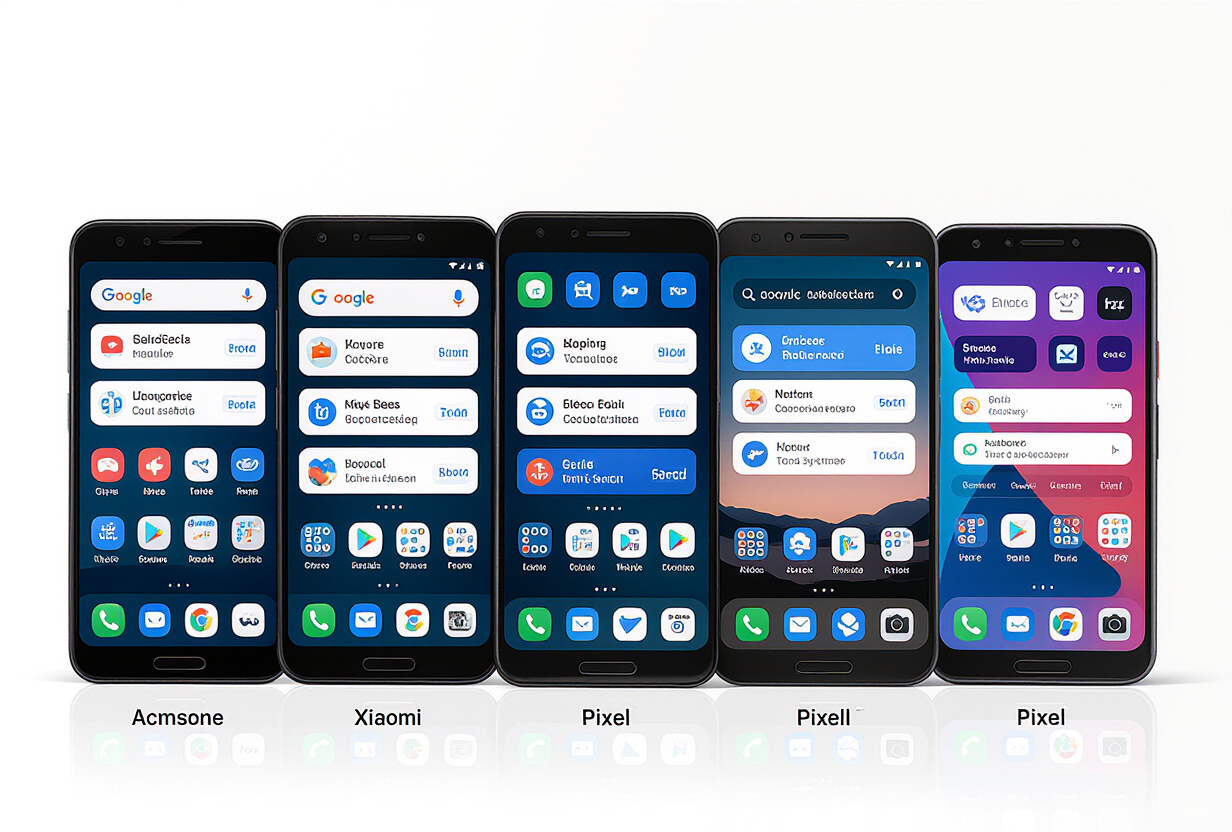
Samsung blocks BOOT_COMPLETED by default on some models with their "Battery Optimization." Xiaomi has MIUI which prevents apps from auto-starting unless the user manually allows it in settings. Huawei with EMUI does the same. Oppo with ColorOS, same. According to Don't Kill My App, which lists behaviors by manufacturer, some devices block up to 90% of broadcasts.
My pragmatic solution: don't rely solely on BOOT_COMPLETED. Every time the app is opened, the NotificationService performs a full audit:
- Retrieval of active reminders from the local database.
- Verification: for each reminder, does the corresponding alarm still exist in
AlarmManager? - Rescheduling of missing alarms.
- Cleanup of obsolete alarms (deleted tasks, disabled reminders).
This process takes about 200ms for 50 active reminders. The user doesn't notice it. But it guarantees that even if the phone has rebooted, even if the manufacturer has blocked the boot broadcast, notifications will be rescheduled as soon as the app is opened again.
How does Firebase Cloud Messaging handle group pushes?
Local notifications (reminders, recurrence) are managed by AlarmManager on the device. Push notifications (group activity, unlocked badges, mentions) go through Firebase Cloud Messaging.
The flow is as follows:
- A user creates a task in a group and assigns it to a member.
- The backend detects the assignment and retrieves the assignee's FCM token from the database.
- The backend sends an FCM message with the title, body, and a data payload (action type, task ID, group ID).
- The assignee's phone receives the push, even if the app is closed.
- If the user taps on the notification, the app opens directly to the task in question thanks to the deep link in the payload.
The main pitfall with FCM: tokens change. An FCM token can become invalid when the user uninstalls and reinstalls the app, when they clear app data, or when Google decides to recycle it. My strategy: refresh the token at each app launch and compare it to the one stored in the DB. If different, update. And on the backend side, each FCM sending error with the code messaging/registration-token-not-registered triggers an automatic cleanup of the invalid token.
This is the same resilience principle I apply in the security and rate limiting system: anticipate failures, not just manage them when they happen.
Why are icon badges so difficult on Android?
The small red circle with a number on the app icon. On iOS, it's one line of code: UIApplication.shared.applicationIconBadgeNumber = 5. It's a standardized system API since iOS 3.
On Android, there is no standardized API for icon badges. Each launcher implements its own method:
- Samsung (OneUI): uses Samsung BadgeProvider via a specific ContentProvider.
- Nova Launcher: reads badges from a custom broadcast Intent.
- AOSP/Pixel: uses the notification channel with
setNumber()on the notification itself (no standalone badge). - Xiaomi (MIUI): has its own API via a ContentProvider different from Samsung.
- Huawei: uses Huawei Mobile Services instead of Google Play Services.
The react-native-app-badge library abstracts some of this fragmentation but doesn't cover all cases. I've accepted this reality: on some devices, badges will work perfectly. On others, they won't appear. The app should never exclusively rely on badges to communicate important information; they are a visual bonus, not a critical channel.
How do gamification notifications transform the experience?
The most satisfying notifications aren't reminders. They are gamification notifications. An unlocked badge, a streak milestone reached, a level up: these are moments of celebration that the user didn't expect.
I have implemented three types of gamification notifications:
Badge unlocked
Local notification with a custom icon corresponding to the badge. The text is personalized: "Organizer Pro Badge unlocked! You've created 100 tasks." This is more engaging than "New badge unlocked." Personalizing the message increases the notification retention rate according to OneSignal's research on personalization.
Streak milestone
"30-day streak! Keep it up." The streak is a counter of consecutive days of app usage. The system recognizes milestones: 7 days, 30 days, 100 days, 365 days. Each milestone triggers a notification and bonus points. I had detailed the entire gamification system in the article on the gamification schema.
Level up
"Level 5 reached! You are now a Strategist." The 12 levels each have a name and a point threshold. The level-up notification is the rarest and most rewarding. This is the same variable reward mechanism described by B.F. Skinner in his research on reinforcement: unpredictable rewards create stronger engagement than predictable rewards.
The common point among these three types: they transform a notification (a mechanism often perceived as intrusive) into a positive moment. The user doesn't endure the notification; they anticipate it. This is exactly the philosophy of the gamification feed: making engagement visible and rewarding.
How to optimize notification reliability across all devices?
If I had to summarize in one sentence: trust nothing. Don't trust BOOT_COMPLETED. Don't trust AlarmManager in Doze mode. Don't trust FCM tokens. Don't trust icon badges.
The defense-in-depth strategy:
- Layer 1: local alarms via
setExactAndAllowWhileIdle(30 pre-scheduled occurrences). - Layer 2: audit and rescheduling at each app opening.
- Layer 3: FCM push as backup for critical reminders (sent by the backend if the local alarm has not been confirmed).
- Layer 4: user guidance to manufacturer battery settings (dedicated screen in app settings).
This last point is often overlooked. The app includes a screen that detects the phone manufacturer and guides the user step-by-step to disable battery optimization for TAMSIV. This is technical UX: explaining to the user why their reminders might not work and how to fix it. It's the same transparency as in lazy registration onboarding: being honest about limitations rather than hiding them.
Frequently Asked Questions
Do recurring reminders work when the phone is off?
No. No alarm can trigger when the phone is off. However, as soon as the phone restarts, the app automatically reschedules missed occurrences at the next opening. Past reminders are not sent retroactively.
Why are notifications sometimes delayed on certain phones?
This is related to Android's Doze mode and manufacturer battery optimizations. TAMSIV uses setExactAndAllowWhileIdle to minimize delays, but some manufacturers (notably Xiaomi and Huawei) impose additional restrictions. The "Notifications" section of the app settings explains how to disable them.
Can gamification notifications be disabled?
Yes. The app settings allow you to independently disable badge, streak, and level-up notifications. Task reminders and group pushes are on separate channels and are not affected.
Is the streak lost if I miss a day?
The streak resets to zero if you miss a day. However, the "streak freeze" system allows you to protect your streak: if you have accumulated enough points, you can activate a freeze that preserves your streak for one day of inactivity.
Do icon badges show the exact number of unread notifications?
On Samsung and compatible launchers, yes, the badge displays the exact number. On standard AOSP launchers, the badge is a simple dot (presence/absence) without a number. This is an Android limitation that Google has not yet unified.