Voice-first Dictaphone: Push-to-talk and PendingCreation
Key takeaways: TAMSIV's Dictaphone is based on three design decisions: push-to-talk (no continuous listening) for battery life and privacy, the PendingCreation pattern (preview before saving) to keep the user in control, and two STT modes (free native vs. Deepgram cloud) to adapt to the pricing plan. Voice is not a feature — it's the product.
TAMSIV's promise can be summed up in one sentence: create a task by speaking, faster than by typing. Not a voice gadget grafted onto a classic todo app. Voice is the primary interface — the keyboard is the fallback. The entire Dictaphone UX stems from this promise.
Here are the design decisions, technical compromises, and patterns that make TAMSIV's Dictaphone work every day.
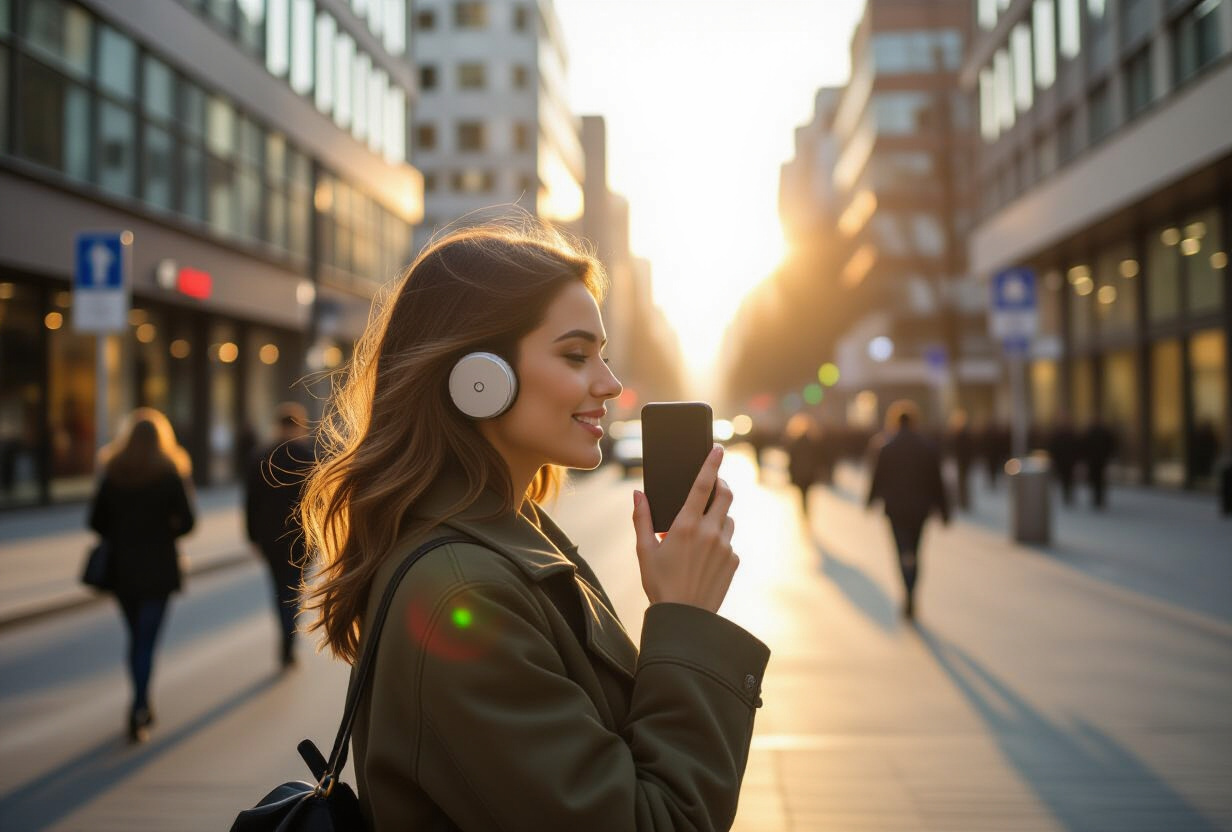
Why choose push-to-talk rather than continuous listening?
This is the first and most important design decision. I had two options: continuous listening (like Alexa or Google Home) or push-to-talk (press to speak).
I chose push-to-talk for three reasons:
- Battery life: Continuous listening keeps the microphone constantly active. On a smartphone, this is an energy drain. Continuous STT (Speech-to-Text) consumes 10 to 15% of battery per hour, according to Android benchmarks. Unacceptable for a productivity app that needs to run in the background.
- Privacy: An always-open microphone is scary. Users don't trust it — and they're right. Push-to-talk is explicit. You press, you speak, you release. No ambiguity about what is being recorded.
- Ambient noise: In a cafe, on the street, on public transport — continuous listening picks up everything. Voice Activity Detection (VAD) is not perfect. Push-to-talk eliminates the problem: the app only listens when the user decides.
Deepgram's VAD automatically handles the end of a sentence in cloud mode. In native mode, the device's STT detects silence. In both cases, the user doesn't need to time their release — the system knows when the sentence is finished.
How does the PendingCreation pattern work?
This is TAMSIV's most important pattern. And probably the least intuitive for someone who hasn't worked on a voice app.
The problem: speech recognition is not perfect. AI can misinterpret. "Buy bread" could become "A cheter du pin" (a phonetic misspelling in French). If we save directly to the database, the user ends up with corrupted data without realizing it.
The solution: PendingCreation.
- The user dictates: "Add a task for tomorrow: call the dentist, high priority"
- The STT transcribes the audio into text
- The text is sent to the LLM via WebSocket
- The LLM analyzes and calls the
create_taskfunction with the extracted parameters (title, date, priority) - The backend returns a
function_resultwith a preview - The user sees the proposal on the screen: title, date, priority
- They can modify, validate, or cancel
- Only after validation is the task saved to the database (Supabase)
The principle: voice speeds up input, but the human decides. Nothing is saved without explicit validation. This seems to add a step, but in practice, validation takes half a second (one tap) and gives a sense of control that users greatly appreciate.
This pattern is particularly important for calendar events, where a date error can have real consequences (missing an appointment).
What is the difference between native STT and cloud STT?
TAMSIV offers two speech recognition modes, configurable by the administrator:
Native mode (default)
- Free: uses the STT engine integrated into the device (Google Speech-to-Text on Android, Apple Speech on iOS)
- Local: no audio data is sent to an external server (with offline models)
- Variable quality: depends on the device, language, and downloaded model
- Used for: the Free plan
Cloud mode (Deepgram)
- Paid: billed by the number of seconds of audio processed
- Consistent: uniform quality regardless of the device
- Accurate: better handling of accents, ambient noise, and technical vocabulary
- Used for: Pro and Team plans
The choice between native and cloud is a product segmentation decision, not just a technical one. The Free plan offers a functional voice experience. The Pro plan offers a reliable voice experience. This is a clear selling point for upgrading, detailed in the RevenueCat subscription plans.
Behind the scenes, the switch between the two modes is transparent. The native STT vs. Deepgram comparison details the technical differences in depth.
Why is the Dictaphone the first tab in the app?
In TAMSIV's navigation, the Dictaphone is the first tab. Not tasks. Not memos. Not the calendar. The microphone.
This is a deliberate choice. In most productivity apps, voice is a secondary feature — a small microphone button hidden in a corner. In TAMSIV, it's the opposite: voice is THE product. The touchscreen is the complement.
The order of the tabs (customizable by the user, saved in the database) follows this default hierarchy:
- Dictaphone — the main action (create by voice)
- Feed — see your recent activity
- Calendar — organize your time
- Groups — collaborate
- Social — discover
- Profile — settings
If you open TAMSIV, you land on the microphone. One gesture to start dictating. This is the "voice-first" philosophy pushed to its maximum.
How does haptic feedback improve the voice experience?
Haptic feedback is a subtle but crucial detail. With each change of state of the Dictaphone, the phone vibrates slightly:
- Start recording: short vibration (50ms) — "I'm listening"
- End recording: double vibration — "I understood, I'm processing"
- Preview received: long vibration (100ms) — "here's my proposal"
- Validation successful: confirmation vibration — "it's saved"
The user physically feels when the app is listening, when it's processing, and when it's done. This is particularly important when dictating without looking at the screen — while driving, cooking, or walking.
This principle of multimodal feedback (visual + haptic + optional sound) is a classic recommendation from the Nielsen Norman Group for real-time interfaces.
How does AI interpret dictation?
The text transcribed by the STT is sent to the LLM (via OpenRouter) with a specific system prompt. The AI has access to 7 function tools:
create_task— create a task with title, date, priority, recurrenceupdate_task— modify an existing taskcreate_memo— create a structured voice memoupdate_memo— modify a memocreate_calendar_event— create a calendar eventask_clarification— ask for clarification if the request is ambiguousend_conversation— gracefully end the conversation
The AI doesn't just transcribe — it understands the intention. "Remind me to buy bread tomorrow morning" becomes a create_task with a reminder configured for 9 AM the next day. "Note for later: feature idea for the feed" becomes a create_memo with the tag "idea".
The conversation history allows for chaining: "Add a task" → "Actually, put it for Friday" → "And add a memo to it". The AI understands the flow.
What are the limits of voice-first?
Being honest about the limits is essential. Voice-first is not suitable for everything:
- Noisy environments: Even with good STT, dictating in a bar is tedious. The keyboard remains available as a fallback.
- Complex content: Dictating a 3-paragraph memo with bullet points and formatting is cumbersome. The rich text editor takes over.
- Public privacy: Dictating "Oncologist appointment Wednesday" on the subway, nobody wants that.
- Date precision: "Next week" is ambiguous. The PendingCreation pattern allows for correction, but the keyboard remains more precise for complex dates.
TAMSIV doesn't force anyone to use voice. Each screen has a classic form as an alternative. Voice is faster in 80% of cases — the remaining 20% have the keyboard.
How to optimize voice pipeline latency?
Perceived latency is the number one factor in the voice experience. If the user speaks and waits 5 seconds before seeing the preview, they'll go back to the keyboard. The complete pipeline:
Audio → STT → Text → WebSocket → LLM → Function calling → Response → TTS → Audio
Each step has its own latency:
- Native STT: ~200-500ms (local, fast)
- Deepgram STT: ~300-800ms (network, more accurate)
- LLM via OpenRouter: ~1-3 seconds (the bottleneck)
- OpenAI TTS: ~500ms-1s (audio streaming)
Total: 2 to 5 seconds from the moment the user finishes speaking to the moment they hear the response. This is acceptable for conversational interaction (comparable to a human thinking), but it requires continuous visual feedback — the animated Nebula AI button displays an animation while the AI processes.
How to build a voice-first experience in your app?
If you want to integrate voice as the primary interface in your application, here are the lessons learned from TAMSIV:
- Push-to-talk, not continuous listening: battery saving, privacy respect, reliability.
- Preview before saving: the PendingCreation pattern is non-negotiable. The user must always be able to correct.
- Multimodal feedback: visual + haptic + audio. The user must know what the app is doing at all times.
- Keyboard fallback: voice doesn't replace the keyboard — it complements it. Always offer a manual alternative.
- Segment STT: native for free, cloud for premium. This is a natural monetization lever.
TAMSIV's journey of 650+ commits shows that a solid voice experience requires dozens of iterations. The first prototype worked — but the current version is 10x smoother thanks to user feedback and continuous AI integration.
FAQ
Does the Dictaphone work offline?
Partially. Native STT works offline (if the language model is downloaded to the device). But the LLM and TTS require an internet connection. In offline mode, the user can dictate raw text, but the AI cannot interpret or structure the task.
What languages are supported by the Dictaphone?
Native STT supports all languages installed on the device (generally 50+). Deepgram STT supports the main European languages. The AI understands TAMSIV's 6 languages (FR, EN, DE, ES, IT, PT) thanks to full internationalization.
How does the Dictaphone handle accents and dialects?
Native STT depends on the device's language model — regional accents are generally well managed for major languages. Deepgram excels at accents thanks to models trained on diverse corpora. The AI (LLM) understands regional formulations without issue.
Can you dictate tasks while driving?
Yes, this is a designed use case. Push-to-talk requires an initial gesture, but haptic feedback and TTS response allow you to dictate and confirm without looking at the screen. Note: final validation (tap on "Confirm") requires a glance — a future version could add voice confirmation.
Does the Dictaphone consume a lot of battery?
No. Push-to-talk only activates the microphone during dictation (a few seconds). The WebSocket connection is lightweight and persistent. The main consumption comes from the LLM and TTS, which are occasional network calls. In normal use (5-10 dictations per day), the impact on battery life is negligible.