Productivity app fatigue: voice as a solution
Key takeaways:
- 91% of mobile apps are abandoned after 30 days (data.ai, 2024).
- Multitasking reduces productivity by 40% according to the American Psychological Association (APA).
- Voice input is 3 times faster than typing on mobile (Stanford, Baidu — ACM 2016).
- Interface friction is the primary cause of productivity app abandonment.
- Voice-first solutions eliminate forms and reduce capture time to a few seconds.
If you're reading this article, there's a good chance you have a graveyard of productivity apps on your phone. Notion that you set up over an entire weekend. ClickUp with its 47 custom views. Todoist that you abandoned after three weeks. Sound familiar?
You're not alone. On Reddit, threads like "I'm done with productivity apps" are exploding. The feeling is always the same: the tool meant to simplify your life has become a task in itself. And it's a much deeper problem than a simple lack of willpower.
I'm David, solo developer of TAMSIV. I've been building this app in public since October 2025, and this article was born from a simple observation: the people around me — including loved ones who live with ADHD — all struggle with the same pattern. They install an app, set it up with enthusiasm, then abandon it in less than a month. I wanted to understand why, and more importantly, what we can do about it.
Why do we abandon productivity apps?
According to data.ai, 91% of mobile applications are abandoned within a month of installation. For productivity apps, the rate is even worse: the promise is high, the disappointment quick.
The problem isn't that these apps are bad. Notion is brilliant. ClickUp is powerful. Todoist is reliable. The problem is that they've become bloated to satisfy everyone.
You just want to note "buy milk" and you find yourself facing a form with priority, project, tag, due date, reminder, and subtasks. Five taps minimum for a thought that lasted two seconds.
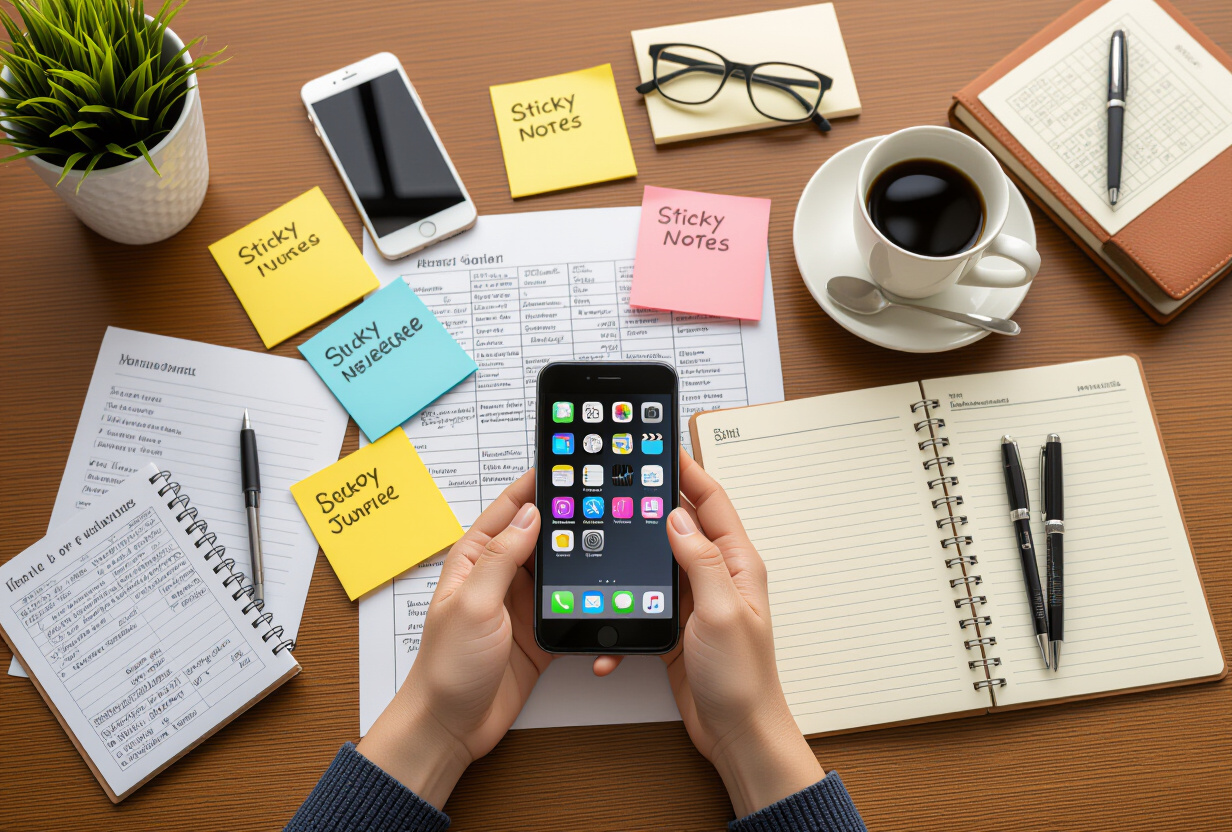
The result? You end up sending yourself a text message. Or you scribble on a sticky note. Not because you're disorganized, but because friction has killed motivation. And studies quantify this friction: each additional step in an input process reduces the completion rate by 10 to 20%. Multiply that by five mandatory fields, and you understand why the sticky note wins.
What exactly is "app fatigue"?
App fatigue is a phenomenon documented by UX researchers. Nielsen Norman Group talks about the paradox of choice applied to interfaces: the more features an app offers, the more overwhelmed the user feels and the less they act.
Specifically, it manifests as:
- The install-configure-abandon cycle: you spend more time configuring the tool than using it.
- Decision paralysis: faced with 12 possible views in Notion, you don't know where to start.
- Feeling guilty: you blame yourself for not "sticking" to a system, when it's the system that doesn't suit you.
- Returning to basics: you end up using your phone's Notes or texting yourself.
This isn't a discipline problem. It's a design problem. And it affects absolutely everyone — including people I know who live with ADHD, for whom cognitive friction is an even more insurmountable obstacle. I discuss this in detail in this dedicated article.
Has the feature race lost us?
Yes, and the numbers speak for themselves. The American Psychological Association reports that multitasking — and by extension, interfaces that encourage context-switching — reduces productivity by 40%. When an app asks you to navigate between projects, tags, filters, and views, it forces you to do exactly what your brain hates: constantly switching contexts.
The productivity tool market has followed a simple logic: to convince teams to pay, you need more features than the competitor. The result is an arms race where the individual user is sacrificed. You end up with an airplane cockpit when all you needed was a Post-it.
And I'm not criticizing these tools — they solve real problems for structured teams. But for daily, personal, on-the-go management? It's a cannon to kill a fly.
What are the concrete alternatives?
I've identified three approaches that actually work, each with its strengths and limitations.
1. Go back to paper — the bullet journal
This is the most common reaction, and it has merit. A notebook, a pen, Ryder Carroll's system. Zero notifications, zero bugs, zero updates. The bullet journal forces clarity because you can't copy-paste 200 tasks without thinking.
Neuroscience studies suggest that handwriting improves memory retention by 25% compared to typing. If you like to think slowly and structure your thoughts, this is an excellent choice.
The downside? No reminders, no synchronization between devices, no search. If you forget your notebook, you forget your system. And it's impossible to easily share a task with someone else.
2. Choose a deliberately minimalist app
Google Tasks is underrated. A list, tasks, dates. That's it. No Kanban views, no templates, no automations. And that's exactly the point.
Super Productivity follows the same philosophy: open-source, with an integrated time tracker without turning the app into a cockpit. Todoist offers a quick mode with natural language input that reduces friction — provided you resist the urge to activate all the plugins.
If app minimalism interests you, I've written a detailed comparison between Todoist and voice alternatives that goes further.
3. Speak instead of type — the voice-first approach
This is the option almost no one explores, yet it solves the problem at its root. Instead of reducing the number of fields in a form, you eliminate the form.
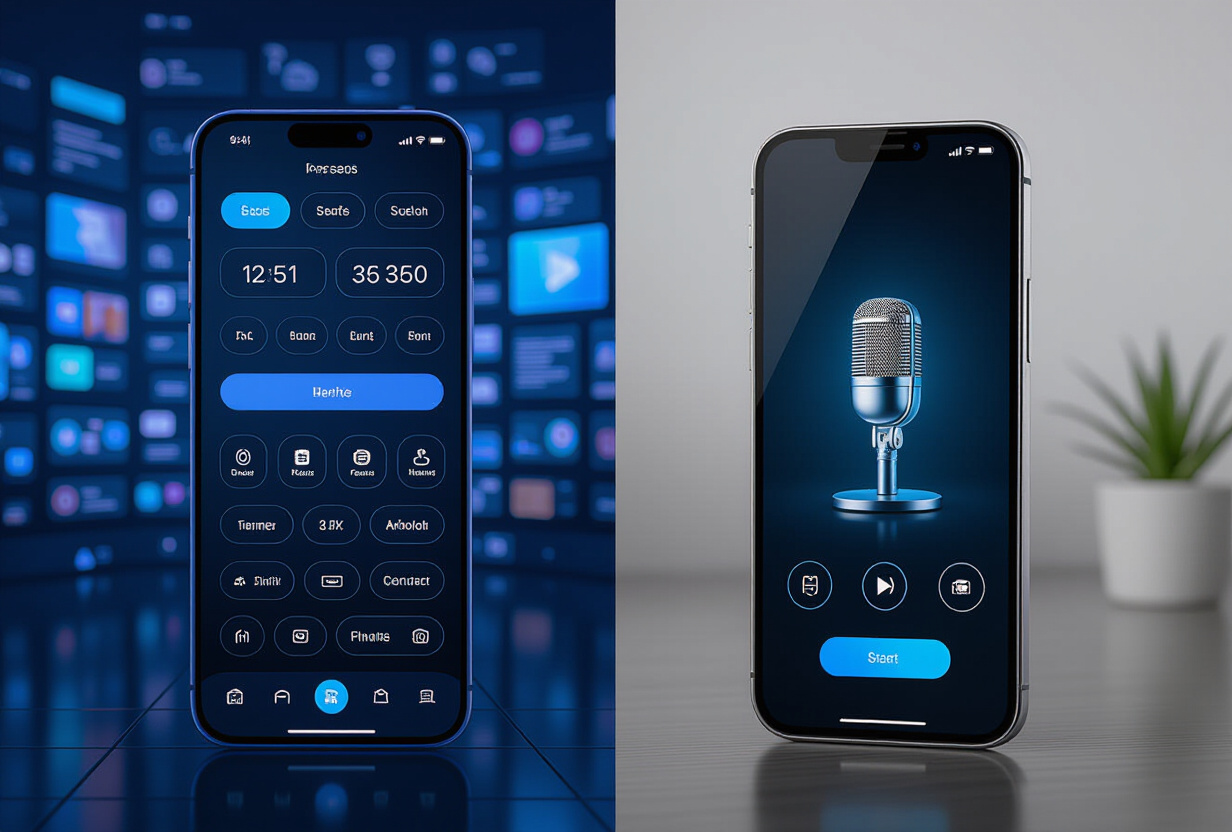
Stanford and Baidu's research (published at ACM in 2016) demonstrated that voice input is 3 times faster than typing on mobile, with a comparable error rate. You say "remind me to call the plumber tomorrow at 9 am" and it's done. No taps, no form, no project selection.
This is exactly the philosophy behind TAMSIV: you speak to a conversational AI that creates your tasks, memos, and events. The AI understands the context — if you say "move that to Friday," it knows what you're talking about. Friction drops to zero because the interface is your voice.
I've detailed the technical workings of the voice pipeline and voice input in dedicated articles if you want to understand how it works under the hood.

In what situations is voice truly superior?
Voice isn't "generally" better — it's unbeatable in specific contexts:
- On the go: in the car, walking, exercising. Your hands are busy, but your brain is working.
- In the kitchen: hands in the flour, you suddenly remember an appointment to move. Impossible to type.
- Waking up: that brilliant idea that pops up at 6 am. Speaking takes 5 seconds, finding the app and typing takes 45.
- In an informal meeting: noting an action item without breaking the moment.
- For people with disabilities: motor impairments, dyslexia, visual impairments — voice is a natural accessibility interface.

For anything related to complex project management with dependencies and Gantt charts, you still need a structured tool. But for 80% of daily productivity — groceries, reminders, ideas, appointments — voice is faster and more natural. I've explored concrete use cases in the article on voice memos and voice task management on Android.
How to choose the system that suits you?
Forget the "best productivity app 2026." The real question is: what system will you actually use in three months?
- Do you like to write by hand and think slowly? → Bullet journal.
- Do you want digital without the complexity? → Google Tasks, or Super Productivity.
- Do you capture ideas on the go, in the car, walking? → A voice-first app like TAMSIV.
- Do you manage team projects with workflows? → Keep your Notion or ClickUp, but simplify your setup.
- Do you want to organize your family's tasks? → A collaborative application might be the right answer.
The trap is to look for the tool that does everything. The tool that does everything is the one you abandon first. Choose the one that matches your natural way of thinking, not the one with the most features on the comparison page.
How does a voice app handle complex tasks?
This is the question everyone asks, and rightly so. "Okay, voice is fast for 'buy milk,' but what about a task with a deadline, priority, and reminder?"
The answer is natural language + conversational AI. When you say "create an urgent task for tomorrow at 2 pm with a reminder 30 minutes before, in the Work folder," the AI breaks down your sentence and extracts: the priority (urgent), the date (tomorrow 2 pm), the reminder (30 min before), the folder (Work). No need to fill five separate fields.
And if you forget a detail, the AI asks a clarifying question instead of creating something incomplete. This is the principle of conversational history: context is maintained from one exchange to the next.
It doesn't replace Jira for sprint planning. But for personal productivity, it's a paradigm shift.
What if the problem was never the app?
I'll be honest: no tool will solve an organizational problem if you don't have at least some system in place. But the right tool reduces the barrier to entry for that system.
The bullet journal works because it's simple. Google Tasks works because it's simple. Voice works because it's even simpler — you speak, it's done.
If you still find yourself texting yourself in six months, maybe the problem was never the app. Maybe you just needed an interface that matches your way of thinking instead of forcing you into a mold. And for many people, that interface is voice.
FAQ — Frequently Asked Questions
Is voice input really reliable in 2026?
Yes. Current speech recognition engines achieve over 95% accuracy in French, even in moderately noisy environments. TAMSIV uses the phone's native STT with Deepgram as a fallback, ensuring fast and reliable transcription. The AI layer then corrects contextual errors.
Does it work without an internet connection?
The phone's native speech recognition works offline. However, AI interpretation (extracting dates, priorities, folders) requires a connection for server processing. Raw text is saved locally in the meantime.
What happens if the AI misunderstands what I say?
TAMSIV uses a PendingCreation system: the AI creates a preview of your task or memo, and you validate, edit, or cancel before saving to the database. You always retain final control.
Is voice suitable for sensitive information?
As with any voice assistant, you need to be mindful of the context. In an open-plan office, you'll prefer to type. But in the car, at home, walking — voice is perfectly suited. Data is encrypted in transit and at rest on the servers.
Can voice be combined with classic input?
Absolutely. TAMSIV offers both modes: you can create by voice and edit manually afterwards, or vice versa. The rich text editor is accessible at any time to refine what you've dictated.