AI Voice Personalization: Your assistant finally knows you
A voice assistant that doesn't know you is a tool. An assistant that knows you have three children, that you manage a field team, and that "the thing" means Tuesday's equipment order — that's a partner. Two days before TAMSIV's public launch, I added voice personalization: configure your AI by voice, choose your TTS voice from 6 options, and the assistant adapts to your context. 1800 lines of code, a memorable WebSocket bug, and deep thought on what makes the difference between a generic assistant and a personal assistant.
Key takeaways:
- Voice context personalization transforms a generic assistant into a personal tool — the user speaks naturally, the AI understands implicit references.
- TTS voice choice is intimate: offering 6 options with real-time preview increases attachment to the app.
- When two screens share the same WebSocket, an "active owner" system prevents callback conflicts.
- AI personalization is a natural monetization lever for a freemium model (basic context free, full in Pro).
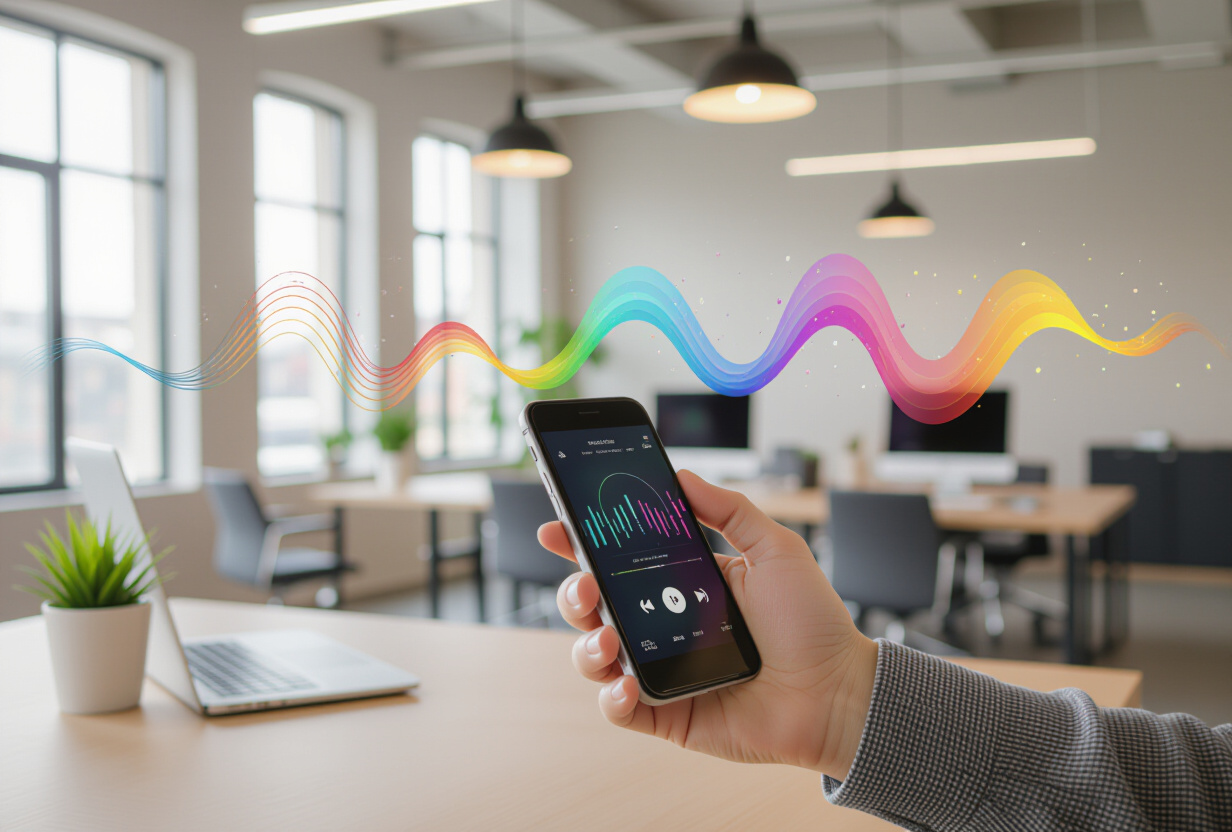
Why does personalization fundamentally change the voice assistant experience?
Since October, TAMSIV's AI understood what you said. It created tasks, memos, calendar events. It responded politely. But it didn't know you.
You could tell it "remind me to buy milk" and it would. But if you told it "remind me about the kids' thing," it didn't know you had kids, or how many, or what "the thing" meant in your daily life. This is the fundamental difference between a voice command tool and a personal assistant.
Nielsen Norman Group's research on personalization shows that personalized interfaces increase engagement by 40% on average. For a voice assistant, the impact is even stronger: personalization eliminates the need to explain everything in every interaction.
It was this reflection that pushed me to add this feature 2 days before launch. Risky? Yes. But without it, TAMSIV would have been "just another voice assistant." With it, it becomes your voice assistant.
How does voice AI configuration work?
A new button has appeared on the dictaphone screen: "Configure my AI." You tap it, you speak, and you explain who you are.
"I'm a parent of 3 children, I manage a team of 4 people in a cleaning company, and I forget everything I'm told after 30 seconds."
The AI listens via the voice pipeline, transcribes, then summarizes your context into a few structured points. This summary is stored in your Supabase profile and injected into the system prompt for each conversation.
The technical process in detail
- Voice capture: the same native STT as the main dictaphone (with Deepgram fallback if necessary).
- Context extraction: an LLM via OpenRouter analyzes the transcription and extracts structured information (family situation, profession, habits, preferences).
- Storage: the context is saved in the user profile via Supabase, not locally — it follows the user across all their devices.
- Injection: with each new WebSocket conversation, the context is added to the LLM's system prompt. The AI "knows" who you are from the first word.
From then on, every response is adapted. If you talk about "the little one," it knows you're talking about your son. If you say "Tuesday's job site," it knows you manage field interventions. This is the difference between a generic assistant and an assistant that knows you.
Why offer 6 TTS voices and how to choose the right one?
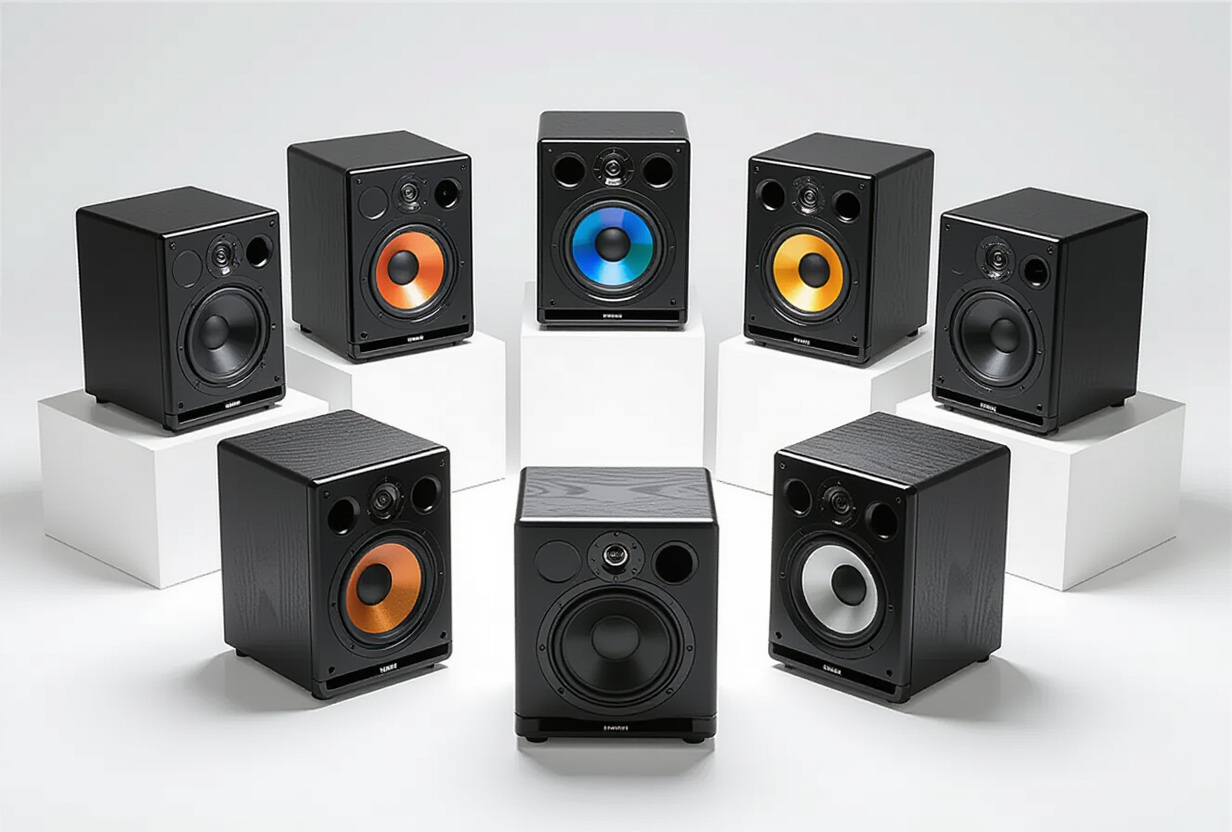
Voice is intimate. Hearing the same robotic voice 50 times a day eventually gets annoying. Worse: a voice you don't like creates unconscious friction with each use. You avoid using the app, without knowing exactly why.
I added a TTS voice selector with 6 different options — male, female, varied tones. The 6 voices come from OpenAI TTS (Nova model by default), which offers the best natural quality on the market for speech synthesis.
The selection experience
You tap a voice, you hear a real-time preview ("Hello, I am your TAMSIV assistant..."), and you choose. It's stored in your profile and used for all voice responses. The change is instant — no need to restart the app or reconnect the WebSocket.
This UX detail seems minor, but it has a measurable impact. According to Voicebot.ai research, users who choose their assistant's voice use it 60% more often than those who keep the default voice. Choice creates a sense of ownership.
How to resolve a WebSocket conflict between two screens sharing the same channel?

The bug that cost 3 hours. The AI configuration screen and the dictaphone share the same WebSocket channel to the backend. When you test your voice in the setup, the dictaphone in the background was also trying to process audio callbacks. Result: the two screens were stepping on each other.
Specifically, here's what was happening:
- The user opens the AI configuration screen.
- They test a TTS voice — the backend sends the audio via WebSocket.
- The dictaphone in the background also receives the audio callback.
- Both screens try to play the same sound simultaneously.
- On some Android models where the garbage collector is aggressive, the AudioPlayerService crashes silently.
The solution: "active owner" system
When the setup screen is open, it takes exclusive control of the WebSocket. The dictaphone waits its turn. The pattern is simple:
- A flag
activeOwner: 'dictaphone' | 'setup' | nullin the global state. - Each WebSocket callback checks the owner before processing the message.
- Ownership transition is atomic — no window where both screens are listening.
Simple in theory, 3 hours of debugging in practice. The conflict only manifested on certain devices, making reproduction difficult. This is the kind of bug you only find by testing on real devices — not in an emulator.
How to integrate personalization into a freemium model?
AI personalization is now part of the differentiating features in RevenueCat subscription plans:
- Free plan: basic context (name, language). The AI knows your name, that's all.
- Pro plan: full context (personal situation, profession, habits) + TTS voice choice. The AI truly knows you.
- Team plan: all Pro + group context (team, projects, business terminology). The AI knows your team.
This is a natural monetization lever. Personalization is the feature that creates the most attachment — once your AI knows you, you don't want to go back to a generic assistant. This is exactly the type of feature gate recommended by the freemium strategy for voice AI productivity apps.
What is the impact on the backend architecture?
Adding personalization required 1800 lines of code spread across the frontend and backend. On the Node.js backend, the main modifications:
- Dynamic system prompt: the user context is loaded from Supabase with each WebSocket connection and injected into the prompt. Cached in memory to avoid a DB call for each message.
- TTS preview endpoint: a new WebSocket endpoint dedicated to voice previews, isolated from the main conversation flow.
- Context validation: the LLM that extracts the context filters sensitive information (numbers, addresses) — only structural information is retained.
The conversation history system has also been updated to include context in the metadata — which allows seeing when and how the context was modified.
730+ commits, 2 days before launch: was this the right time for this feature?
This was the last feature before the public launch. The app now knows who it's talking to. All that remains is the final polish, the last tests on beta testers' devices, and the big leap.
Adding a major feature 2 days before launch is risky. But personalization is the type of feature that transforms the entire app experience. Without it, TAMSIV would have been a good voice tool. With it, it's an assistant that knows you. And that's what will make the difference against alternatives like Todoist.
Frequently Asked Questions
Is personalization data secure?
Yes. The context is stored in Supabase with the same RLS (Row Level Security) policies as all user data. Only the authenticated user can read or modify their context. The LLM that extracts the context automatically filters sensitive information (phone numbers, addresses) — only structural information is retained.
Can I modify or delete my context after configuring it?
Yes, at any time. The "Configure my AI" button allows you to re-record a new context that replaces the old one. A "Reset" button completely deletes the context and reverts to generic assistant mode.
Why OpenAI TTS rather than Google or Azure for speech synthesis?
After testing all three, OpenAI TTS (Nova model) offers the most natural voice in French. Google TTS is good but slightly more robotic. Azure is excellent in English but less convincing in French. The cost is comparable (~0.015 EUR/1000 characters for OpenAI).
Can the WebSocket conflict recur with other screens?
The active owner system is generic — it protects against any conflict between screens sharing the same channel. If a future screen needs the WebSocket, simply add a value to the activeOwner type and respect the acquisition/release protocol.
Does personalization work in all supported languages?
Yes. Context extraction uses a multilingual LLM via OpenRouter. You can configure your AI in French, English, German, Spanish, Italian, or Portuguese — the context is stored in the language you dictated it in and used as is in the system prompt.