React Native Feed: From 3s to 200ms with Cache and RPC
Every app has that one screen that concentrates all the complexity. For TAMSIV, it's the Feed. A single stream that mixes everything: recent activity, completed tasks, created memos, calendar events, unlocked badges, level progression, group activity. It's the app's most ambitious screen — and the one that took me the longest to build.
What I'm going to tell you here is the complete journey: from the first version that took 3 seconds to load to the current version that loads instantly from cache. The technical choices, the optimizations, and the lessons learned in three weeks of intense work.
Key takeaways:
- A single PostgreSQL RPC (get_consolidated_feed) aggregates all content types
- Optimizing JOINs and indexing reduced loading from 3s to 200ms
- L1 (memory) + L2 (AsyncStorage) cache allows for instant display
- Supabase signed URLs expire after 60 minutes — batch refresh is critical
- Each item type has its dedicated component for a performant FlatList
Why a unified feed rather than separate screens?
The question is legitimate. Why not have a "recent tasks" screen, a "badges" screen, a "group activity" screen? Several reasons:
1. Reduced cognitive load. The user opens a single view and sees everything that has happened. No need to navigate between 4 tabs to get an overview. This is the pattern used by all social apps — from Instagram to LinkedIn — and users understand it intuitively.
2. Passive discovery. A user who opens the feed to see their recent tasks will also discover that they have unlocked a badge or that a colleague has commented in a group. This is cross-engagement: one feature drives another.
3. Engagement through gamification. TAMSIV's gamification system (12 levels, 10 badges, streaks, daily challenges) only has an impact if it's visible. A badge unlocked in a hidden screen, no one sees it. A badge in the feed, everyone celebrates it.
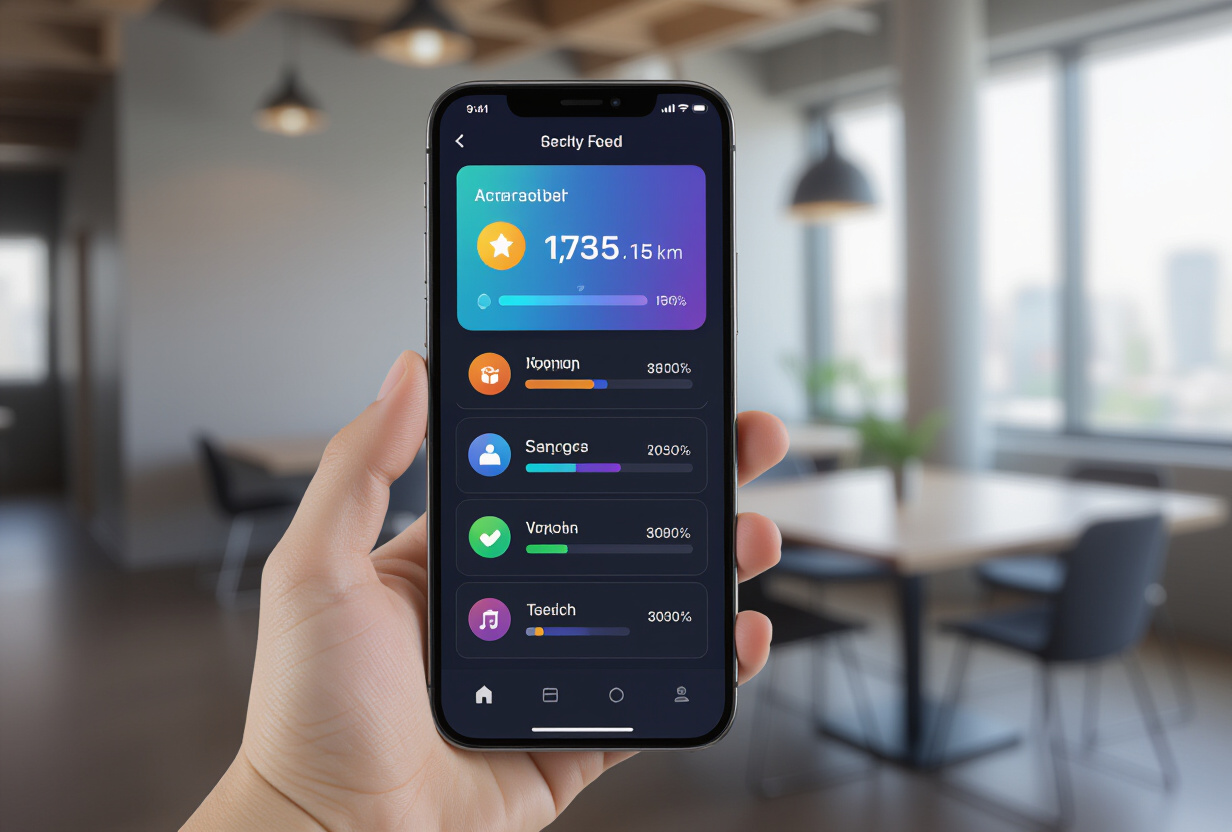
How does the consolidated RPC work?
The technical core of the feed is a single PostgreSQL function: get_consolidated_feed. This RPC aggregates data from 5 different sources:
- Recent tasks (
privat.schema) - Recent memos (
privat.schema) - Calendar events (
privat.schema) - Gamification activity (
gamification.schema) — badges, level ups, streaks - Group activity (
collaborative.schema) — shared tasks, comments, assignments
All returned in a unified type with an item_type field for frontend routing. Each feed item is identified by its type, and the frontend knows exactly which component to render.
Why an RPC rather than separate queries? Because a single SQL query is always faster than 5 separate queries, even with Supabase's connection pooling. Fewer network round trips, less latency, and especially the ability to sort and paginate at the database level rather than client-side.
How to optimize a 3-second query to 200ms?
The first versions of the feed were painful. 3 seconds of loading. For a home screen, that's a deal-breaker — users close the app before the content appears.
The problem: poorly optimized JOINs. The initial RPC performed JOINs on tables without indexes, with correlated subqueries. EXPLAIN ANALYZE showed sequential scans where index scans were needed.

The optimizations applied:
1. Targeted indexing. I added composite indexes on the columns used in the WHERE and ORDER BY clauses of the RPC. An index on (user_id, created_at DESC) alone reduced the query time by a factor of 3.
2. Rewriting JOINs. Correlated subqueries (SELECT within SELECT) were replaced by lateral JOINs. PostgreSQL optimizes them much better.
3. Limiting columns. Instead of SELECT *, I only retrieve the columns necessary for display in the feed. Less data transferred = less time.
4. Server-side pagination. The RPC accepts p_offset and p_limit parameters. Only 20 items are loaded at a time. Client-side infinite pagination requests the next 20 when the user approaches the end of the list.
Result: from 3 seconds to 200ms. A 15x improvement. This is the kind of optimization that transforms a "usable" app into an "enjoyable" app.
How to efficiently render each item type?
The feed mixes very different elements: a task has a title, a priority, a due date. A badge has an icon, a name, a description. An event has a time, a place, participants. Each type requires a dedicated component.
The feed components:
FeedTaskItem: task with priority, date, assignmentFeedMemoItem: memo with content preview and cover imageFeedGamificationItem: badge, level up, streak milestoneFeedGroupItem: collaborative activity (new member, assigned task, comment)FeedCalendarItem: upcoming event
All within a FlatList from react-native-gesture-handler (mandatory, not the one from react-native — see the gesture-handler gotchas) with getItemLayout for height calculation and keyExtractor based on the (item_type, id) pair.
The getItemLayout pattern is crucial for performance: it allows the FlatList to calculate the position of each item without rendering it. Without it, scrolling becomes choppy when the list contains hundreds of items.
How to solve the problem of expired images?
This is one of the most insidious pitfalls of Supabase Storage. Signed URLs expire after 60 minutes. If a feed item contains an image (task attachment, memo cover), the URL stored in the feed expires and the image no longer displays.
The two-part solution:
1. Store the storage_path, not the URL. The get_consolidated_feed RPC returns a firstImageStoragePath field in addition to firstImageUri. The path is permanent, the URL is temporary.
2. Batch refresh of URLs. GamificationService.refreshFeedImageUrls() calls StorageService.refreshAttachmentUrlsBatch() to regenerate all expired URLs in a single batch call. No individual call per image — a single call for all images in the feed.
This pattern is detailed in the article on reducing Supabase egress. Signed URLs are a powerful pattern for security, but they create a management complexity that many developers underestimate.
How does the multi-level cache work?
The feed cache is the secret to instant display. It works on three levels:
L1 Cache — Memory (Map). Feed data is kept in a Map in memory via the ContentCacheService. This is the fastest: O(1) access, no deserialization. The feed loads from L1 in less than 10ms.
L2 Cache — AsyncStorage. If L1 is empty (first launch, app restart), data is retrieved from AsyncStorage. Slower than memory (~50ms) but faster than a network call.
Source of Truth — Supabase. In the background, fresh data is retrieved from Supabase and the cache is updated. The user sees cached data immediately, then the view updates silently if new data is available.

The "cache-first + background refresh" pattern is used by most performant apps. This is what SWR does on the web (stale-while-revalidate). In React Native, I implemented it manually with the ContentCacheService.
Does Supabase Realtime add value to the feed?
Yes, and that's what makes the feed "alive". Supabase Realtime is configured on the privat.tasks and privat.memos tables. Two channels are opened: content-cache-tasks and content-cache-memos.
When a task is created, completed, or modified (by the user or a member of their group), the Realtime event is received and the L1 cache is invalidated. The next time the feed is displayed, it retrieves fresh data.
The result: when a colleague completes a task in a collaborative group, the activity appears in your feed within seconds. No manual refresh, no pull-to-refresh — it just happens.
What are the performance implications on entry-level devices?
A complex feed with images, badges, and animations can be problematic on modest devices. Here are the specific optimizations:
- Component recycling: the FlatList only renders visible items. Off-screen items are recycled, not deleted and recreated.
- Lazy-loaded images: images are only loaded when they enter the viewport + a 300px margin.
- Reduced animations: on devices detected as "slow" (via
InteractionManager), animations are simplified. - Batch view stats: view statistics (how many times an item has been viewed) are sent in batches, not individually. This went from N+1 requests to just 1 thanks to the
getTaskViewStatsBatchandgetMemoViewStatsBatchRPCs.
These optimizations allow the feed to function correctly on devices with 2 GB of RAM, which covers the majority of the Android market.
How does gamification integrate into the feed?
TAMSIV's gamification system includes 12 levels, 10 badges, streaks (up to 365 days), and daily challenges. Each gamification event (badge unlocked, level up, streak milestone) appears in the feed as a dedicated item.
The FeedGamificationItem is visually distinct from other elements: a different accent color, a subtle animation, and a congratulatory message. It's a moment of celebration in the stream — it breaks the monotonous rhythm of tasks and memos and injects emotion.
Integration is done via the GamificationService (singleton) which is called from useTaskDetail (upon task completion) and memoCreation.ts (upon memo creation). The service checks badge and level conditions and creates corresponding feed items via dedicated RPCs. The notification system is also triggered for important achievements.
What I learned building the feed
This screen took me three weeks. It's also the one I'm most proud of. Not because it's visually spectacular — it's a fairly classic feed — but because it works well. It's fast, reliable, and enjoyable to use.
The main lesson: performance is a feature. A feed that takes 3 seconds to load, no one uses it, no matter how many features it contains. A feed that loads instantly, users naturally return to it.
This is the same philosophy I applied to the entire app: fluid micro-interactions, frictionless onboarding, instant search. Speed and fluidity are the best retention features a solo developer can implement.
FAQ
How many items can the feed contain?
Technically, the feed is infinite thanks to server-side pagination (20 items per page). In practice, active users accumulate a few hundred items per month. The FlatList with recycling handles thousands of items without memory issues.
Does the feed consume a lot of mobile data?
No. The L1/L2 cache avoids repeated requests. Images are compressed and lazy-loaded. A full feed refresh consumes about 50 KB of data (excluding images). Images represent the bulk of the traffic, but are only loaded once and cached.
Can the feed be filtered by content type?
Not yet in the current version. The feed displays everything in chronological order. This is a deliberate choice: the feed is a place of discovery, not search. To find a specific task, there is a dedicated search.
Does Realtime work in the background?
No. Supabase Realtime channels are closed when the app goes into the background (to save battery). When the app returns to the foreground, the channels are reopened and the cache is refreshed. The reconnection delay is 1 to 2 seconds.
How does the feed handle deleted content?
Deleted items are removed from the L1 and L2 cache immediately via Realtime events (event type DELETE). If a deleted item is still visible in the FlatList, it disappears with a fade-out animation.