AI Image Generation in a Productivity App
Allow users to generate images for their tasks, directly from the app, by voice. "Create an image for my task" and boom, a relevant illustration appears. Behind this simplicity lies a technical pipeline with two AI image providers, an automated prompt engineering system, four visual styles, automatic fallback, and cost management by subscription plan.
AI image generation in a productivity app is not a gimmick. It's a response to an observation: tasks with a visual are more memorable, more engaging, and easier to find in a feed. And if the user can get this visual in one sentence, without leaving their voice workflow, adoption is natural.
Key points
- Two integrated AI image providers: Gemini 2.5 Flash Image for quality and Runware HiDream-I1-Fast for economy (~0.003 euros/image).
- The conversational LLM automatically generates an optimized prompt by analyzing the task's title, description, and tags.
- Four predefined styles (flat, minimalist, realistic, watercolor) modify the prompt sent to the model.
- Automatic Gemini to Runware fallback with retry and exponential backoff, controlled by the admin from the dashboard.
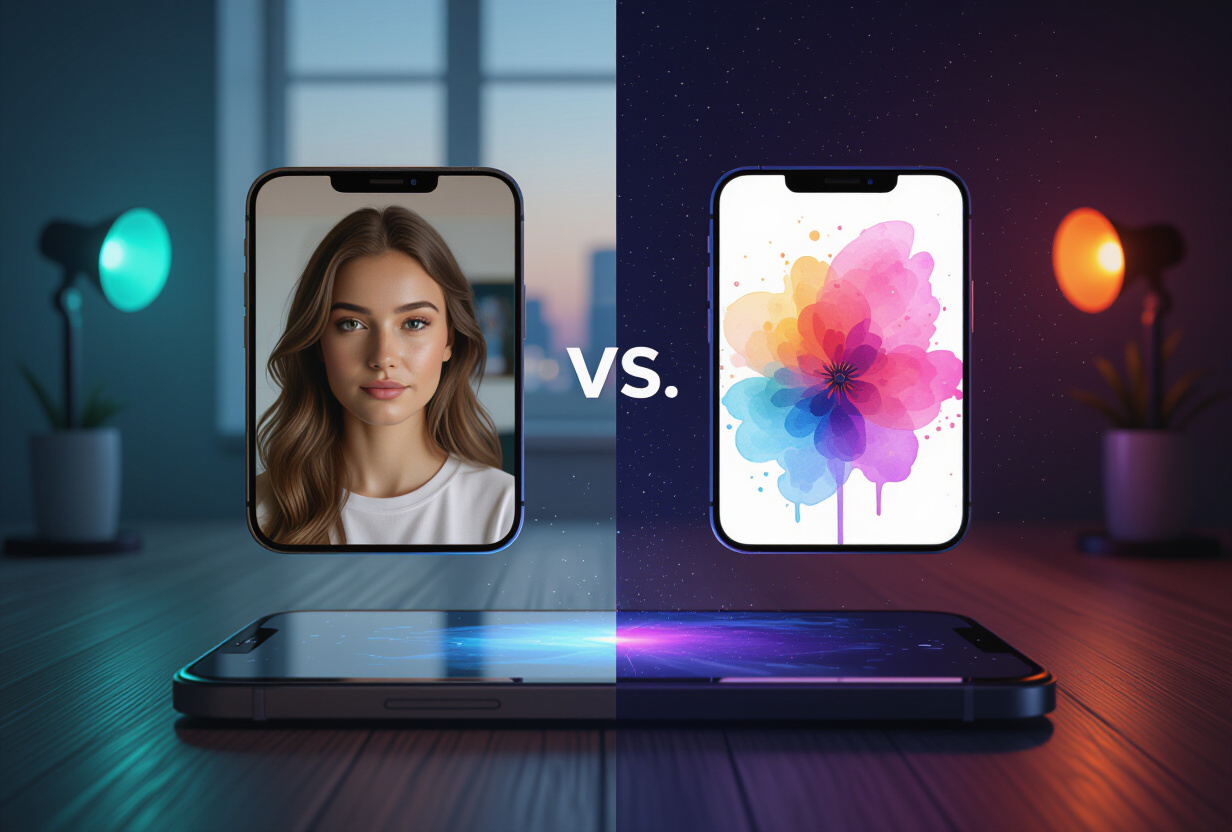
Why integrate two AI image providers?
A single provider is a single point of failure. If the API goes down, if quotas are exceeded, if quality degrades: the user no longer has images. Two providers mean resilience and flexibility.
Gemini 2.5 Flash Image (via OpenRouter) is the default provider. The quality is excellent, the speed is decent (2-4 seconds per image). It's the best quality/speed ratio I've tested. The model understands complex prompts well with multiple subjects, specific artistic styles, and detailed compositions.
Runware HiDream-I1-Fast is the economical alternative. At about 0.003 euros per image, it's 5 to 10 times cheaper than Gemini depending on the prompt. The quality is slightly lower on complex prompts but perfectly sufficient for task illustrations. And the speed is comparable.
The admin switches between the two from the administration dashboard. It's a toggle in the app_config table of Supabase. Why an admin toggle and not a user choice? Because the cost is borne by the service, not by the user. It's up to me to decide which provider optimizes the quality/cost ratio based on usage volume.
How does the LLM generate the perfect prompt?
Asking a user to write a good image prompt is unrealistic. Image generation models are sensitive to phrasing. "A cat" gives a generic result. "A domestic shorthair cat sitting on a windowsill, golden hour sunlight, shallow depth of field, photorealistic, warm tones" gives a professional image.
The difference between the two? Prompt engineering. And that's exactly the job of TAMSIV's conversational LLM.
When the user requests an image, the LLM analyzes three sources of context:
- The task title: "Prepare Q2 client presentation" → the LLM understands that a professional visual is needed.
- The description: "Include sales figures and growth chart" → the LLM adds data visualization elements to the prompt.
- Tags/folder: if the task is in the "Marketing" folder, the LLM directs the style towards branding.
The prompt is always generated in English, even if the user speaks French. Why? Because image models are primarily trained on English-language data. An English prompt consistently yields better results. This is the same observation I made for the i18n system in 6 languages: the internal working language is not necessarily the user's language.
The LLM also automatically adds technical modifiers: resolution, lighting, composition. These modifiers are calibrated for the active provider. Gemini and Runware do not interpret prompts in the same way, so the LLM adapts its phrasing. According to OpenAI's best practices for image prompting, style and composition modifiers are the factors that most influence the quality of the result.
What are the four visual styles available?

Each style modifies the prompt sent to the model by adding specific suffixes and modifiers:
Flat Style (vector illustrations)
Adds: "flat vector illustration, clean lines, solid colors, minimal shading, modern graphic design style". Ideal for professional tasks and presentations. The rendering is clean and printable.
Minimalist Style
Adds: "minimalist, simple composition, lots of white space, single focal point, clean aesthetic". Perfect for personal tasks. The rendering is clean and soothing.
Realistic Style
Adds: "photorealistic, high detail, natural lighting, shallow depth of field, 4K quality". The rendering closest to a photo. Ideal when you want a concrete visual of what you imagine.
Watercolor Style
Adds: "watercolor painting, soft edges, flowing colors, artistic, hand-painted look". The most creative rendering. Ideal for artistic projects or creative tasks.
Choosing a style is optional. If the user doesn't specify, the LLM chooses the most appropriate style for the task's context. A task "Prepare groceries" will be in minimalist style. A task "Design the new product logo" will be in flat style. It's a contextual decision, not random. The same philosophy as for voice personalization: the AI adapts without being asked.
How does the end-to-end technical pipeline work?
The complete pipeline, from user request to image display, involves 6 steps with potential failure points at each transition:
- User request → STT transcription → text sent to the backend via WebSocket.
- LLM analysis → the conversational LLM detects the intention to generate an image and calls the
create_taskfunction tool with agenerate_image: trueflag. - Prompt engineering → the backend passes the task context to the LLM, which generates an optimized prompt.
- Provider call → the backend sends the prompt to the configured provider (Gemini or Runware).
- Storage Upload → the received image (base64 or URL) is uploaded to Supabase Storage in the dedicated bucket. A record is created in
privat.task_attachmentswithtype: 'ai_generated',storage_path, and metadata. - Display → the frontend receives confirmation via WebSocket, generates a signed URL, and displays the image in the task card.
Each step can fail. STT can transcribe incorrectly. The LLM might not detect the intention. The provider can timeout. The upload can fail. The strategy: retry with exponential backoff at each step, and automatic fallback between providers if the primary provider fails 3 consecutive times.
The Gemini to Runware fallback (or vice versa) is automatic and transparent to the user. They don't see that the provider has changed. They just see their image appear, perhaps with 2 extra seconds. This is the same philosophy of resilience as in the native STT vs. Deepgram system: always have a plan B.
How are costs controlled by subscription plan?
AI image generation has a direct cost per image. Even at 0.003 euros per image with Runware, if 10,000 users generate 3 images per day, that's 900 euros per month. Guardrails are needed.
The plan-based limit system uses RevenueCat and subscription plans:
- Free Plan: no access to image generation. This is a premium feature that justifies an upgrade.
- Pro Plan: daily quota of N images per day (configurable on the admin side).
- Team Plan: higher daily quota, shared among group members.
The counter is managed on the backend, not the frontend (to prevent cheating). Each generation increments a counter in the DB with a daily reset via a cron job. If the quota is reached, the backend returns an explicit error, and the frontend displays a clear message: "Image quota reached for today. Try again tomorrow or upgrade to the Team plan."
The admin dashboard displays real-time consumption statistics: number of images generated per day, average cost per image, Gemini/Runware ratio, failure rate per provider. These metrics are crucial for adjusting quotas and choosing the optimal provider. I had already implemented this type of monitoring in the admin analytics dashboard.
Why do users love this feature?
The most frequent feedback from testers: "I don't feel like I'm using AI, it's just natural." That's the best compliment possible. The AI is invisible. The user says "create a task for Saturday's barbecue with an image" and gets a task with a barbecue illustration. No model selection. No parameter adjustment. No prompt to write.
A task with an image is immediately more engaging than a text-only task. In the gamified feed, illustrated tasks catch the eye. It's a well-documented design principle: content with images generates, according to Social Media Examiner, 2 to 3 times more engagement than text-only content.
And it's also a differentiating factor. No task management app offers AI image generation integrated into the voice flow. This is a concrete competitive advantage over alternatives like Todoist or TickTick, which I compared in the comparative article.
What is the future of image generation in TAMSIV?
The current system is a solid foundation. But several developments are planned. First, extension to memos: the privat.memo_attachments table already exists with the same structure as privat.task_attachments, as detailed in the article on attachments.
Then, image editing: being able to say "change the background to blue" or "add text" to an existing image. Gemini and Runware APIs already support image-to-image. And collaborative generation: in a group, one member generates an image, and others see it in real-time via the Realtime channel.
The goal remains the same: make AI invisible. The more powerful the technology, the simpler it should be to use.
Frequently Asked Questions
What image formats are generated?
Images are generated in JPEG with 95% quality. The standard resolution is 1024x1024 pixels. Images are optimized for mobile display but remain of sufficient quality for desktop use via the web dashboard.
Can an image be regenerated if the result is not satisfactory?
Yes. The user can request a new generation at any time. The old image is kept in storage, and the new one replaces it in the display. The daily quota is decremented with each generation.
Is the generated image stored permanently?
Yes. The image is uploaded to Supabase Storage and linked to the task via privat.task_attachments. It remains available as long as the task exists. Deleting the task results in the cascading deletion of the image.
Is the prompt generated by the LLM visible to the user?
No, by default. The prompt is technical and in English, which would not be useful for most users. However, the prompt is logged on the backend for debugging and continuous improvement of the system.
Does image generation work offline?
No. Generation requires an API call to the image provider (Gemini or Runware) and an upload to Supabase Storage. An internet connection is essential. The app displays a clear error message if the connection is absent.