Productivity Apps and ADHD: 3 Principles That Work
Key points: Traditional productivity apps fail for people with ADHD because they impose too much friction, no immediate feedback, and toxic guilt. Three principles change the game: capture in under 5 seconds (ideally vocal), progress made visible through gamification, and non-judgmental flexibility. By applying these principles, you move from a cycle of abandonment to a routine that lasts.
On Reddit, the same message comes up every week. Someone writes: "I downloaded a new productivity app. For the first three days, it was great. Now it's gathering dust on my phone."
I know people with ADHD who live this cycle repeatedly. Download, get excited, forget, feel guilty, avoid, uninstall. And start over with the next "miracle" app. When I started developing TAMSIV, I wanted to understand why this pattern repeats — and especially how to break it.
The problem isn't the users. It's that 95% of productivity apps are designed for neurotypical brains. And that's a design problem, not a willpower problem.

Why do classic apps fail with ADHD?
The short answer: too much friction. Open the app. Find the right list. Tap "+". Type the task. Choose a date. Select a category. Six steps. For an ADHD brain, that's five too many.
Each step is an opportunity to get distracted, lose focus, or say "I'll do it later" — which, in fact, means never. According to a study by CHADD (Children and Adults with Attention Deficit/Hyperactivity Disorder), ADHD affects about 5% of adults worldwide. That's hundreds of millions of people for whom "standard" design doesn't work.
Apps like Todoist, TickTick, or Notion are excellent for people who like to organize. But for someone with ADHD, the problem isn't organizing — it's capturing before the thought disappears. And that's where classic design fails.
What is "cognitive friction" and why is it so harmful?
Cognitive friction is the mental effort required to perform an action in an interface. For a neurotypical brain, navigating 3 menus to create a task is a micro-annoyance. For an ADHD brain, it's a wall.
Baddeley's working memory model shows that the ability to maintain and manipulate information is limited in everyone — but even more so in people with ADHD. Every field to fill, every decision to make ("what category? what priority?") consumes cognitive bandwidth.
Concrete result: you think of something important while walking. You take out your phone. You open the app. You look for where to create a task. And meanwhile... the thought has flown away. This is exactly the scenario I wanted to eliminate by creating TAMSIV's voice capture.
Principle 1: How to reduce friction to zero?
Capture must take less than 5 seconds. Period. That's rule number one.
The fastest method: voice. You think something, you say it out loud, it's recorded. No screen to navigate, no text to type, no category to choose. The brain only has one thing to do: speak.
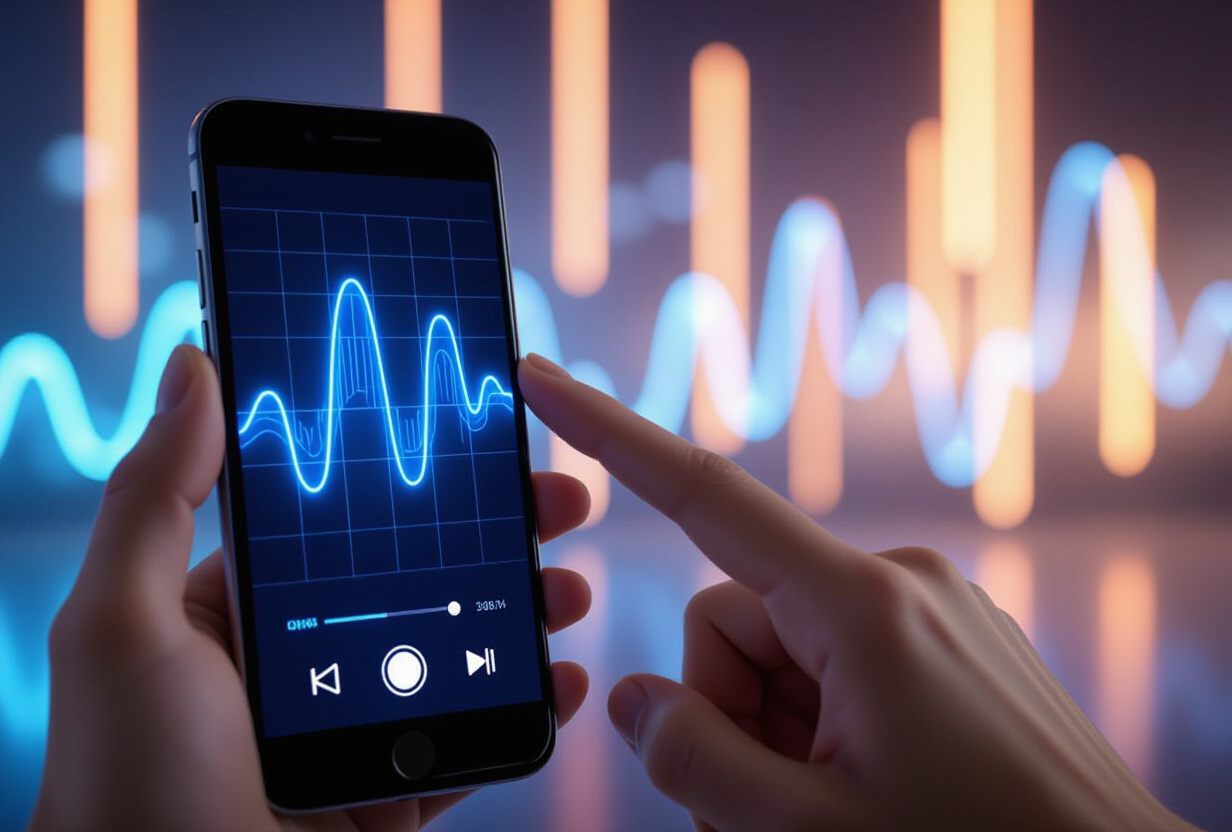
Concretely, here's the difference:
| Method | Steps | Time | Distraction Risk |
|---|---|---|---|
| Classic app (Todoist, Notion) | 5-6 steps | 30-60 sec | High |
| Basic voice input (Google Tasks) | 2-3 steps | 10-15 sec | Medium |
| AI voice capture (TAMSIV) | 1 step | 3-5 sec | Minimal |
With TAMSIV, you press a button, you speak, you release. The AI understands what you want to create — task, memo, event — and does it for you. No form, no menu. I detailed the technical pipeline behind this in my article on native STT vs Deepgram.
The test is simple: if you have to think about HOW to note something, the app has already failed.
Why does the ADHD brain need immediate feedback?
The dopaminergic system works differently with ADHD. The American Psychiatric Association explains that ADHD involves differences in the regulation of dopamine — the neurotransmitter for motivation and reward.
In practice, this means that a slowly decreasing task list is not enough. The brain needs to SEE that it's making progress, and it needs it now, not in a week.
This is exactly why I integrated a complete gamification system into TAMSIV. Not as a gadget, but as a daily therapeutic tool.
Principle 2: How to make progress visible with gamification?
Gamification is not a game — it's a feedback system designed for brains that need immediate rewards. And it works remarkably well for ADHD.
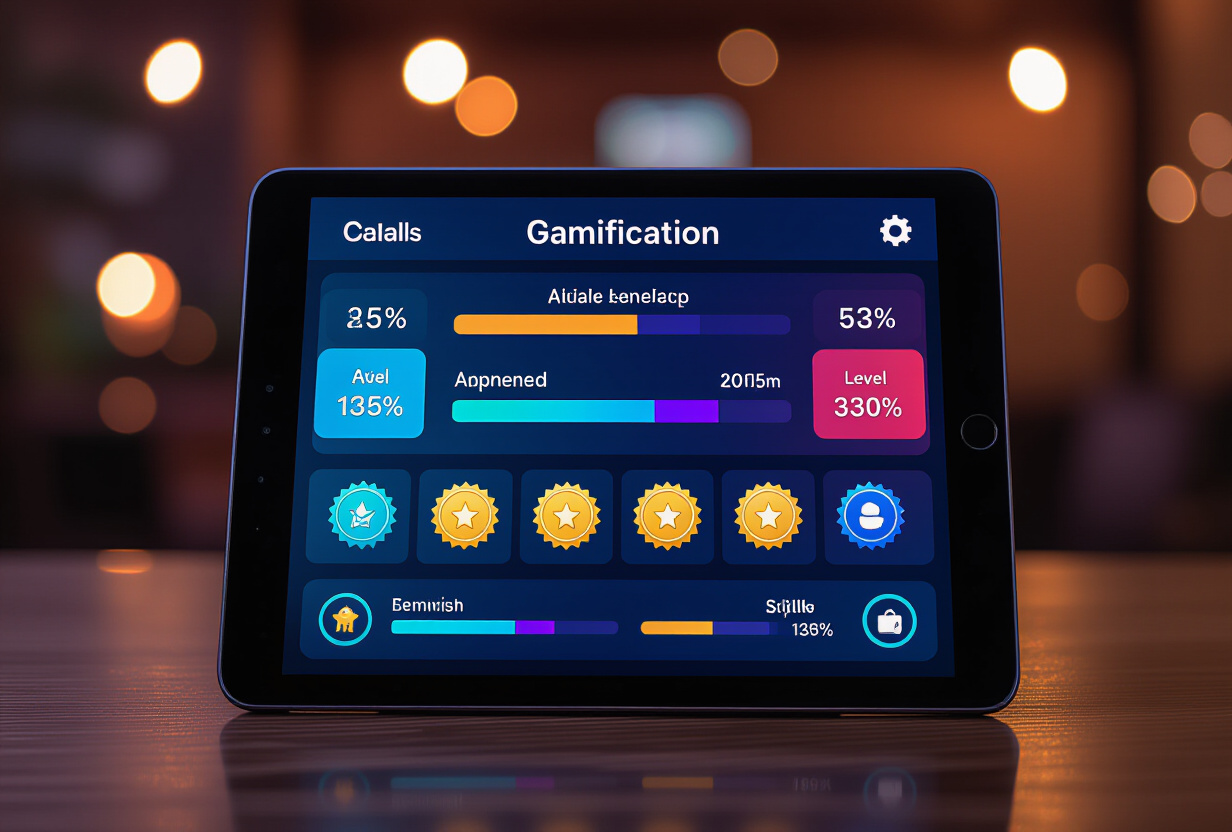
Here are the three most effective mechanisms:
Streaks
"Day 27 without breaking the chain" creates a loss aversion that is more motivating than any to-do list. Psychologically, we hate losing something we've built — and that's a powerful lever. In TAMSIV, I implemented streaks with a freeze system to prevent missing a day from destroying weeks of effort.
Progress levels
Going from "Beginner" to "Organizer" then "Expert" — the brain loves progression narratives. It's the same mechanism as video games: a tangible sense of accomplishment at each level. TAMSIV uses 12 levels with progressive thresholds that reward regular use.
Badges and daily challenges
Visual rewards for specific actions. It seems childish, but it activates the reward circuit exactly as needed. A daily challenge ("Complete 3 tasks today") gives a clear and achievable goal — perfect for a brain that struggles to prioritize.
Habitica does this with an RPG angle. TAMSIV does it with levels and daily challenges. Even a simple counter of completed tasks on a sticky note can work. The important thing is that progress is VISIBLE and IMMEDIATE.
Principle 3: Why is guilt-free flexibility essential?
Apps that punish you when you miss a day are toxic for ADHD. The pattern is always the same: you miss Monday, you feel guilty Tuesday, you avoid the app Wednesday, and it's over. The shame cycle sets in.
A study published by ADDitude Magazine highlights that Rejection Sensitive Dysphoria (RSD) is common in people with ADHD. A simple message "You missed 3 days!" can trigger total avoidance of the app.

The app that works for ADHD lets you pick up where you left off. No passive-aggressive messages. No streak reset without a safety net. Moving a task to tomorrow? That's not a failure — it's realistic planning.
In TAMSIV, I deliberately designed the system to be benevolent. The streak freeze protects your streaks. Daily challenges renew without reminding you of the ones you missed. The anti-fatigue approach is at the heart of the design.
How to apply the "capture first, organize later" method?
The classic ADHD trap: trying to organize AT THE MOMENT you capture. "Which folder does this task go into? What priority? What date?"
Stop. These are two different mental modes, and mixing them is exhausting:
- Capture mode (creative, spontaneous): you speak, it's recorded. Zero organizational decisions.
- Organization mode (analytical, structured): 5 minutes in the morning or evening, you sort, you classify, you prioritize.
With AI voice capture, it's natural: you speak, the AI creates the item. You organize later, with a clear head. This separation of modes is crucial to avoid exhausting working memory.
Concretely, a routine that works for many people with ADHD:
- During the day: capture everything that comes to mind by voice (3-5 seconds per capture)
- In the evening (5 minutes max): sort captures into the right folders, add dates if necessary
- In the morning (2 minutes): look at the day's tasks, choose your 3 priorities
What design errors make an app unusable for ADHD?
After exchanging with dozens of users and reading hundreds of feedback on Reddit and ADHD forums, I identified 5 recurring design errors:
- Mandatory long forms: forcing you to fill 5+ fields to create a simple task
- No smart default values: each empty field is one more decision to make
- Guilt-inducing messages: "You didn't do anything today", "Streak lost!", "3 overdue tasks"
- Mandatory complex hierarchy: projects > sub-projects > lists > sub-lists before you can create anything
- No quick mode: no shortcut for instant capture
If your current app has two or more of these problems, it's probably not designed for ADHD — and it's not your fault if you abandon it.
How to choose the right productivity app when you know someone with ADHD?
Here's my 5-point checklist for evaluating an app:
- 5-second test: can you create a task in less than 5 seconds? If not, eliminated.
- Immediate feedback: does the app clearly show you your progress (streaks, counters, levels)?
- Zero guilt: what happens when you miss a day? Positive message or punitive message?
- Voice capture: can you dictate instead of typing? Voice is the fastest channel.
- Simplicity first: does the app work without configuration? Advanced options should be optional, not mandatory.
For the apps I've tested and studied: Habitica excels in RPG gamification, Forest in focus timers, and TAMSIV combines AI voice capture + gamification + guilt-free flexibility. The main thing is to find the one that puts the fewest barriers between thought and its capture.
What really matters
The perfect app doesn't exist. But apps that work with ADHD always have these three things: minimal friction, visible progress, guilt-free flexibility.
If your current app makes you feel guilty when you open it, it's not the right one. Change. Test. The right app is the one you're still opening in 30 days — not the one that had the best features on paper.
And if you want to try an app designed with these principles in mind, TAMSIV is free on Android. I built it by listening to exactly this feedback.
FAQ — Productivity Apps and ADHD
Does ADHD really prevent the use of productivity apps?
No, ADHD does not prevent the use of productivity apps. The problem comes from the design of the apps themselves. An app designed with low friction, immediate feedback, and no guilt can become a valuable tool for managing daily life with ADHD. It's the design that needs to adapt to the brain, not the other way around.
Why is voice capture recommended for ADHD?
On average, we speak 3 times faster than we type. Voice capture eliminates intermediate steps (opening a form, typing, categorizing) and allows you to capture a thought before it disappears. For an ADHD brain where working memory is often overloaded, it's the most effective method.
Isn't gamification likely to become addictive?
Well-designed gamification is motivating without being addictive. The key is that it rewards positive actions (completing a task, maintaining a routine) rather than punishing inactivity. Streaks with a safety net (freeze) and optional challenges avoid the compulsive spiral. The goal is not to play — it's to make progress visible.
How to avoid the download-abandon cycle with a new app?
Three concrete tips: (1) Choose an app that passes the 5-second test. (2) Use it ONLY for capturing during the first week — not for organizing. (3) Don't force yourself to use it "perfectly." Imperfect consistency beats punctual perfection, every time.
Is TAMSIV specifically designed for ADHD?
TAMSIV is not an "ADHD app" in the medical sense. It's a vocal productivity app designed for all brains, following the principles of cognitive accessibility: minimal friction, instant capture, motivating gamification, and zero guilt. These principles benefit everyone, but are particularly effective for people with ADHD.