First Demo Video and Quality Sprint: 7 Critical Fixes
After 6 months of development and over 700 commits, TAMSIV had it all: a functional voice pipeline, a gamification system, collaborative groups, 6 supported languages. But something essential was missing — a video. Because a voice app isn't described. It's shown. This week, I shot TAMSIV's first demo video, and in parallel, I completed a quality sprint that fixed 7 critical issues.
Key takeaways:
- A demo video is essential for a voice app — "speak and the AI understands" isn't enough, you need to see the microphone activate and the task create itself.
- A quality sprint (0 features, 7 fixes) has as much impact as a month of development when it targets daily frictions.
- A dictaphone's stop button must work 100% — even 1% failure destroys trust.
- Always clear the singleton cache on logout on a shared device — a data leak between sessions is a critical security bug.
Why is a demo video essential for a voice app?
For 6 months, TAMSIV existed in text and screenshots. On the website, in blog posts, on Play Store listings. But a voice app has a fundamental communication problem: the main interaction is invisible.
You can write "speak, the AI understands and organizes" as many times as you want. Until the visitor has seen the microphone activate, the real-time transcription, the task creating itself in the right folder — they don't truly understand what the app does.
As Wyzowl explains in its 2026 video marketing report, 96% of consumers watch an explainer video before buying a product or downloading an app. For a voice app, this figure is likely even higher — the very concept requires a visual demonstration.
The video is now visible on YouTube and directly integrated into the hero section of tamsiv.com. Visitors immediately see how TAMSIV works, without needing to download the app or read documentation.
How to integrate a video into the hero section of a Next.js site?
Integration into the Next.js site was obvious — but with a few technical constraints:
- Performance: no autoplay, no full video file preload. A YouTube embed with a facade (image placeholder + play button) to avoid loading the iframe on the first render.
- Mobile responsive: the 16:9 ratio must adapt without black bars or overflow on all screens.
- SEO:
VideoObjecttag in JSON-LD so Google indexes the video and displays it in rich results.
The result: the site's hero now shows a video preview with a play button. A click loads the YouTube embed. This is the best compromise between visual impact and performance — the Largest Contentful Paint is not impacted.
Why does a 0-feature sprint change everything for retention?
In parallel with the video, I dedicated a week to a 100% quality sprint. No new features — only polish, reliability, and silent fixes that make a daily difference. 7 commits. 0 new features.
This is counter-intuitive when you're a solo dev. You have a feature list as long as your arm. Every day without a new feature feels lost. But it's exactly the opposite: every micro-friction removed, every silent bug fixed, means one more user who doesn't uninstall after 3 days.
This sprint follows the previous quality sprint which already fixed reminders and emails. This time, the fixes affect the core of the app.
How to make a stop button 100% reliable on a voice recorder?

The most frustrating bug in the app: sometimes, the "stop" button didn't respond. The microphone kept recording, the user had to force stop. An absolute UX nightmare.
The cause? A timing issue between the initialization of the native STT (phone's speech recognition) and the React state. When the user pressed stop during a window of a few milliseconds where the STT was transitioning between two states, the stop callback was simply ignored.
The technical solution in 3 points
- "Standby" mode for native STT: instead of fully initializing the STT every time the microphone button is pressed, it remains in an active standby state. Result: 2x faster startup, no callback waiting.
- Absolute stop button: regardless of the STT's internal state (initialization, listening, processing), the stop button triggers a forced stop. No conditions, no "wait for the callback to return".
- Security cleanup: a 30-second timeout automatically cleans up any residual state — inspired by the pattern used in the AudioPlayerService.
This fix is perhaps the most important of the entire sprint. The voice pipeline is the heart of TAMSIV. If the recording button isn't 100% reliable, nothing else matters.
How to make a voice AI understand date ranges?
Previously, asking the AI "what do I have this week?" only worked for a single day. The system prompt limited requests to a unique date. A typical problem in prompt design for conversational AI.
The solution required two modifications:
- System prompt extension: added examples of date ranges ("Monday to Friday", "the next 3 days", "this week") to the AI's instructions.
- Function calling modification: the
create_calendar_eventtool now accepts an optionalend_dateparameter for range-based queries.
Now, the assistant understands ranges: "Monday to Friday", "the next 3 days", "this week". It's a subtle change but one that transforms daily use of the calendar.
Why switch from SDXL to HiDream for AI image generation?
Folder cover images in TAMSIV are AI-generated. We used SDXL 0.9, which had two major problems: it poorly understood complex prompts (mixed text, ignored instructions) and the quality was inconsistent.
Switching to HiDream-I1-Fast via Runware changed everything. Better prompt understanding, more consistent results, and a cost of ~0.003 EUR per image. It's the same model I use for inline AI images in the dictaphone — visual consistency is maintained throughout the app.
How to detect a data leak between user sessions?

A critical bug discovered and fixed during this sprint: on a shared device, the previous user's data could briefly appear during an account switch. The singleton cache was not cleared on logout.
This is a critical security bug. Even if the exposure is brief (a few hundred milliseconds), a user could see another user's tasks, memos, or events. In a productivity app that handles personal data, this is unacceptable.
The fix: complete cleanup on logout
The solution is simple in theory but requires rigor: each singleton service (ContentCacheService, CalendarService, GamificationService) received a clearAll() method called systematically on every logout. TAMSIV's security system now includes a check that all caches are empty before initializing a new session.
What is the combined impact of the video and the quality sprint?
The video and the quality sprint are two sides of the same coin:
- The video is the showcase — it makes the project tangible for someone who has never touched the app. It's the acquisition tool.
- The quality sprint is the foundation — it makes the difference between an app you try and an app you keep. It's the retention tool.
The two complement each other perfectly. Attracting users with a beautiful video only to lose them due to a faulty stop button would be a disaster. Conversely, a perfectly polished app that no one knows about is useless.
This is exactly the logic I detail in the article on the journey of 650+ commits: each phase of the project alternates between visible features and invisible polish.
What lessons can a solo dev launching their app learn?
After this week, here's what I've learned:
- Shoot your video early. Don't wait until the app is "perfect". A 2-minute video with a functional product is better than months of textual descriptions.
- Plan your quality sprints. Block one week out of two with no features. The zero-feature sprint has become a ritual for me.
- The main button must be infallible. For TAMSIV, it's the microphone button. For you, it's the button that represents your core value proposition. If it fails once, you lose trust.
- Check singleton security on logout. If you use in-memory caches in a mobile app, make sure they are cleared on every session change.
Frequently Asked Questions
How long does it take to shoot a mobile app demo video?
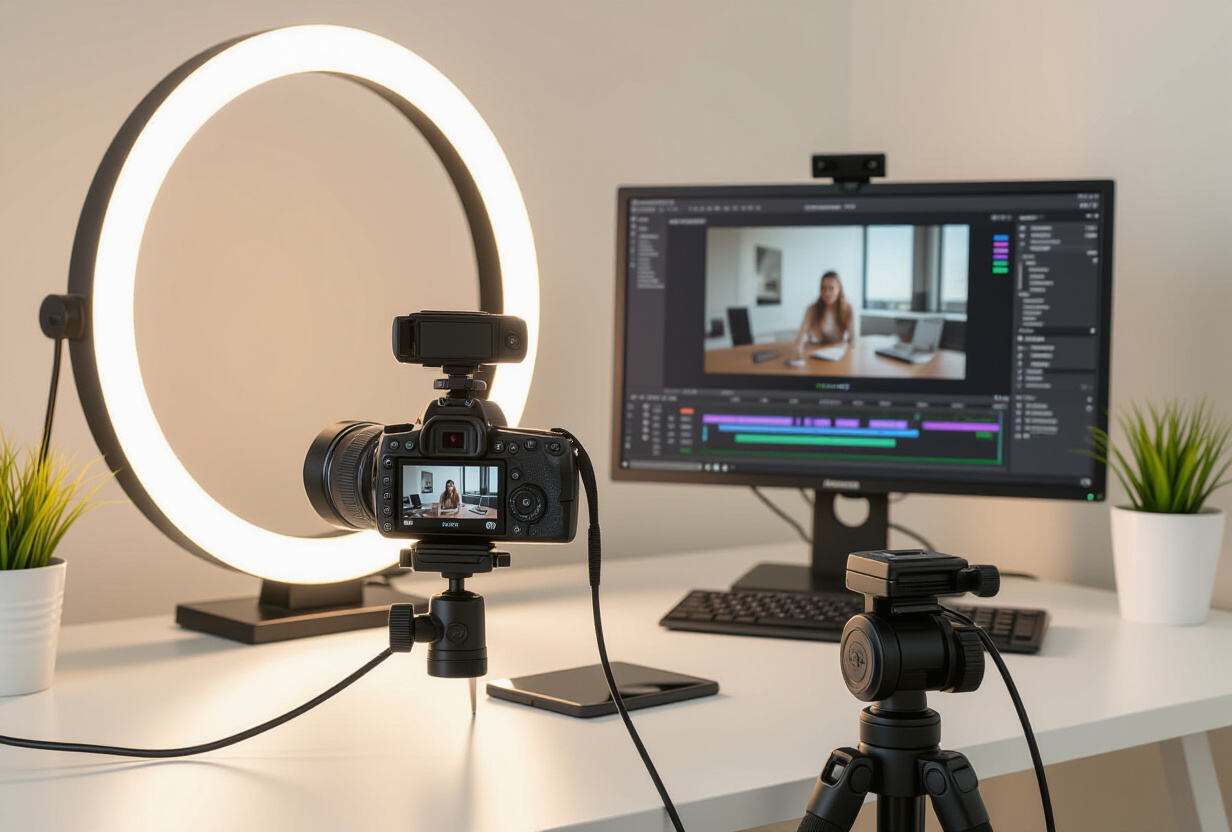
For TAMSIV, the 2-minute video took about half a day: scenario preparation, 3 takes, basic editing. No need for a professional studio — good lighting and a well-framed screen are enough. The important thing is to show real interaction, not a mockup.
Should a quality sprint be done before or after launch?
Both. Before launch, a quality sprint targets the most visible frictions (like the stop button). After launch, user feedback guides priorities. I recommend a quality sprint every 2 weeks during the beta phase.
Does STT standby mode consume more battery?
No, standby mode keeps the STT module in memory but does not start active listening. Battery consumption is negligible compared to active recording. It's comparable to keeping a SpeechRecognizer connection initialized without starting it.
How to prevent data leaks between sessions on a shared device?
Three rules: (1) each singleton service must have a clearAll() method, (2) this method is called in the logout handler, (3) an automated test verifies that all caches are empty after logout. This is basic but often overlooked in singleton-based architectures.
Is HiDream-I1-Fast better than SDXL for app image generation?
For cover images and contextual illustrations, yes. HiDream better understands complex prompts and produces more consistent results. SDXL remains relevant for pure photorealism, but for functional images in a mobile app, HiDream is a better choice at a similar cost (~0.003 EUR/image).