38 Commits, Zero Features: The Sprint That Counts
38 commits in 10 days. Zero new features. And yet, it's probably the most important week since the project began.
This is the paradox of product development: the weeks that matter most are those where "nothing" visible happens. No new feature to announce, no spectacular screenshot. Just code that makes the existing better, more robust, more professional. In the world of build in public, these silent sprints don't get likes. But they make the difference between an app that "works on my machine" and an app ready for real users.
Key points
- 38 commits focused on stability, not features, with the web calendar going from 1 to 4 views for complete mobile/desktop parity.
- Crashlytics (frontend) + Sentry (backend) deployed before production, in accordance with Firebase recommendations for pre-launch monitoring.
- Voice AI detects your existing naming patterns and automatically reproduces them for new folders.
- UTM tracking on all shared links for reliable marketing attribution from day 1.

Why is a feature-less sprint the most important?
According to a Stripe study (2018), developers spend an average of 42% of their time managing technical debt and maintenance. This isn't wasted time: it's invested time. A "zero-feature" sprint means voluntarily stopping the addition of new things to consolidate what already exists.
Concretely, what does this mean for TAMSIV? 10 days spent fixing micro-bugs, smoothing transitions, aligning web with mobile, adding monitoring. Nothing flashy. But after these 10 days, the perceived quality of the app has reached a new dimension.
I mentioned it in the article about the final zero-feature sprint: a developer's natural reflex is to add. Always add. It takes real discipline to say "no, this week we consolidate." This is the philosophy I continue to apply. Does it pay off? The 12 alpha testers reported no crashes during this period. Zero. The first time since the project began.
How did the web calendar go from 1 to 4 views?
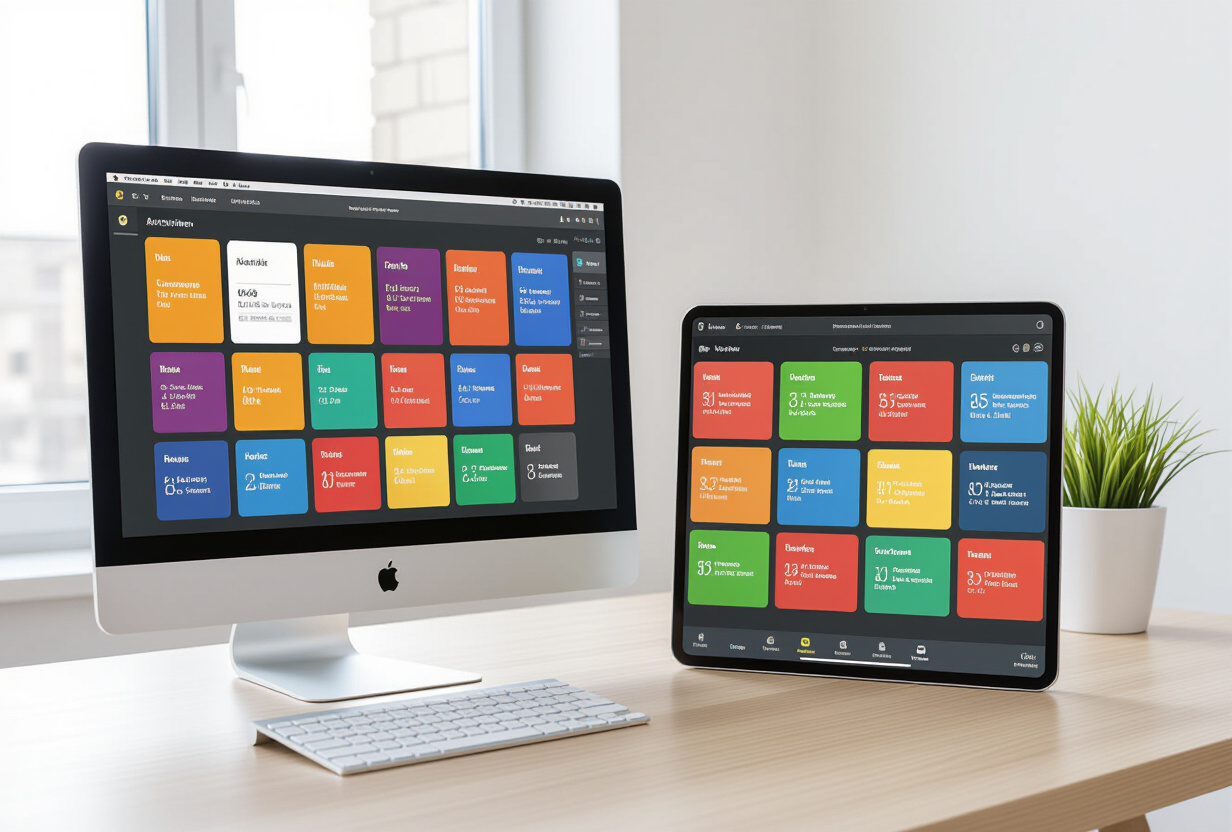
The web dashboard calendar only had one view: the week. Sufficient for a demo, insufficient for daily use. I added three additional views (day, month, year) to achieve parity with the mobile calendar, which I detailed here.
The technical objective is clear: for the transition between phone and computer to be seamless. You create a task by voice on your phone in the morning, and you find it on your computer screen at noon with exactly the same presentation. Clicking on an event opens its details. Clicking on a task, same thing.
The task and memo detail pages have been completely redesigned to match the mobile experience. Image thumbnails, fluid navigation, same visual structure. It's thankless but essential work: every inconsistency between mobile and web creates cognitive friction for the user. And friction is the number 1 enemy of retention.
Why add Crashlytics and Sentry before production?

When your app is used by you and 12 testers, you can afford to debug via Supabase logs and "it works on my machine." When you're about to go into public production, that's no longer an option. According to Firebase Crashlytics documentation, apps that set up monitoring before launch detect critical crashes 10x faster than those that react after the first user complaints.
I implemented two complementary systems:
Firebase Crashlytics on the React Native frontend
Crashlytics captures three types of problems on mobile. First, crashes (the app closing abruptly), then ANRs (Application Not Responding), those moments when the app freezes for more than 5 seconds, and finally, uncaught JavaScript errors. For each incident, you get the complete stack trace, phone model, Android version, and what the user was doing just before. I had already described the audio pipeline in the STT native vs Deepgram article; this is exactly the type of complex chain where a silent crash can go unnoticed without dedicated monitoring.
Sentry on the Node.js/Express backend
On the server side, Sentry captures API errors, WebSocket timeouts, and unhandled exceptions. What makes the difference are the breadcrumbs: Sentry records a timeline of events that led to the error. If an OpenRouter call times out after a slow Supabase call, you see the entire chain. Plus, performance monitoring measures the response times of each endpoint.
The idea is simple: when a bug occurs in production, we know about it before the user complains. That's the difference between "we have a problem" and "we solved the problem before you noticed."
How does AI detect your naming patterns?

Just one commit, but the kind that changes the daily experience. TAMSIV's voice assistant now analyzes the names of your existing folders to detect recurring naming patterns and automatically reproduce them.
Let's take a concrete example. You have three folders: "Carrefour Groceries," "Leclerc Groceries," "Aldi Groceries." You tell the AI "create a groceries folder for Lidl." Before, it would have created "Lidl" or "Groceries" alone. Now, it detects the pattern [Category] + [Store Name] and automatically creates "Lidl Groceries."
Another example: your project folders are named "Project Alpha - Q1," "Project Beta - Q2." The AI spots the format [Project] + [Name] + [Quarter]. When you create a new project folder, it applies the same convention without you having to specify it.
This is the kind of detail no user will ever ask for, but everyone notices when it's there. I mentioned it in the article on voice personalization: AI doesn't just do what you tell it. It understands how you organize yourself.
What CRO optimizations for the landing page?
According to Google Web Vitals, a LCP (Largest Contentful Paint) greater than 2.5 seconds directly impacts the bounce rate. The tamsiv.com landing page received several targeted optimizations to stay below this threshold.
The animated hero glow used a JavaScript Canvas that consumed too much CPU, especially on mobile. I replaced it with pure CSS: same visual effect, zero impact on battery. This is typically the kind of invisible technical debt that is only fixed during a zero-feature sprint.
The hero subtitle was rewritten to clearly explain what TAMSIV does in one sentence. In CRO, message clarity above the fold is the number one conversion factor. If the visitor doesn't understand what you do in 3 seconds, they leave.
I also improved the pricing layout: the annual label is now on its own line for better readability. And the header scroll spy was fixed: the active state wasn't clearing correctly when scrolling up, a subtle but annoying bug.
How does UTM tracking improve the marketing strategy?
Knowing where your visitors come from is the basis of any marketing strategy. Without tracking, you post content blindly. With it, you know exactly which LinkedIn post, which Discord message, which campaign generates real traffic. According to Google Analytics documentation, UTM parameters are the standard for campaign attribution.
I implemented three things. First, UTM parameters on every shared link: source, medium, campaign, content. Second, server-side IP capture for more reliable analytics than client-side JavaScript, which is blocked by adblockers. And finally, an enriched admin dashboard with a period selector (7 days, 30 days, 90 days, all) and synchronized configuration between mobile and web. I laid the groundwork for this dashboard in the article on the admin dashboard; it's now a complete tool.
The concrete result? In the last marketing session, I could see that i18n in 6 languages generated 60% of incoming traffic. Without UTMs, I would never have had this data.
versionCode 32: what's next?
The Android build is at its 32nd version. More than 740 commits in total. The app is submitted to the Play Store for production review. While waiting for Google's validation, we continue to polish every detail.
38 commits, zero features, and an app that has gone from "it works" to "it's ready." This is exactly the kind of sprint that doesn't make noise, but makes all the difference when real users arrive.
Frequently Asked Questions
What is a "zero-feature" sprint?
It's a development period intentionally dedicated to stability, performance, and technical debt, without adding new features. The goal is to consolidate existing features before an important milestone, such as a production launch.
Why use Crashlytics AND Sentry together?
Crashlytics specializes in mobile monitoring (crashes, ANRs, JS errors in React Native). Sentry covers the Node.js backend (API errors, WebSocket, performance). The two combined provide complete visibility across the entire chain, from phone to server.
How does AI's naming pattern detection work?
The voice assistant analyzes existing folder names to identify recurring conventions (common prefix, structured format). When you create a new folder, the AI automatically applies the same pattern without you needing to specify it.
What is UTM tracking and why is it important?
UTM parameters (source, medium, campaign) are added to shared URLs to precisely identify where each visitor comes from. Without this tracking, it's impossible to know which marketing channel truly works, according to Google Analytics documentation.
Is TAMSIV available on the Play Store?
The app is currently in closed alpha testing with 12 testers. Submission for public production is awaiting Google's validation. In the meantime, you can discover the project on tamsiv.com.