Mobile video and React Native drag-and-drop: UX guide
There's a difference between an app that works and an app that you want to use. This difference lies in the details: the fluidity of an animation, the responsiveness of a gesture, the loading time of a screen. In October 2025, I spent two weeks working on three features that had nothing in common except one goal: to make TAMSIV modern and pleasant to use.
TikTok-style video capture. Drag-and-drop to reorder tabs. Infinite carousel in the feed. Three distinct projects, one obsession: the feeling of fluidity.
Key takeaways:
- Video compression is essential on mobile — raw files weigh tens of MB
- Tab drag-and-drop must use react-native-gesture-handler, not native components
- A well-made infinite carousel requires pre-loading adjacent elements
- Saving tab order in the database allows for cross-device persistence
- Micro-interactions are what differentiate a "decent" app from a "remarkable" app
Why integrate video capture into a productivity app?
The question seems strange at first. A task management app doesn't need video, does it? Actually, it does. When you create a voice memo with TAMSIV, you sometimes want to attach a visual attachment — a photo of a document, a video of a prototype, a screen recording.
I had already implemented attachments (photos and documents). But video was missing. And when I started prototyping the interface, I realized that a classic video capture — Android's raw camera component — was horrible. No style, no fluidity, an experience worthy of 2015.
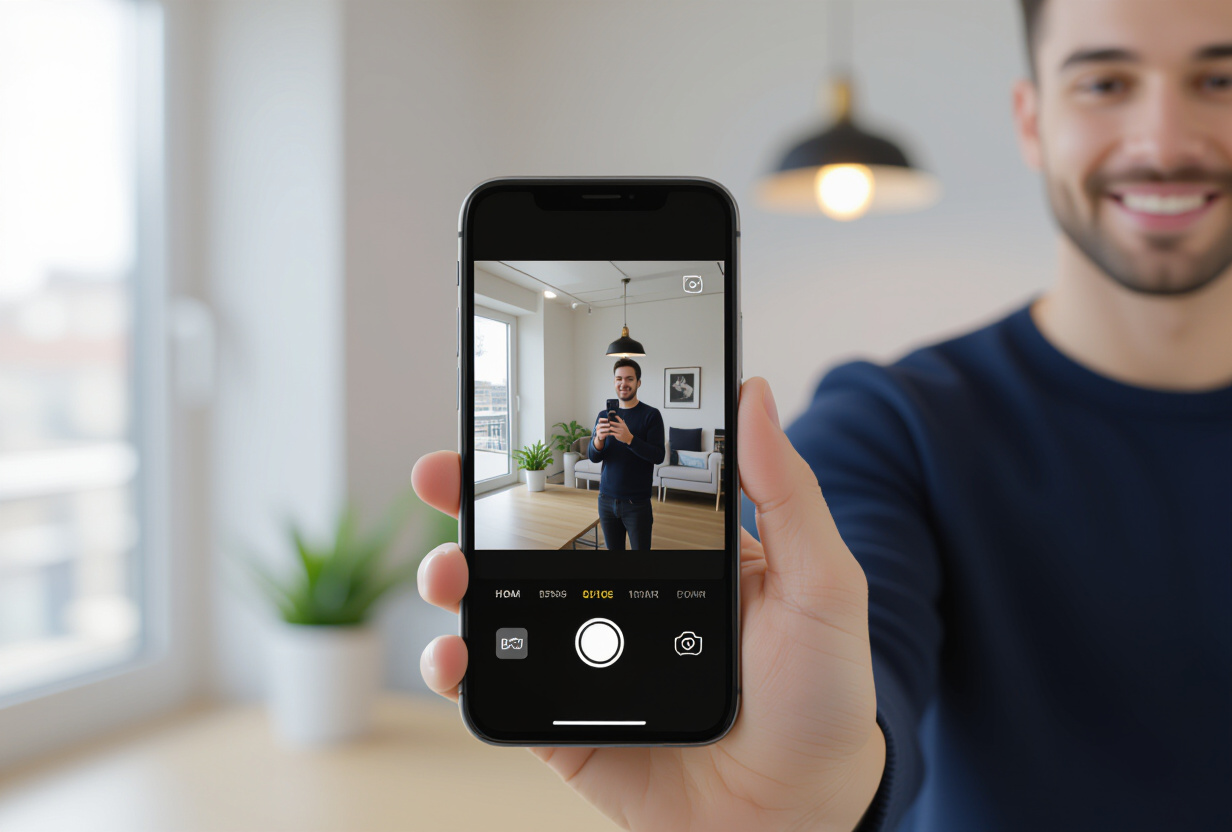
The inspiration came from where you'd expect it: TikTok. Not for short videos, but for the capture interface. Central button, full-screen preview, minimal controls. This has become the UX standard users expect in 2026.
How to manage video compression on mobile?
This is the biggest technical challenge of video capture. Raw videos from a modern smartphone weigh tens of megabytes for a few seconds. An iPhone 15 records in HEVC 4K at 60fps — that can reach 400 MB per minute. Even in 1080p, a 30-second video easily weighs 50 MB.
For a productivity app, this is unacceptable. Attachments are stored in Supabase Storage, and every MB of egress costs money. I detailed the egress problems in the article on reducing Supabase costs.
The solution: configure capture to limit resolution and bitrate from the start. Rather than capturing in 4K and then compressing (which consumes CPU and battery), I configure the camera component to capture directly in a lightweight format:
- Resolution: 720p maximum (sufficient for attachments)
- Bitrate: limited to 2 Mbps
- Format: H.264 for universal compatibility
- Maximum duration: 60 seconds (voluntary limit to avoid huge files)
With these parameters, a 30-second video weighs approximately 3 to 5 MB instead of 50 MB. A 10x gain that makes storage and transfer viable.
What is the pitfall of full screen on Android?
The full-screen camera preview seems trivial. It's not. On Android, the screen ratio (generally 19.5:9 or 20:9) does not match the camera ratio (16:9 or 4:3). The result: you either display black bars, crop the image, or stretch it.
I opted for cropping with a slight zoom — what TikTok does. The image fills the entire screen, but the edges are slightly cut off. The user doesn't notice it. The feeling of immersion is preserved.
The second pitfall: orientation management. TAMSIV forces portrait mode for video capture (consistent with mobile use), but you have to intercept device orientation changes to prevent the video from being recorded upside down. A classic bug that took me half a day to track down.
How to implement tab drag-and-drop?
TAMSIV has 6 main tabs: Dictaphone, Feed, Calendar, Groups, Social, Profile. The default order suits most users, but some prefer a different arrangement. I implemented drag-and-drop reordering: long press on a tab, drag, release.

The implementation uses react-native-gesture-handler (mandatory in React Native for complex gestures) combined with react-native-reanimated for fluid animations.
The major gotcha: gesture-handler is mandatory
This is a trap I lost hours in. In a GestureDetector, you must use components from react-native-gesture-handler — TouchableOpacity, FlatList, ScrollView — and never those from react-native. Native components simply do not receive touch events in a gesture-handler context.
The bug is insidious: everything compiles, there are no warnings, but drag-and-drop doesn't work. You spend hours looking for a logic problem when it's just a bad import. It has become a cardinal rule of the project: in any component using gestures, check the imports.
Cross-device persistence
The tab order is saved in the database in userProfile.mainTabsOrder. This is not just local AsyncStorage — if the user logs in on another device or reinstalls the app, they find their configuration. This detail seems minor but contributes to the feeling of an "intelligent" app that knows you.
The format is simple: a JSON array of tab identifiers. ["dictaphone", "agenda", "feed", "groups", "social", "profile"]. On loading, the app reads this array and rearranges the navigation accordingly. If a tab is missing (for example, after a feature addition), it is added to the end.
How does the infinite carousel in the feed work?
The TAMSIV feed displays a stream of elements: tasks, memos, events, gamification activity. When you click on an item, you want to be able to navigate to the previous or next one without returning to the list. This is the infinite carousel pattern.
The implementation relies on a horizontal FlatList component (from react-native-gesture-handler, of course) with a system for pre-loading adjacent elements. When you view element N, elements N-1 and N+1 are already loaded into memory and rendered off-screen.
The result: no spinner, no visible loading. The illusion of content that is always ready. The swipe is instantaneous. It's this kind of invisible detail that makes the difference between an app you use out of obligation and an app you use for pleasure.
The memory challenge
Pre-loading has a cost: memory. If each feed element contains images or videos, loading 3 elements at the same time (current + 2 adjacent) can consume a lot of RAM. I implemented a recycling system: distant elements (N-3, N+3 and beyond) are freed from memory. Only the sliding window of 5 elements is maintained.
This pattern is also directly linked to the caching system I built later. Supabase signed URLs that expire after 60 minutes make pre-loading even more critical: URLs must be fresh when the user swipes.
Why are micro-interactions so important?
These three features — video capture, drag-and-drop, carousel — are individually invisible. No one downloads an app for its tab drag-and-drop. But collectively, they create a feeling of fluidity that makes all the difference.
UX studies by Nielsen Norman Group show that the perceived quality of an app is more influenced by micro-interactions than by main features. A response time of 100ms is perceived as instantaneous. Beyond 300ms, the user starts to feel a delay.
This is exactly the philosophy I followed for the animated AI button: every interaction must feel "alive". The animation of the video recording button, the haptic feedback during drag-and-drop, the magnetic snap of the carousel — everything contributes to this feeling.
I measured the impact of these changes with Firebase analytics. The average time spent in the app increased after the deployment of these features. Not because they add functionality, but because they make usage more pleasant. Users stay longer when the app is fluid.
What tools to use for fluid animations in React Native?
To get 60fps animations on mobile, you cannot use React Native's basic Animated API. Everything must go through the native UI thread, not the JavaScript thread. Here's the stack I use:
- react-native-reanimated: animations run on the native thread, zero jank
- react-native-gesture-handler: gesture management directly on the native thread
- LayoutAnimation: for simple layout transitions (adding/removing elements)
The reanimated + gesture-handler combination has become the de facto standard for React Native animations in 2026. If you're not using them yet, migrate. The difference in fluidity is immediate and massive.
I detailed the use of this stack in the article on contextual search with swipe, where the swipe-back gesture to close detail screens uses exactly the same pattern.
What these details taught me about mobile development
These two weeks of work on "details" were among the most satisfying of the project. Not because the features are impressive — they are not — but because they have a disproportionate impact on the user experience.
This is a lesson I learned the hard way: as a solo dev, the temptation is to always chase the next big feature. But users don't see features. They feel the experience. And the experience is the sum of hundreds of micro-decisions: the delay of an animation, the size of a touch area, the feedback of a gesture.
This aligns with what I explain in the article on onboarding: the first impression is crucial, and it plays out in these details. Fluid onboarding with polished animations inspires confidence. Jerky onboarding with brutal transitions makes you want to uninstall.
FAQ
Why limit video duration to 60 seconds?
To keep files lightweight and storage viable. At 2 Mbps in 720p, 60 seconds represents approximately 8 MB. Beyond that, upload times and storage costs become problematic for a productivity app that is not video-centric.
Does tab drag-and-drop work on iOS?
Yes. The implementation uses react-native-gesture-handler and react-native-reanimated, which are cross-platform. The same code works on Android and iOS without modification. Only haptic feedback adjustments are platform-specific.
Does the infinite carousel not consume too much memory?
No, thanks to the recycling system. Only 5 elements are kept in memory (the current element + 2 on each side). More distant elements are freed. On devices with low RAM, the window can be reduced to 3 elements.
Can tab customization be disabled?
The default order can be restored at any time via the app settings. A "Reset" button restores the original order. The custom order is also deleted if the user logs out.
Why not use Lottie for animations?
Lottie is excellent for illustrative animations (animated icons, splash screens) but is not suitable for interactive, gesture-driven animations. react-native-reanimated allows directly linking the gesture to the animation, frame by frame, which Lottie cannot do.