TipTap in React Native: mobile rich text editor
A memo isn't just plain text. It's a structured idea: headings, bold text, bullet points, code blocks... and especially interactive checklists. In a collaborative app like TAMSIV, a checklist becomes a true team coordination tool. The problem? Integrating a full rich text editor into a React Native app is a technical challenge that few developers tackle head-on.
I spent three weeks building this editor. Three weeks of WebView bugs, mobile keyboard struggles, and real-time synchronization. Here's everything I learned.
Key takeaways:
- TipTap works in React Native via a WebView with a bidirectional JSON bridge
- Collaborative checklists require two modes: "single" and "everyone" validation
- Synchronization happens at the individual item level, not the entire document
- The mobile keyboard is the biggest technical challenge of the integration
- Supabase Realtime enables real-time synchronization without complex CRDTs
Why a rich text editor in a mobile app?
The short answer: because plain text isn't enough. When you take a memo in a meeting, you want to add a title, highlight an important idea, create an action list. A basic TextInput doesn't allow any of that.
I evaluated several options before diving in. The observation was simple: successful productivity apps in 2026 — Notion, Obsidian, Craft — all offer a rich editor. It has become a standard. A voice memo that turns into plain text is outdated.
In TAMSIV, the rich text editor is primarily used in memos — those long notes you dictate by voice and then want to manually enrich. The voice pipeline generates structured text, and the editor allows you to adjust it.
How does TipTap work in React Native?
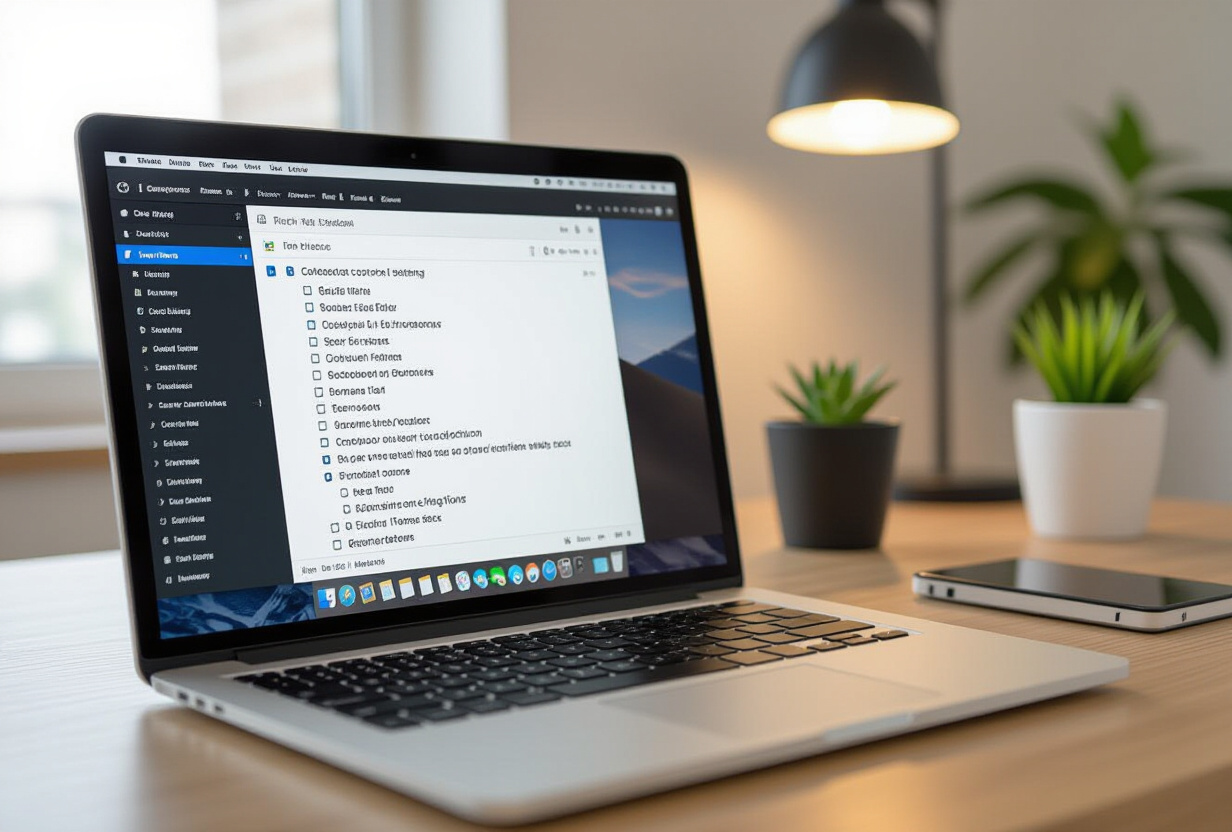
TipTap is a fantastic editor on the web. It's based on ProseMirror, extensible, well-documented, and has an active community. The problem: React Native doesn't have a DOM. TipTap cannot function natively.
The solution I chose: a WebView that embeds the complete TipTap editor. The architecture breaks down as follows:
- WebView side: TipTap runs in a classic web environment, with all its power
- Bidirectional bridge: messages pass between React Native and the WebView via
postMessage/onMessage - JSON serialization: the editor's content is serialized into TipTap JSON, sent to the bridge, then stored as HTML in the database
This pattern isn't ideal — it adds a layer of complexity — but it's the only one that allows for a complete rich editor on mobile without rewriting ProseMirror from scratch.
What features does the editor support?
The TAMSIV editor supports a complete set of formatting:
- Headings (H1, H2, H3) for structuring long memos
- Bold and italics for emphasis
- Bullet and numbered lists
- Code blocks for developers (yes, even in a productivity app)
- Interactive checklists — the core of the collaborative system
The choice was deliberate: no tables, no embeds, no formulas. Each added feature complicates the WebView bridge and increases the risk of bugs. I opted for a powerful but focused editor.
Is the mobile keyboard the biggest technical challenge?
Yes, without a doubt. And if you've ever developed with WebViews on mobile, you know what I'm talking about.
The fundamental problem: when the user types in the WebView, the smartphone's native keyboard opens. But the WebView is not a native component — it doesn't communicate naturally with Android or iOS's keyboard management system. The result:
- The cursor disappears under the keyboard
- Automatic scrolling doesn't follow typing
- View resizing is incorrect
- On some Android devices, the keyboard closes and reopens randomly
The solution required platform-specific code. On Android, I listen for resize events in the WebView and manually adjust the height. On iOS, it's a bit more predictable thanks to KeyboardAvoidingView, but you still have to manually manage cursor scrolling.
I spent almost an entire week solely on keyboard issues. It's the kind of topic invisible to the end-user — when it works, no one notices — but it can ruin the experience if poorly managed.
How do collaborative checklists work?
Checklists are at the heart of TAMSIV's collaborative value. A shared shopping list, meeting minutes with actions, a team protocol — all these use cases rely on checklists. But a collaborative checklist doesn't work like a personal checklist.
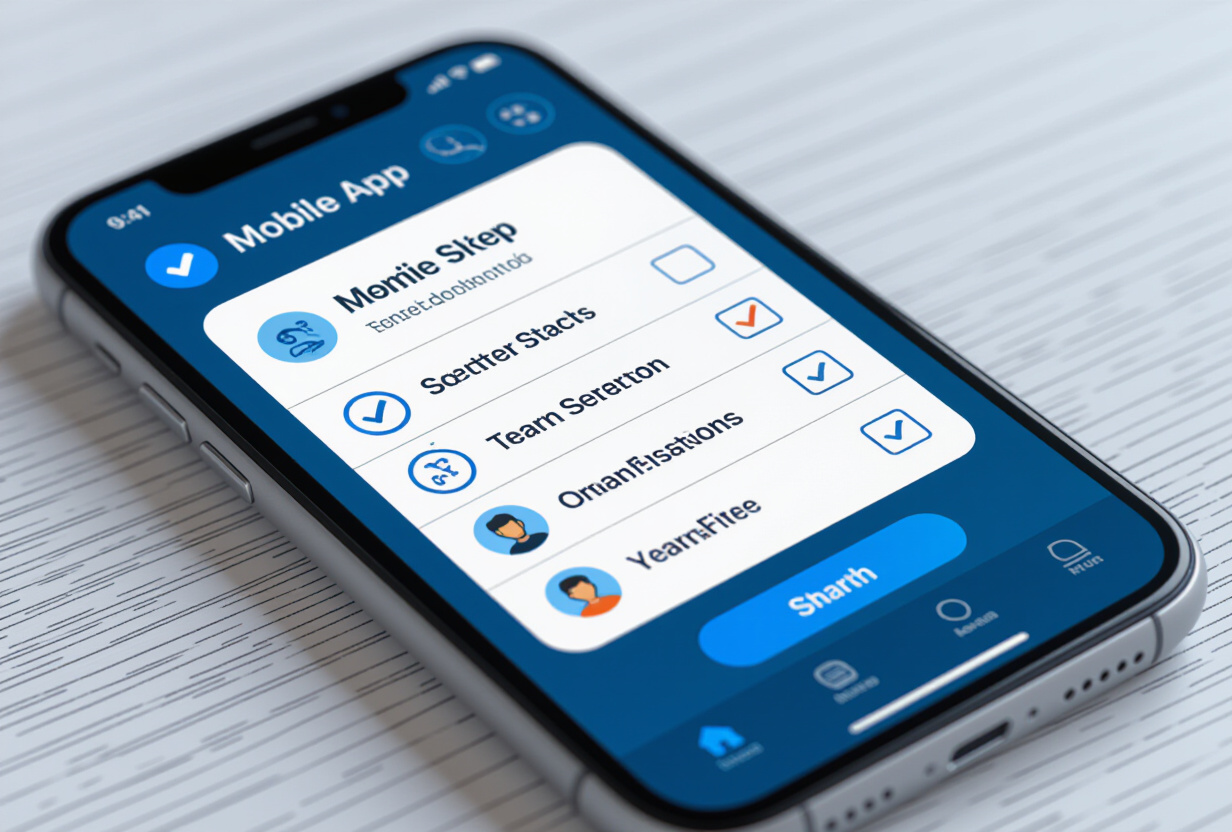
I implemented two validation modes:
"Single" Mode: one is enough
Use case: "Buy coffee." The first team member who does it checks the item. It's done. No need for everyone to confirm — one person is enough.
In the database, it's simple: a boolean is_checked and a checked_by (user UUID). The first one to check "wins."
"Everyone" Mode: everyone must validate
Use case: "Read the meeting minutes." We want to ensure that every team member has read and confirmed. The item is only "done" when 100% of members have checked it.
In the database, it's more complex: a validation table stores the status per user and per item. Each check is independent. The UI displays a progress bar ("3/5 have validated") and colors the item differently depending on the status.
This dual validation system is inspired by what professional tools like Jira or Monday.com do, but adapted for lighter use — family groups, small teams, associations.
How does real-time synchronization work?
Synchronization is the last piece of the puzzle. When two people edit the same memo or check items at the same time, everything needs to remain consistent.
I use Supabase Realtime to propagate changes. The important technical choice: synchronization happens at the individual item level, not the entire document. When you check an item, only that item is updated and propagated — not the whole memo.
Why this choice? Because synchronizing an entire document creates merge conflicts that are impossible to resolve without a system like CRDT (Conflict-free Replicated Data Types). CRDTs are elegant in theory, but they add enormous complexity for a use case that doesn't require it.
The synchronization flow:
- The user checks an item in the WebView
- The bridge sends the change to React Native
- React Native writes to Supabase via the dedicated service
- Supabase Realtime propagates the change to all subscribers
- Other clients receive the update and update their WebView
Typical latency: 200 to 500ms. It's not Google Docs, but it's largely sufficient for collaborative checklists and memos. The important thing is that changes are never lost.
What pitfalls should be avoided with TipTap on mobile?
After three weeks of integration, here are the pitfalls I wish I had known about before starting:
1. The WebView bundle size. TipTap with all its extensions is heavy. I had to be selective about the imported extensions. Each unused extension added weight to the WebView's initial load.
2. Initial loading time. The first opening of the editor is slow (~300ms) because the WebView has to load, parse the HTML, and initialize TipTap. I added a skeleton loader to mask this delay.
3. Memory management. WebViews consume a lot of memory. On entry-level devices (Android Go for example), this can be a problem. I implemented a lazy loading system that only loads the WebView when the user actually opens the editor.
4. Keyboard shortcuts. On tablets with external keyboards, users expect Ctrl+B for bold, Ctrl+I for italics. These shortcuts work natively in the TipTap WebView, but you need to ensure they are not captured by React Native before reaching the WebView.
5. Copy-paste. Content copied from the editor must be correctly formatted as rich text AND plain text. TipTap handles this natively, but the WebView bridge can sometimes break the formatting.
How does the voice pipeline integrate with the editor?
This is where everything connects. TAMSIV's voice pipeline allows you to dictate a memo by voice. The AI transcribes, structures, and generates formatted text. This text arrives in the TipTap editor already structured — with headings, lists, sometimes even pre-filled checklists.
The user can then manually modify the content: add a checklist, reformat a paragraph, insert a code block. It's the combination of voice + rich editor that makes TAMSIV unique. Voice for quick capture, the editor for refinement.
This pattern aligns with what I explain in the article on the voice recorder: voice is a capture tool, not an editing tool. The rich text editor precisely fills this gap.
What alternatives to TipTap exist for React Native?
Before choosing TipTap + WebView, I evaluated other approaches:
- Native Markdown: lighter, but the editing experience is poor on mobile. The user must know Markdown syntax.
- Custom React Native with TextInput: possible for basic bold/italics, but unmanageable for lists, code blocks, and checklists.
- Quill.js in WebView: similar to TipTap, but less extensible and the community is less active.
- Native editor (Swift/Kotlin): best performance, but doubles development work as two codebases need to be maintained.
TipTap + WebView is the best compromise: a single codebase for both platforms, maximum extensibility, and an active community for bugs.
What I learned about editor technical debt
A rich text editor is the kind of feature that seems simple on the surface but hides immense complexity. Each new format supported (tables, inline images, @mentions) adds unforeseen interactions with the rest of the system.
The key lesson: start minimal and add progressively. I launched with headings + bold + lists. Checklists came next. Code blocks even later. With each addition, I validated stability on both platforms before moving to the next.
This is exactly the same philosophy I applied to the architecture refactoring: controlled complexity rather than accumulating technical debt. It also aligns with the principles I detail in the article on database restructuring.
If you're developing a mobile app and considering a rich text editor, my advice: start by validating the mobile keyboard. If that part works, the rest will follow. If it doesn't, no amount of features will save the user experience.
TAMSIV's editor is not the most powerful on the market — Notion and Craft do better. But it's sufficient for the target use case, it works collaboratively, and it integrates natively with the voice pipeline. Sometimes, "sufficient and reliable" is better than "spectacular and unstable."
FAQ
Is TipTap free for commercial use?
Yes. TipTap is open source under the MIT license. The core editor and most extensions are free. Only certain "Pro" extensions (advanced collaboration, comment management) are paid, but they are not necessary for most use cases.
Does the editor work offline?
The editor itself works perfectly offline as it runs in a local WebView. Only real-time synchronization requires a connection. Modifications are queued and synchronized when the network returns.
What is the difference between a "single" and "everyone" checklist?
In "single" mode, only one member needs to check to validate the item (e.g., "buy coffee"). In "everyone" mode, each member must check individually (e.g., "read the meeting minutes"). The mode is configurable per item in the editor.
Is performance adequate on entry-level devices?
Yes, with precautions. Lazy loading of the WebView prevents the editor from loading until it's needed. On the most modest devices, the initial opening time can reach 500ms, but editing remains fluid once loaded.
Why not use a CRDT for synchronization?
CRDTs (like Yjs or Automerge) are powerful but add significant complexity. For collaborative checklists and memos, item-based synchronization via Supabase Realtime is sufficient and much simpler to maintain.