Mobile Lazy Registration: Try Before You Sign Up
The drop-off rate between "download an app" and "create an account" is brutal. Studies show that 40 to 60% of users abandon during registration. You paid for acquisition, the user made the effort to download, and they leave because you ask for their email before they've even seen your first feature.
My solution for TAMSIV: delay registration as much as possible. Let the user try everything — create tasks, dictate memos, explore features — without ever asking for an account. This is called lazy registration, and it's the best UX decision I've made.
Key takeaways:
- Supabase Anonymous Auth creates an invisible account from the first launch
- The user gets a real UUID and the same permissions as a classic account
- Anonymous to real account migration keeps all data intact
- Registration reminders should be contextual, never intrusive
- A maximum of 3 onboarding slides with a visible "Skip" button is sufficient
Why does registration friction kill conversions?
To understand the problem, let's put ourselves in the user's shoes. They discover TAMSIV on the Play Store, the screenshots interest them, they download. The app opens and... registration form. Email, password, email confirmation.
At that moment, the user doesn't know if the app is worth it. They haven't seen anything, tried anything. You're asking for a commitment (their personal data) in exchange for a promise (your app is great). It's an unbalanced deal.
The numbers are clear. According to AppsFlyer, the average post-download registration rate in productivity apps is 45%. This means that more than half of users who download never create an account. This is a huge waste of acquisition budget.
Lazy registration reverses the problem: instead of asking "sign up to try," we say "try it, and sign up if you like it."
How does Supabase Anonymous Auth work?
Upon the first launch of TAMSIV, the app automatically creates an anonymous account via Supabase Anonymous Auth. The user sees nothing — no form, no popup, no loading. But in the background, a real account is created:
- A unique UUID is assigned (identical to a classic account)
- A JWT token is generated for authentication
- RLS policies (Row Level Security) apply normally
- The user can create tasks, memos, use voice — everything works
Technically, the only difference between an anonymous account and a real account: no associated email. The UUID is identical, permissions are identical, storage is identical. For the backend and the database, an anonymous user is just like any other user.
This is elegant because it avoids managing two "modes" in the code. No if (isAnonymous) { ... } condition everywhere. The same services, the same RPCs, the same tables work uniformly.
How to design a minimalist onboarding?
TAMSIV's onboarding is 3 slides. Not 7. Not 10. Three.
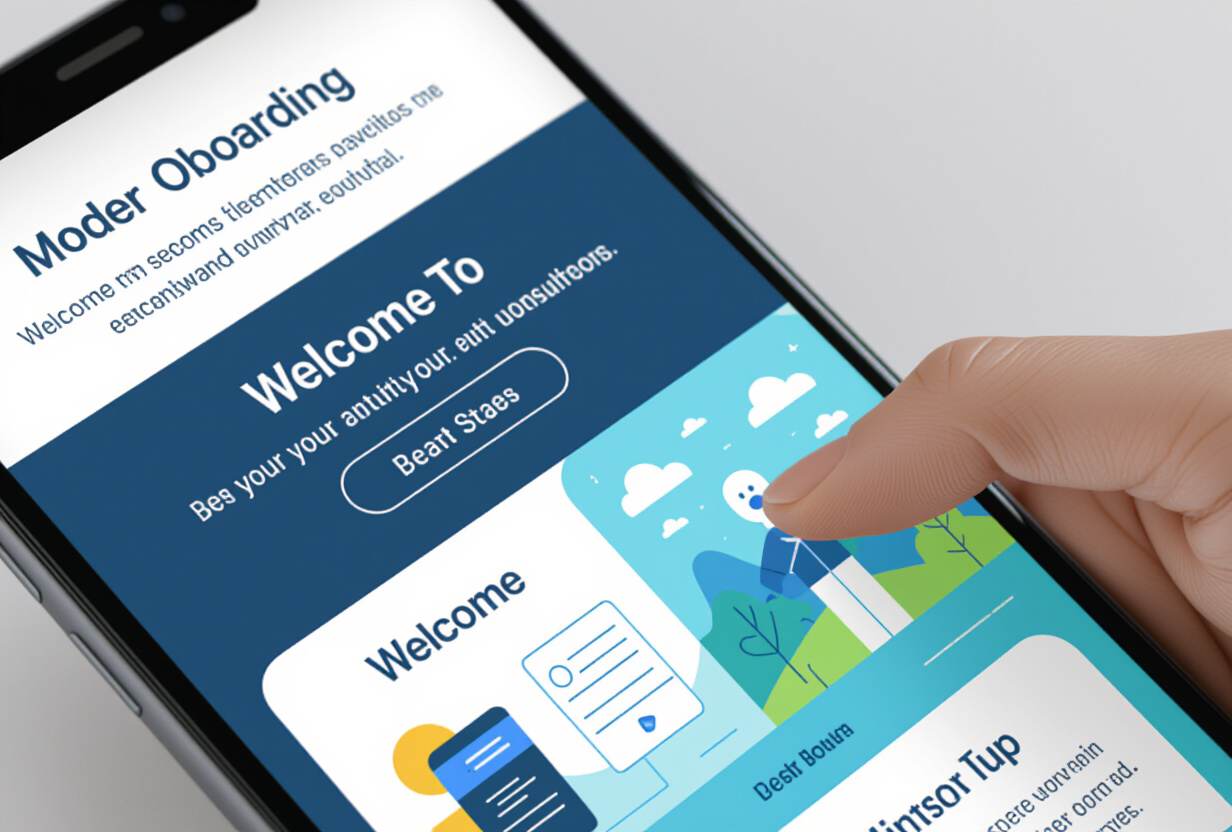
Each slide answers a question:
- "What is TAMSIV?" — One sentence. "Your tasks and memos, by voice."
- "How does it work?" — An animated illustration of the dictaphone.
- "Where to start?" — A direct CTA to the dictaphone.
The "Skip" button is always visible. Always. Impatient users (and there are many) must be able to skip onboarding without friction. Forcing someone to watch 3 slides they don't want to see means losing their trust from the very first seconds.
This minimalist design is inspired by Nielsen Norman Group's recommendations on onboarding: show, don't explain. The most effective onboarding is the one the user immediately forgets because it felt natural.
What are rich empty states and why are they important?
After onboarding, the user arrives in the app. And everything is empty. No tasks, no memos, no activity in the feed. This is a critical moment: either the user understands what to do, or they close the app.
Rich empty states are the solution. Instead of an empty screen with a generic message ("No tasks"), each empty screen contains:
- An engaging illustration (not a generic icon)
- An actionable message: "Tap the microphone to create your first task"
- A direct CTA: a button that immediately launches the action
The empty feed says: "Dictate your first task and watch it appear here." The button directly launches the dictaphone. In one tap, the user is in action.
Empty states serve as an implicit tutorial. No need for a 10-screen guide — each empty screen explains its own functionality. This is in-context coaching, the most effective pattern for mobile learning.
When to ask for registration?
This is the strategic question. Too early, you lose the user. Too late, you never get their email. Timing is a delicate art.
I've identified 4 strategic moments to gently remind about registration:
1. After the 5th task created. The user has invested time. They have content they don't want to lose. The reminder says: "Create an account to save your tasks across all your devices." The fear of loss is a powerful lever.
2. After 3 days of use. The habit starts to form. The reminder is contextual: "You've been using TAMSIV for 3 days — create an account so you don't lose anything."
3. When they try a Pro feature. The subscription system requires an account. The reminder is natural: "This feature is available in Pro — create an account to access it."
4. When they try to join a group. Collaborative groups require an identity. The reminder is functional: "To join a group, create an account so your teammates can recognize you."
The common thread: each reminder provides value. Not "sign up because we want your email," but "sign up because it unlocks something for you." Never intrusive. Always contextual.
How to migrate an anonymous account to a real account?
This is the magic part. Supabase allows you to link an anonymous account to an email without losing any data. The technical process:
- The user clicks "Create an account" (one of the contextual reminders)
- They enter their email and a password
- Supabase "links" the email to the existing anonymous account
- The UUID does not change
- All data (tasks, memos, preferences) remains intact
- The JWT token is renewed with the real account info
For the user, it's invisible. They feel like they're "creating" an account, but in reality, they're "completing" an account that already existed. No data migration, no account merging, no loss. It's magical from a UX perspective.
This is similar to what Firebase Anonymous Auth does, but the Supabase implementation is cleaner because the UUID remains the same. With Firebase, migration can sometimes change the UID, which breaks database references.

What are the risks of lazy registration?
It's not all advantages. Here are the risks I've identified and how I manage them:
Data loss if the app is uninstalled. An anonymous account without an email is an account without a recovery method. If the user uninstalls the app, everything is lost. This is the main risk, and it's exactly why registration reminders are important.
Zombie accounts in the database. Many users will create an anonymous account, try the app for 2 minutes, and never return. This generates orphaned accounts and data. I've implemented automatic cleanup: anonymous accounts inactive for more than 30 days are deleted.
No email for marketing. Without an email, it's impossible to send re-engagement emails, newsletters, or feature notifications. This is a real commercial cost of lazy registration. The compromise: users who sign up are convinced users, not forced users.
Multi-device sync impossible. An anonymous account cannot log in on another device. The user cannot benefit from the QR code auth system or the web app until they create an account. This is precisely one of the conversion levers.
What impact on retention and metrics?
Since implementing lazy registration, metrics have significantly evolved:
- Exploration rate: more than 80% of new users create at least one task (compared to ~40% with mandatory registration)
- Day 1 retention: significant increase — users who tried the app return more often
- Conversion rate to real account: approximately 35% of users eventually sign up (but these are engaged users)
- Quality of registrants: users who sign up after trying the app have significantly higher Day 30 retention than those who signed up immediately
The trade-off is clear: fewer registrations, but higher quality registrations. This is a deliberate choice that aligns with TAMSIV's philosophy: we prefer convinced users over inflated metrics.
How to measure onboarding effectiveness?
TAMSIV's admin dashboard tracks several key metrics:
- Onboarding funnel: how many users see each slide, how many skip
- Time to first action: how much time between opening and the first task created
- Anonymous → real conversion: at what point (day, action) users sign up
- Drop-off rate by stage: which screen makes users leave
"Time to first action" is the most important metric. The shorter it is, the more effective the onboarding. The goal is to get below 60 seconds between the first launch and the first task created. With the voice dictaphone, this is perfectly achievable: open the app, tap the microphone, speak, it's done.
What I learned about mobile UX as a solo dev
Building TAMSIV's onboarding taught me a fundamental lesson: as a solo dev, every friction you add comes at a high cost. You don't have the marketing budget of Todoist or Notion to compensate for mediocre onboarding. Every user lost during registration is a user you can't afford to get back.
Lazy registration isn't just a technique — it's a philosophy: trust your product. If your app is good, users will sign up naturally. If it's not, forcing registration won't change anything.
This is the same logic I applied to the referral system: the best acquisition is word-of-mouth from satisfied users. And satisfied users start with an onboarding that respects their time.
FAQ
Is Supabase Anonymous Auth free?
Yes, Anonymous Auth is included in Supabase's free plan. Anonymous accounts count as normal users in the quota (50,000 MAU on the free plan). Automatically cleaned inactive accounts do not affect quotas once deleted.
Is anonymous account data secure?
Yes. The same RLS (Row Level Security) policies apply. An anonymous user can only access their own data. The only difference: without an email, the account cannot be recovered if the app is uninstalled.
Can lazy registration be combined with social login (Google, Apple)?
Yes. Supabase allows linking an anonymous account to an OAuth provider (Google, Apple, GitHub). The process is identical to linking by email: the UUID remains the same, data is preserved.
How long should inactive anonymous accounts be kept?
TAMSIV deletes anonymous accounts after 30 days of inactivity. This is a balance between giving the user time to return and avoiding the accumulation of orphaned data. Accounts with content (tasks, memos) are kept longer.
Does lazy registration work for all apps?
No. Apps that require an identity from the start (messaging, social networks, fintech) cannot use this pattern. It is ideal for utility, productivity, or content apps where the user can derive value before identifying themselves.