Contextual search and swipe: complete UX guide
A mobile app is judged in seconds. Not in features. Not in the number of buttons. In seconds — the time it takes you to find what you're looking for and do what you want to do. That's why I've invested so much time in contextual search and swipe navigation in TAMSIV.
Key takeaways:
- Unified search queries tasks and memos simultaneously, weighted by relevance and recency.
- Contextual search prioritizes results from the current context (group, folder) without excluding others.
- Swipe-to-dismiss with a 100px threshold is the sweet spot between accidental and intentional gestures.
- An app's fluidity is the sum of hundreds of invisible UX micro-decisions.
Why is search the primary indicator of an app's quality?
When a user opens a productivity app, they're looking for something. A task, a memo, a piece of information. If the search is slow, poorly targeted, or absent, the entire app feels broken. This is a fact that the Nielsen Norman Group has documented for years.
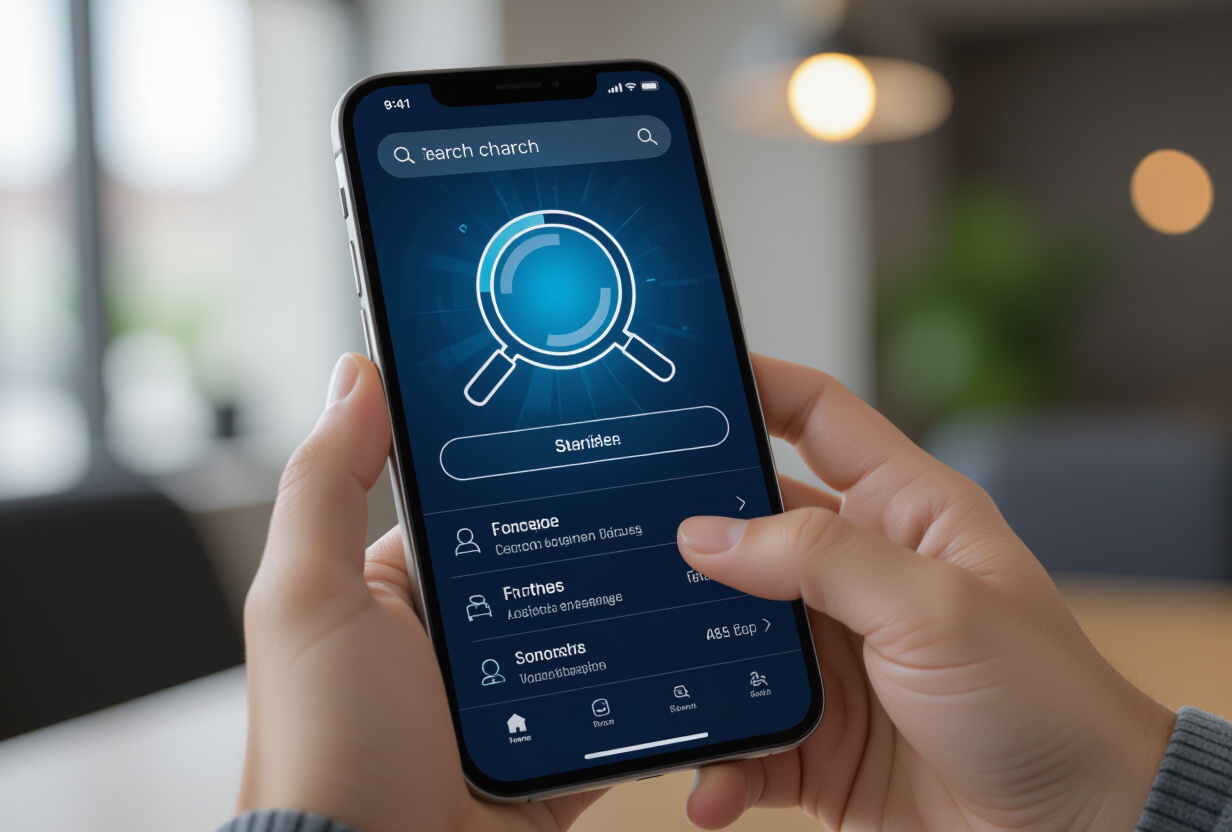
In TAMSIV, search isn't just a basic text field at the top of the screen. It's a unified system that simultaneously queries tasks, memos, and calendar events, across all contexts accessible to the user.
The SearchService is a singleton that centralizes all search requests. It uses PostgreSQL's full-text search via Supabase for fast and relevant results, even with thousands of items.
How does search result weighting work?
Not all results are equal. When you type "meeting," you probably want tomorrow's meeting, not one from 3 months ago. The weighting system considers two axes:
- Textual relevance: title > content > checklists. A match in the title is worth more than a match in the body. PostgreSQL
ts_rankhandles this natively. - Recency: recently created or modified items are boosted. A decreasing coefficient based on the last modification date penalizes older results.
This dual ranking is crucial. Without it, a search for "report" would return 200 results in an incomprehensible order. With it, the first 3 results are almost always the right ones.
I optimized this system with the content cache to avoid costly queries with every keystroke. The 300ms debounce combined with the memory cache makes search almost instantaneous.
What is contextual search and why does it change everything?
"Classic" search treats all results equally. You search for "budget," and you get all items containing "budget" throughout the app. This is correct but unhelpful when you're actively working in a specific group.
TAMSIV's contextual search works differently: it prioritizes results from the current context without excluding others. If you're in a "Marketing" group, results from that group appear first, followed by personal results, then other groups.
How does it work technically?
- The
SearchServicereceives the current context (group ID, view type) as a parameter - The query adds a relevance boost for items within the current context
- Results are sorted: current context → personal → other groups
- No results are filtered — only the order changes
This behavior is inspired by the FilterBar of the agenda system, which applies the same principle of contextual filtering. The user first sees what is relevant to their current work context.
It's a subtle UX detail that isn't consciously noticed, but it makes all the difference between an app where you find everything immediately and an app where you struggle.
How to implement reliable swipe-to-dismiss in React Native?
Swipe-to-dismiss is a navigation pattern users love — when it works well. The swipe gesture from the edge of the screen to go back has become a reflex on mobile.
In TAMSIV, I implemented this pattern on all detail screens (task, memo, event) with a specific technical stack:
GestureDetectorfrom react-native-gesture-handler for gesture detectionAnimated.Viewfor fluid slide animation- A custom
useSwipeGesturehook that encapsulates all the logic
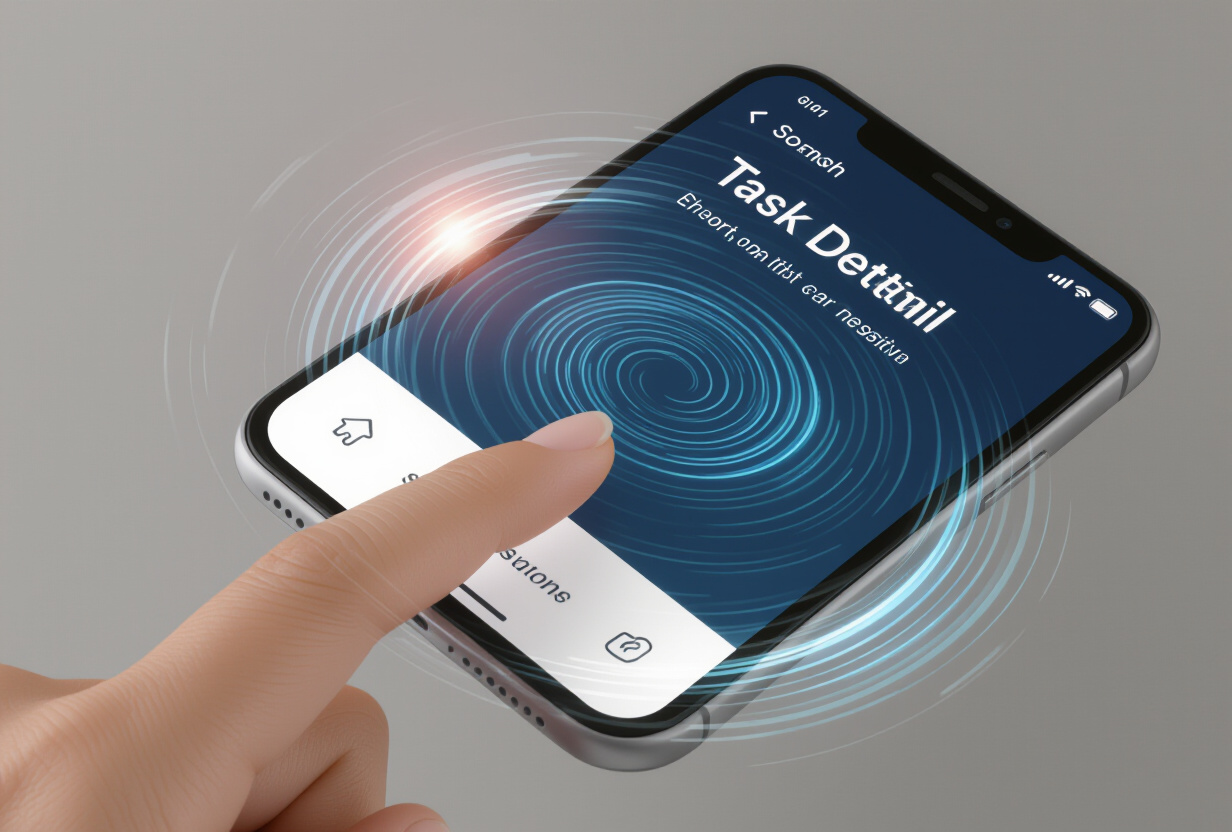
The critical point: the trigger threshold. Too low (30px), the swipe triggers accidentally when scrolling. Too high (200px), the user has to force it, and the experience is painful.
After dozens of tests, I calibrated the threshold to 100 pixels. This is the sweet spot — high enough to avoid false positives, low enough to feel natural. This threshold is combined with a minimum velocity: a slow swipe, even beyond 100px, does not trigger the back action.
A classic pitfall in React Native: you must always use components from react-native-gesture-handler (TouchableOpacity, FlatList, ScrollView) within GestureDetector areas, never those from react-native. Otherwise, gestures conflict, and the swipe no longer works. This is a gotcha I discovered the hard way and documented in the project conventions.
What micro-UX decisions separate a prototype from a product?
An app's fluidity isn't a feature. It's the sum of hundreds of micro-decisions. Each is individually invisible. Together, they make the difference between "this app is good" and "this app is great."
Here are the micro-decisions that have the most impact in TAMSIV:
- The 300ms search debounce: no request with every keypress. The user finishes typing, then the search starts. Imperceptible, but it reduces the number of requests tenfold.
- Persistent results during loading: when you modify your query, the old results remain visible until the new ones arrive. No white flash.
- The 250ms transition animation: the sweet spot for screen transitions. Faster feels rushed, slower feels sluggish. Material Design confirms this range.
- Haptic feedback on swipe: a slight vibration when the threshold is reached confirms the action without looking at the screen.
- Preserved inertial scroll: when you swipe back, the list is at the same position as before. No jumping back to the top.
Each of these decisions took time to refactor. But this is exactly what transforms a functional app into an app people use every day.

How to measure the fluidity of a mobile application?
Fluidity isn't just measured in FPS. Here are the metrics I monitor in TAMSIV:
- Time-to-first-result: the time between the first letter typed and the display of the first search result. Goal: < 200ms.
- Gesture recognition rate: the percentage of correctly detected swipes vs. false positives. Goal: > 98%.
- Navigation depth: the number of taps needed to reach any content. Goal: 3 taps maximum.
- Perceived performance: the feeling of speed, regardless of raw metrics. Animations and interaction design play a major role.
The admin dashboard allows me to track these metrics in real-time and detect regressions before users report them.
What is the impact of voice search on navigation?
Text search is only part of the equation. With the integrated voice recorder, TAMSIV offers an even faster alternative: implicit voice search.
When you say "where is last week's marketing report?", the AI doesn't just create an item — it searches your existing data and responds to you. It's the voice pipeline that processes this request, not the SearchService, but the result is the same: you find what you're looking for without typing.
The combination of text search + voice search + swipe navigation creates an experience where the app fades into the background, letting you focus on the action. You no longer think about the interface — you just do what you need to do.
FAQ
Does TAMSIV's search work offline?
Search uses a local memory cache that stores recent results and frequently accessed items. For a complete search with up-to-date results, a connection is required because full-text search is executed server-side via Supabase.
Can I search within checklists and attachments?
Yes, search covers titles, the content of tasks and memos, as well as checklist items. Attached file names are also indexed. The system weights results to prioritize matches in titles.
Does swipe-to-dismiss work everywhere in the app?
Swipe-to-dismiss is active on all detail screens: task detail, memo detail, calendar event detail. It is not active on main navigation screens (tabs) to avoid conflicts with tab-switching swipes.
How does search handle private vs. shared groups?
Search strictly adheres to Supabase's RLS policies. You only see results you have access to: your personal items and items from groups you are a member of. Contextualization only affects the order, never permissions.