Rate limiting and JWT WebSocket: securing before launch
I have a strong belief: security is done before launch, not after. Waiting for users to secure your app is like installing a lock after a burglary. Here's how I implemented rate limiting and JWT authentication on TAMSIV's WebSockets — even before having a single user.
Key takeaways:
- HTTP (100 req/15min/IP) and WebSocket (10 conn/min + 60 msg/min/user) rate limiting protect against abuse and unexpected costs.
- JWT authentication is required from the WebSocket connection — not after.
- Securing early costs less in time and money than securing late.
- Each WebSocket message can trigger 3 paid APIs — rate limiting protects your budget.
Why secure an app before having users?
The short answer: because of costs. Each WebSocket call in TAMSIV can potentially trigger three paid APIs: Deepgram for STT, OpenRouter for the LLM, and OpenAI for the TTS. Without rate limiting, a malicious script — or even a simple bug — could generate hundreds of euros in bills overnight.
The long answer: because of architecture. Adding rate limiting after the fact means refactoring code everywhere. Doing it from the start means a clean middleware that integrates naturally into the voice pipeline.
And if you start with "we'll see later" for security, you'll never do it. This is a principle I learned building TAMSIV as a solo developer — every technical shortcut costs a hundredfold.

How to implement HTTP rate limiting on Express?
TAMSIV's Express backend exposes a few REST endpoints (image generation, push notifications, administration). Without protection, these endpoints are vulnerable to brute force and DDoS.
I configured a simple but effective rate limiter: 100 requests per 15 minutes per IP. Here's the reasoning:
- 100 requests: sufficient for normal use (an active user rarely makes more than 20 requests in 15 minutes), with a margin for peaks
- 15 minutes: sliding window. Shorter (1 minute) would be too restrictive. Longer (1 hour) would let too many abusive requests through.
- Per IP: the simplest and most universal method. Solutions based on user-id do not protect against unauthenticated users.
In practice, the express-rate-limit middleware installs in 5 lines. The Retry-After header informs the client of the waiting time. HTTP code 429 (Too Many Requests) is the standard response. This is an OWASP recommendation that every backend should implement.
Why is WebSocket rate limiting a real challenge?
HTTP is easy. WebSocket is another story. The connection is persistent and messages arrive in a continuous stream. You can't just count "requests" — each audio segment generates a message, and the STT sends intermediate results in streaming.
I implemented two levels of protection:
- 10 connections per minute per user: prevents connection flooding. A normal user opens 1-2 connections per session. 10 is a comfortable margin that catches scripts.
- 60 messages per minute per user: limits the message flow on an active connection. This seems like a lot, but in audio streaming, chunks arrive quickly.
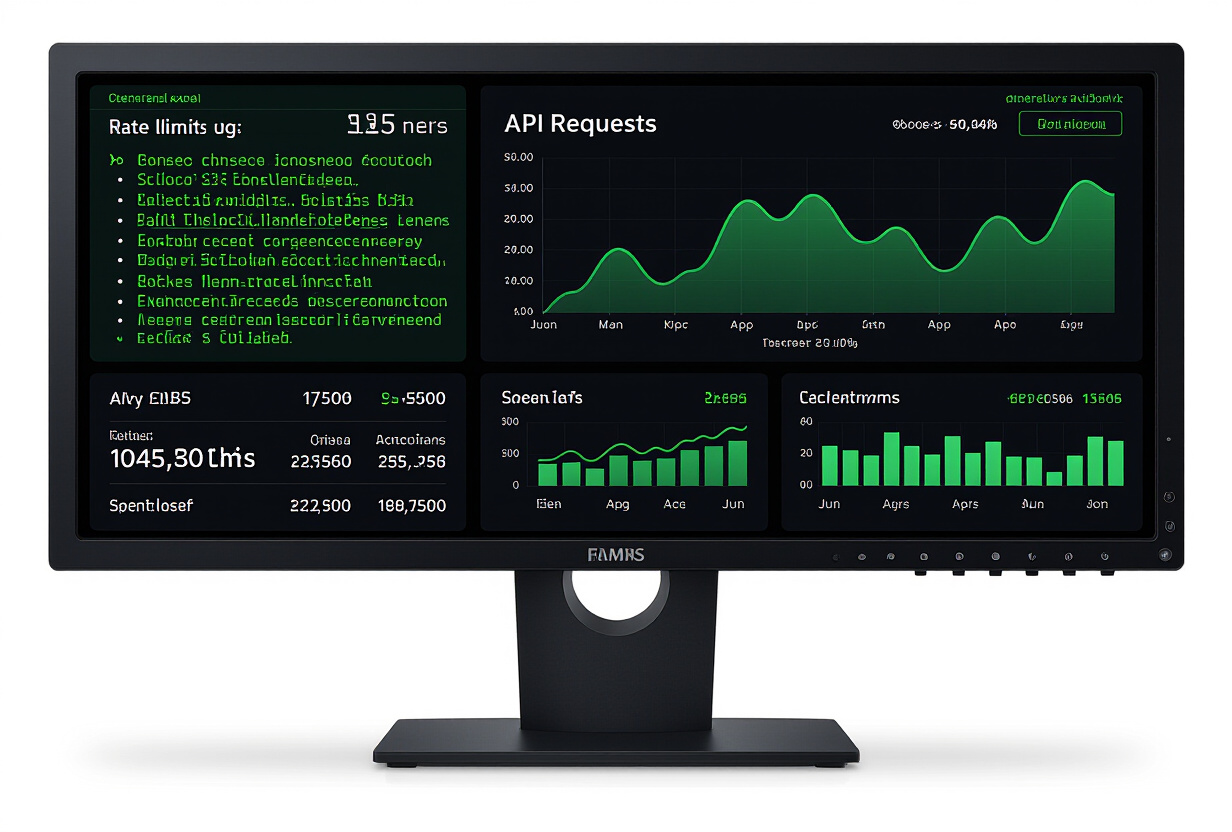
Why 60 messages per minute? Because during an active voice conversation, the client sends audio chunks every second. With native STT or Deepgram, intermediate results are added. 60 messages leave a safety margin while blocking obvious abuses.
The additional difficulty: counting must be per user, not per connection. A malicious user could open 9 connections and send 59 messages on each, bypassing a per-connection rate limit. Counting by user-id (extracted from the JWT) solves this problem.
How to secure JWT authentication on WebSockets?
WebSocket authentication is fundamentally different from HTTP. With HTTP, you send the token in the Authorization header with each request. With WebSocket, authentication happens only once, at connection.
In TAMSIV, the Supabase JWT token is required from the connection:
ws://backend:3001?token=eyJhbGciOiJIUzI1NiIs...The server verifies the token before accepting the connection. If the token is invalid, expired, or missing: connection immediately refused. No detailed error message (to avoid information leaking), just a WebSocket close code 4401.
Why is the token in the query string and not in a header? Because the browser's WebSocket API does not support custom headers at connection. This is a known limitation of the protocol. The alternative is to send the token as the first message, but that leaves a window where the connection is unauthenticated — unacceptable for TAMSIV.
The token is also available via the Authorization: Bearer xxx header for clients that support it (like Node.js libraries). The server accepts both methods.

What are the real costs of a security breach for a solo developer?
For a startup or a solo developer, a security breach is not just a technical problem — it's a financial problem. Here are the scenarios that rate limiting prevents:
- Scenario 1 — Client bug: an infinite loop on the frontend sends thousands of WebSocket messages. Without rate limiting: explosive API bill. With: 60 messages max, then blocking.
- Scenario 2 — Malicious script: someone uses the API to generate content via the LLM. Without rate limiting: unlimited use at your expense. With: blocked after 100 requests/15min.
- Scenario 3 — Light DDoS: a bot hammers the endpoints. Without rate limiting: overloaded backend, inaccessible app. With: excessive requests are rejected before reaching the business logic.
The admin alerts system I set up sends an email via Resend when a user reaches 80% of the rate limit. This allows me to intervene before the problem becomes critical.
How to test application security before launch?
TAMSIV's security audit covered several areas:
- Rate limiting verification: test scripts that send bursts of requests and verify that blocking triggers at the correct threshold.
- JWT validation: tests with expired, malformed, modified (tampering) tokens, and tokens from other Supabase projects.
- RLS policies: verification that each table in the database schema has correct access policies. More than 30 RLS policies tested individually.
- Input sanitization: verification that WebSocket messages are valid and that injections are blocked.
- CORS configuration: only authorized domains (tamsiv.com, dev IPs) can connect to the backend.
These tests are part of the backend's automated test suite. Each deployment via railway up verifies that security has not regressed.
What are the best security practices for WebSockets in production?
Here's the checklist I followed for TAMSIV, based on OWASP recommendations:
- Authentication at connection: JWT verified before accepting the WebSocket upgrade
- Two-level rate limiting: connections and messages, both per user
- Message validation: each message is validated (format, maximum size, type) before processing
- Security timeouts: inactive connections closed after 5 minutes. The AudioPlayerService also has a 30-second timeout for cleanup.
- Anomaly logging: each rate limit reached, each failed connection attempt is logged for analysis
- Strict CORS: whitelist of authorized origins, updated with each domain change
- Mandatory TLS: in production, only
wss://is accepted
This security-first approach aligns with the project's clean architecture philosophy. Security is not an added layer — it's an architectural component just like routing or the database.
What impact does rate limiting have on user experience?
A well-configured rate limit is invisible to the normal user. Thresholds are calibrated so that legitimate use never reaches them. But when a user does reach them, the experience must remain clear:
- HTTP side: 429 code with
Retry-Afterheader and explanatory message - WebSocket side: generic error message before connection closure
- Frontend side: non-blocking notification informing the user to slow down
The notifications system handles these cases gracefully. The user knows what's happening without being abruptly blocked.
FAQ
Does rate limiting affect streaming voice conversations?
No, for normal use. The 60 messages per minute threshold is calibrated to accommodate audio streaming and intermediate STT results. A user speaking normally will never exceed this threshold. If the threshold is reached, it's a sign of a client bug or abusive use.
How does TAMSIV handle expired JWT tokens during a session?
The Supabase JWT token has a one-hour lifespan. The frontend client automatically refreshes the token before expiration. If the WebSocket connection uses an expired token, the server returns a specific close code and the client reconnects with a new token.
Is rate limiting configurable per user?
Default thresholds apply to all users. The admin dashboard allows viewing users approaching limits and adjusting global thresholds if necessary. A planned evolution will allow differentiated thresholds per subscription plan (Free vs Pro vs Team).
Why not use a third-party service like Cloudflare for rate limiting?
Cloudflare handles HTTP rate limiting well but does not cover WebSockets granularly. Application-level rate limiting in TAMSIV allows fine-grained control per user and per message type, which an external WAF cannot offer. The two approaches are complementary.
How to verify that rate limiting is working correctly?
The backend includes automated tests that simulate bursts of requests and verify that HTTP 429 responses arrive at the correct threshold. Production logs show the number of blocked requests per day, allowing continuous adjustment of thresholds.