RevenueCat Subscriptions: 16 Edge Cases and Sleepless Nights
Key points: Implementing in-app subscriptions with RevenueCat seems simple: three tiers, one SDK. In reality, it involves 16 edge cases for plan changes, French legal obligations for displaying prices inclusive of tax, and a PurchaseService singleton that must handle real-time purchase restoration. Here's everything the documentation doesn't tell you.
When I decided to monetize TAMSIV, the choice of RevenueCat was obvious. They handle the complexity of app stores for you — Google Play receipts, server-side validation, subscription tracking. Well, in theory.
In practice, I spent three weeks on the implementation. Not because of RevenueCat itself (the SDK is well-made), but because of all the edge cases that no one mentions in tutorials. Here's the full feedback.
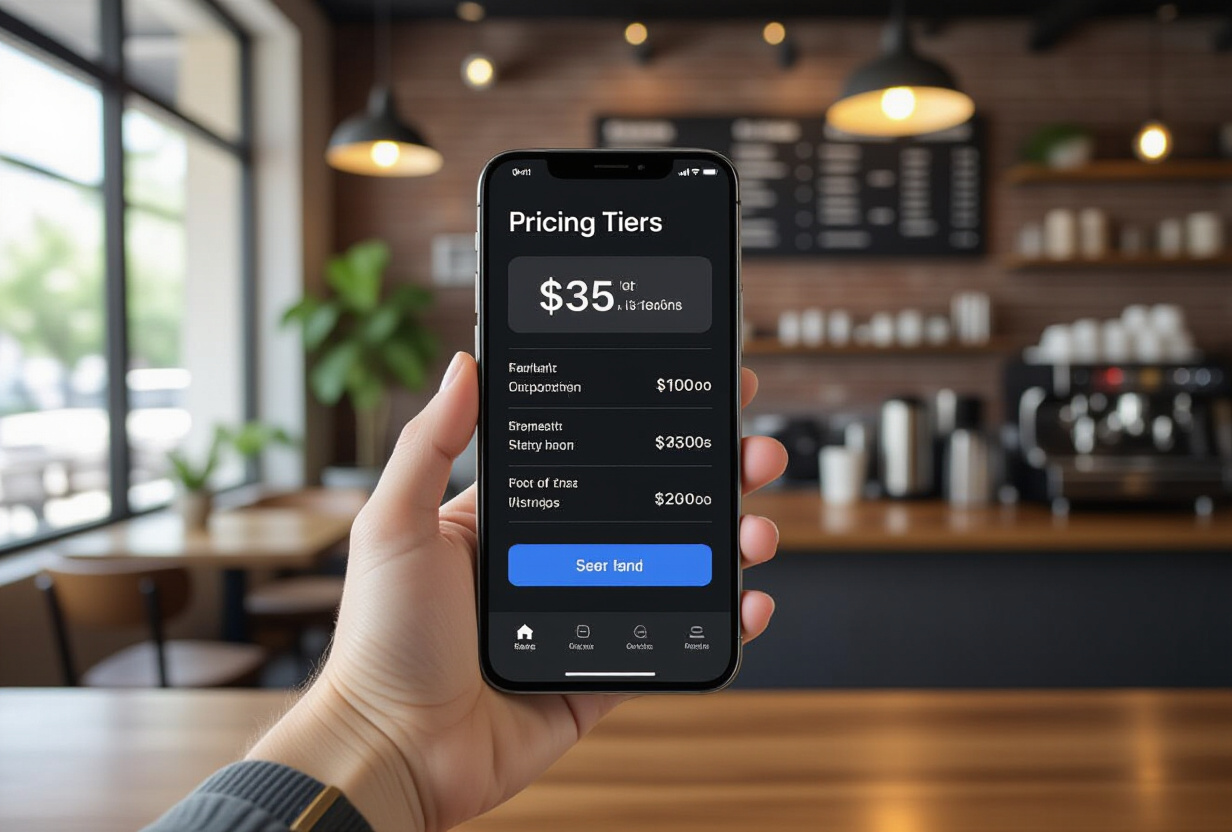
How to structure the subscription tiers of an AI app?
TAMSIV offers three plans:
- Free — Access to basic features with daily limits. Enough to discover the app, not enough for intensive use.
- Pro — Everything unlocked: AI image generation, Deepgram cloud STT (better than native in noisy environments), unlimited memos, all TTS voices.
- Team — The complete collaborative layer: hierarchical groups on 6 levels, assignments, group checklists, advanced permissions.
The choice of three tiers is not arbitrary. Studies show that three options maximize conversion — the anchoring effect pushes users towards the middle plan. Free attracts, Pro converts, Team monetizes teams.
The planLimits.ts file
On the code side, a config/planLimits.ts file centralizes all feature gates. Each feature checks the active plan before executing:
// Simplified example
const PLAN_LIMITS = {
  free:  { dailyVoiceTasks: 5,  aiImages: 0,  cloudSTT: false },
  pro:   { dailyVoiceTasks: -1, aiImages: 20, cloudSTT: true  },
  team:  { dailyVoiceTasks: -1, aiImages: 50, cloudSTT: true  },
};
This single file is the source of truth. No scattered if (plan === 'pro') conditions in the code — everything goes through the configured limits. When I modify a plan, I touch only one file.
What are the 16 edge cases for plan changes?
This is where it gets nightmarish. A user can:
- Upgrade: Free → Pro, Free → Team, Pro → Team
- Downgrade: Team → Pro, Team → Free, Pro → Free
- Change period: Monthly → Annual, Annual → Monthly
- Combine both: Upgrade + period change
- Cancel: With access until the end of the period
- Reactivate: Before or after expiration
- Restore: On a new phone
I counted 16 distinct cases. For each, you need to manage:
- Activation time: An upgrade takes effect immediately. A downgrade is deferred until the end of the current period.
- Proration: Google Play automatically calculates proration for upgrades. But you need to display it correctly in the UI.
- Real-time feature gate update: When a user upgrades, new features must unlock instantly, without restarting the app.
- Correct display: The right plan, the right expiration date, the right price, the right status.
Three days of testing to cover everything. It's tedious, methodical, and absolutely essential. Miss just one case, and you'll receive an email from an angry user who paid for Pro and is still on Free.

How to manage French legal obligations for subscriptions?
If you sell in France, the DGCCRF imposes strict rules:
- Mandatory price inclusive of tax: In France, prices are always displayed inclusive of all taxes (TTC) for consumers. App stores provide localized prices, but you must ensure the display complies with legislation.
- "Prix TTC" mention: The text must be explicit.
- Link to Terms and Conditions: The General Terms and Conditions of Sale must be accessible from the payment screen.
- Information on the right of withdrawal: For digital purchases, the right of withdrawal applies under certain conditions. You must inform the user of this.
- Commitment period: The user must clearly know if they are subscribing to a monthly or annual subscription, and how to cancel it.
Failure to comply with these rules risks app rejection by Google or a fine from the DGCCRF. TAMSIV's Terms and Conditions and legal notices are accessible from the website and from within the app.
How to architect the PurchaseService in React Native?
Everything goes through a singleton PurchaseService. This is the pattern I use for all services in TAMSIV — ConversationService, CalendarService, GamificationService, all follow the same model (I talk about it in the article on clean architecture refactoring).
The PurchaseService does 4 things:
- Initializes RevenueCat at app startup with the project's API key.
- Listens for state changes: upgrade, downgrade, expiration, restoration. Each change triggers an update of the feature gates.
- Exposes the active plan via a hook:
usePurchase()returns the current plan, expiration date, and available features. - Synchronizes with Supabase: The active plan is also stored in the database so the backend can verify permissions (for example, limiting the number of voice requests for the Free plan).
Purchase restoration
This is the trickiest case. A user changes phones, reinstalls the app, and expects to find their Pro subscription. RevenueCat handles this via restorePurchases(), but timing is critical: restoration can take a few seconds, during which the user is in Free mode. If you don't manage this intermediate state, the user sees an "Upgrade to Pro" screen even though they are already Pro.
The solution: an explicit "loading" state at startup, which blocks the display of feature gates until RevenueCat has confirmed the active plan.
What metrics to track for subscriptions?
RevenueCat provides an excellent dashboard. The metrics I track daily:
- MRR (Monthly Recurring Revenue): The monthly recurring revenue. The queen metric.
- Free → Pro conversion: What percentage of free users upgrade?
- Churn rate: How many subscribers cancel each month?
- Trial conversion: If you offer a free trial, what percentage converts?
- Revenue per user: The average revenue per active user.
These metrics feed the admin dashboard I built to monitor project health in real time.
What errors to avoid with RevenueCat?
Here are the pitfalls I fell into:
- Not testing in sandbox: Google Play has a sandbox mode for purchases. Use it systematically. A payment bug in production means a refund + a lost user.
- Forgetting existing user migration: If you add subscriptions to an existing app, current users must be properly migrated to the Free plan. No silent downgrades.
- Not handling airplane mode: RevenueCat caches the active plan locally. But if the user is offline during an upgrade, feature gates can be out of sync. Plan for a reconciliation mechanism when back online.
- Ignoring webhooks: RevenueCat sends webhooks for every event (purchase, cancellation, renewal). The backend must process them to keep Supabase synchronized.

How does the referral system interact with subscriptions?
TAMSIV has a referral system that offers a free month of Pro or Team when a user invites a friend. This adds a layer of complexity: the RevenueCat promo code must be applied correctly, the free month must start at the right time, and the return to the original plan must be seamless.
The referral + subscription interaction generated 3 of the 16 edge cases mentioned above. It's an excellent growth lever, but it requires careful implementation.
FAQ
Why RevenueCat instead of the native Google Play Billing API?
The native Google Play Billing API is complex, poorly documented, and changes regularly. RevenueCat abstracts this complexity with a clean SDK, an analytical dashboard, and multi-platform support (Android + iOS). The cost (free up to $2.5k MRR, then 1% of revenue) is negligible compared to the development time saved.
Should I offer a free trial?
It depends on your model. For TAMSIV, the Free plan is already a permanent trial of basic features. A 7-day free trial of Pro is being tested — initial data shows a higher conversion rate, but also more churn after the trial.
How to display prices in multiple currencies?
Google Play provides localized prices via the API. RevenueCat exposes them in offerings.current.availablePackages. You don't have to manage currency conversion yourself — the store always displays the local price. In France, it's in euros inclusive of tax.
What happens if Google Play is down?
RevenueCat caches the active plan on the device. If Google Play is temporarily unavailable, the user retains access. The risk is minimal because Google Play has 99.99% uptime. But the PurchaseService provides a fallback to the local cache in case of an API timeout.
How to manage VAT for international sales?
The store manages VAT, not you. Google Play collects and remits VAT according to the buyer's country. You receive the net amount. But you still need to display prices inclusive of tax in the app and comply with the display rules of the user's country.