How to Build a Collaborative Calendar with Filters
TAMSIV's calendar started as a simple component: a list of events, a calendar, a day view. Then collaborative groups arrived. Suddenly, an event was no longer personal — it could have participants, invitations, statuses. And with 15 people in an active group, the calendar became unreadable without filters.
I had to rethink the whole thing: a participant system with invitations and notifications, advanced filters to navigate the flow, multi-day events, and a private overlay to see personal commitments in the group context. The calendar became TAMSIV's most complex component — but also the most useful for daily use.
Key takeaways:
- A collaborative calendar requires a participant system with statuses (invited, accepted, declined)
- Advanced filters are essential as soon as group activity exceeds 10 events/week
- Multi-day events require span calculation with timezone management
- The private overlay in the group calendar preserves confidentiality while avoiding conflicts
- 5 calendar views (day, 3-day, week, month, list) cover all use cases
Why isn't a personal calendar enough in a collaborative app?
As long as TAMSIV was a strictly personal app, the calendar was simple. You create an event, you see it in your calendar, period. But when I added hierarchical groups, everything changed.
In a group (family, team, association), events are shared. A meeting, a family dinner, a sports match — everyone needs to see it. But not everyone wants to see all events. The manager wants to see their team's meetings, not the bowling group's outings. The parent wants to see the children's activities, not their spouse's professional meetings.
This is where filters and the participant system become essential. Without them, the collaborative calendar is useless noise.
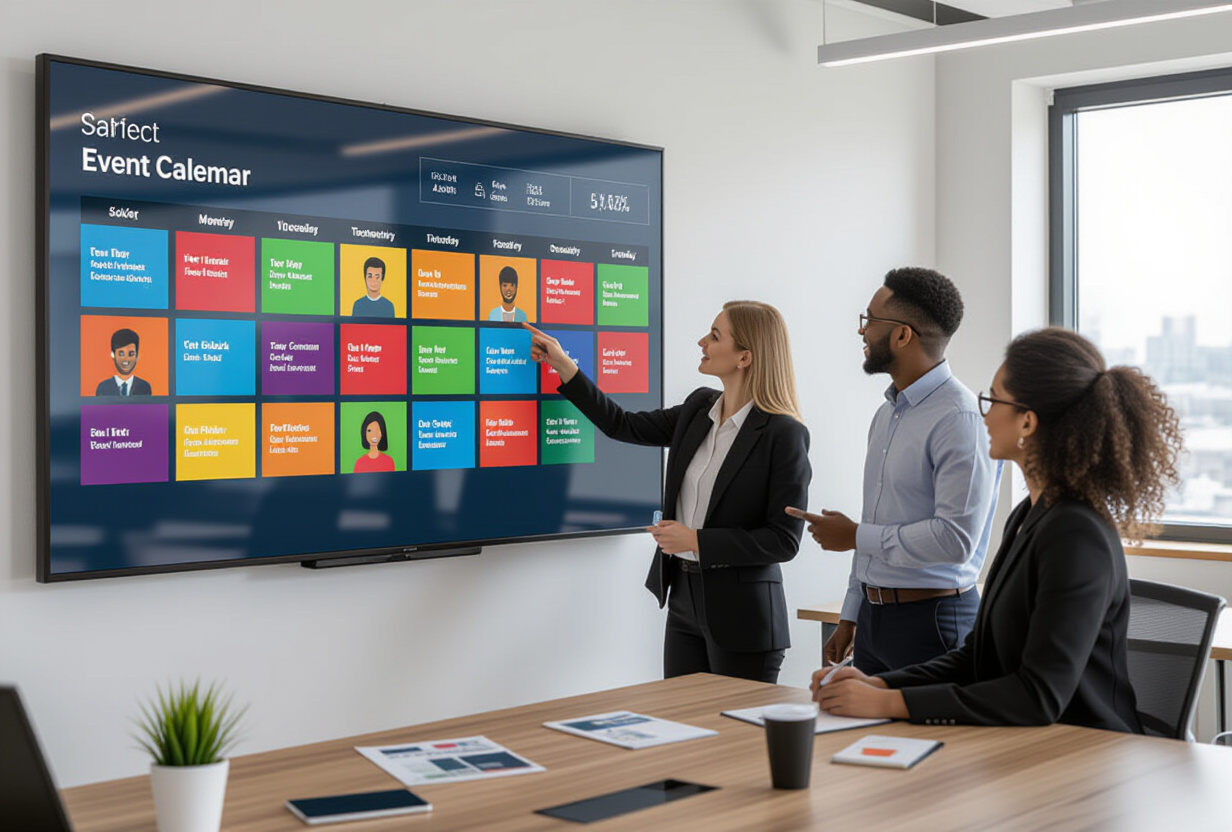
How does the participant system work in TAMSIV?
Each event in TAMSIV can have participants invited from among the group members. The architecture relies on a join table in the collaborative schema:
-- Simplified table
calendar_event_participants (
  id UUID PRIMARY KEY,
  event_id UUID REFERENCES privat.calendar_events,
  user_id UUID REFERENCES auth.users,
  status TEXT CHECK (status IN ('invited', 'accepted', 'declined')),
  invited_at TIMESTAMPTZ,
  responded_at TIMESTAMPTZ
)
The invitation flow is as follows:
- The creator adds participants during event creation or editing. They choose from group members via a picker.
- Push notification: Each invited participant receives an FCM notification with the event title, date, and a button to accept or decline.
- Response: The participant accepts or declines. Their status is updated in real-time in the database.
- Visibility: The event appears in the calendar of all participants (invited, accepted). Declined participants no longer see it (unless they change their mind).
This is a flow similar to what you find in Google Calendar, but adapted to the context of TAMSIV's hierarchical groups. The main difference: participants are limited to group members, not just any email address.
What advanced filters are essential in a group calendar?
The calendar's FilterBar offers three filtering modes:
- "All": Displays all group events. Useful for an overview, but quickly noisy in an active group.
- "My creations": Only displays events you have created. Useful for checking that your own events are well-planned.
- "Participating": Only displays events where you are a participant (invited or accepted). This is the most used mode — it answers the question "What do I need to be present for?".
These filters apply in real-time, without page reload. The ContentCacheService stores events in cache, and filters operate client-side on cached data. The result: a filter change is instantaneous, even with hundreds of events.
In addition to participation filters, the FilterBar offers TAMSIV's 3 classic contexts:
- Private: Your personal events only
- Shared: Events from groups you belong to
- All: Fusion of both views
These filters are consistent with those of the feed and tasks. The user finds the same navigation paradigms throughout the app.
How to manage multi-day events in a calendar component?
A "Conference Monday→Wednesday" event must appear on 3 days in the calendar view. This seems trivial, but the implementation is full of pitfalls.
The AgendaView component calculates spans — the duration in days of each event. For each day displayed, it determines which events cover it and positions them visually:
- Day view: The multi-day event appears as a banner at the top, above the timed events.
- Week view: The event extends horizontally across the columns corresponding to the days covered.
- Month view: Same principle, with a truncation system if too many events overlap.
- List view: The event appears only once, with its start and end dates.
The main pitfall: time zones at day boundaries. Does an event that starts at 11 PM on Monday in UTC+1 and ends at 2 AM on Tuesday cover 1 day or 2? The answer depends on the user's time zone. I opted for a simple logic: an event covers a day if it has at least one hour of presence in that day, in the user's local time zone.
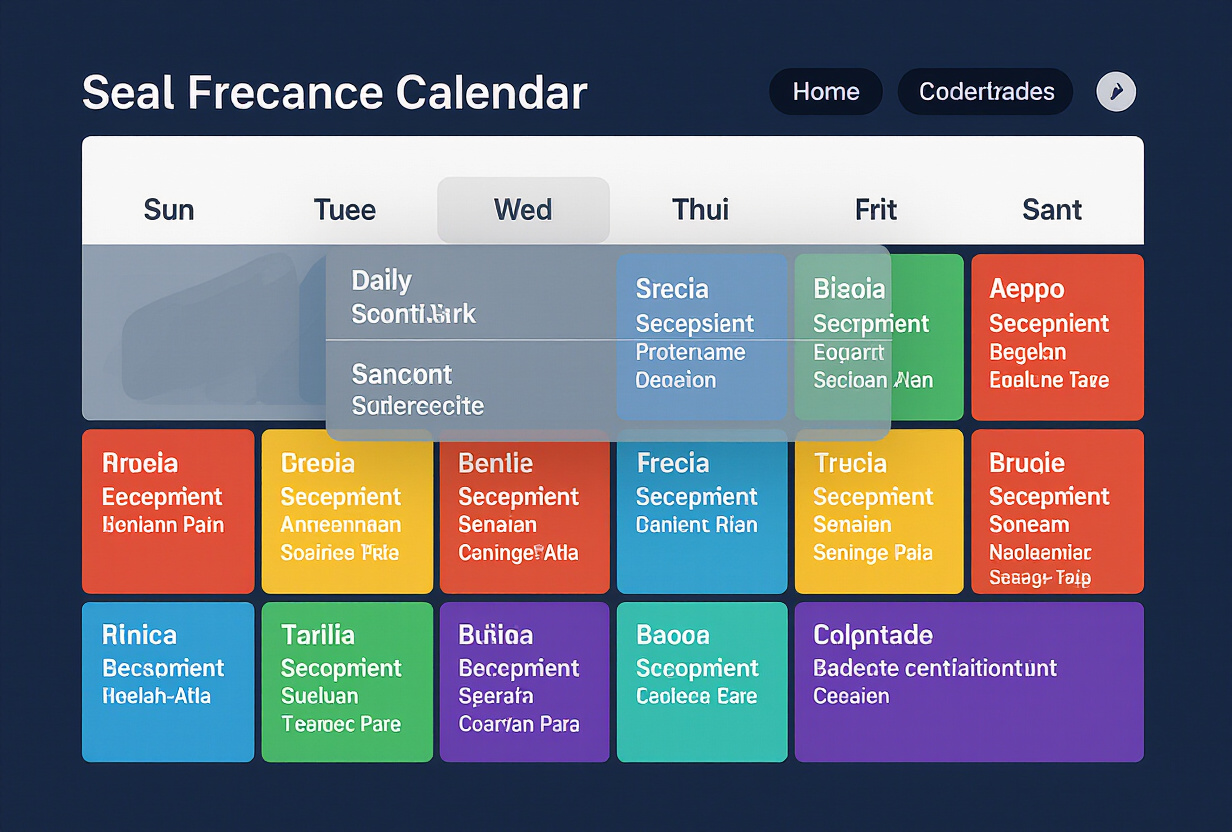
What is the private overlay and why is it essential?
Here's the scenario: you're in your professional group's calendar. You want to schedule a meeting for Tuesday at 2 PM. But on Tuesday at 2 PM, you have a personal medical appointment. How do you know this without leaving the group calendar?
This is the role of the private overlay. In the group calendar, your personal events appear transparently, grayed out. They are not clickable, no details are visible — just a block to indicate "you already have something here".
Overlay rules:
- Visible only to you: Other group members do not see your private events.
- Non-interactive: No clicking, no details, no modification from the group view.
- Discreet visual: Reduced opacity (30%), gray color, no visible title. Just an indicator of "occupied slot".
- Deactivatable: A toggle in the settings allows you to hide the overlay if you don't want it.
This overlay respects confidentiality while avoiding scheduling conflicts. It's a pattern I adopted from Google Calendar (which shows "Busy" for others' events), adapted to the context of a group where private life is important.
How do the 5 calendar views cover all use cases?
TAMSIV offers 5 calendar views, each adapted to a different need:
- Day view: Hour-by-hour timeline. Ideal for planning a busy day, seeing free slots. Used when you're looking for "When am I free today?".
- 3-day view: A compromise between day detail and week overview. My favorite for short-term planning. You see today + the next 2 days.
- Week view: The classic business view. 7 columns, each day visible. Useful for teams that plan weekly.
- Month view: Overview. Events are colored dots. Useful for spotting busy periods and free days. Consistent with the app's productivity vision.
- List view: Simple chronological list. No grid, no positioning. Useful on mobile when the week view is too small, or for exporting/sharing.
Each view retains the current date when switching views. If you are on Wednesday the 15th in day view and switch to week view, you see the week of the 15th. Horizontal swiping allows you to navigate through time (previous/next day, previous/next week).
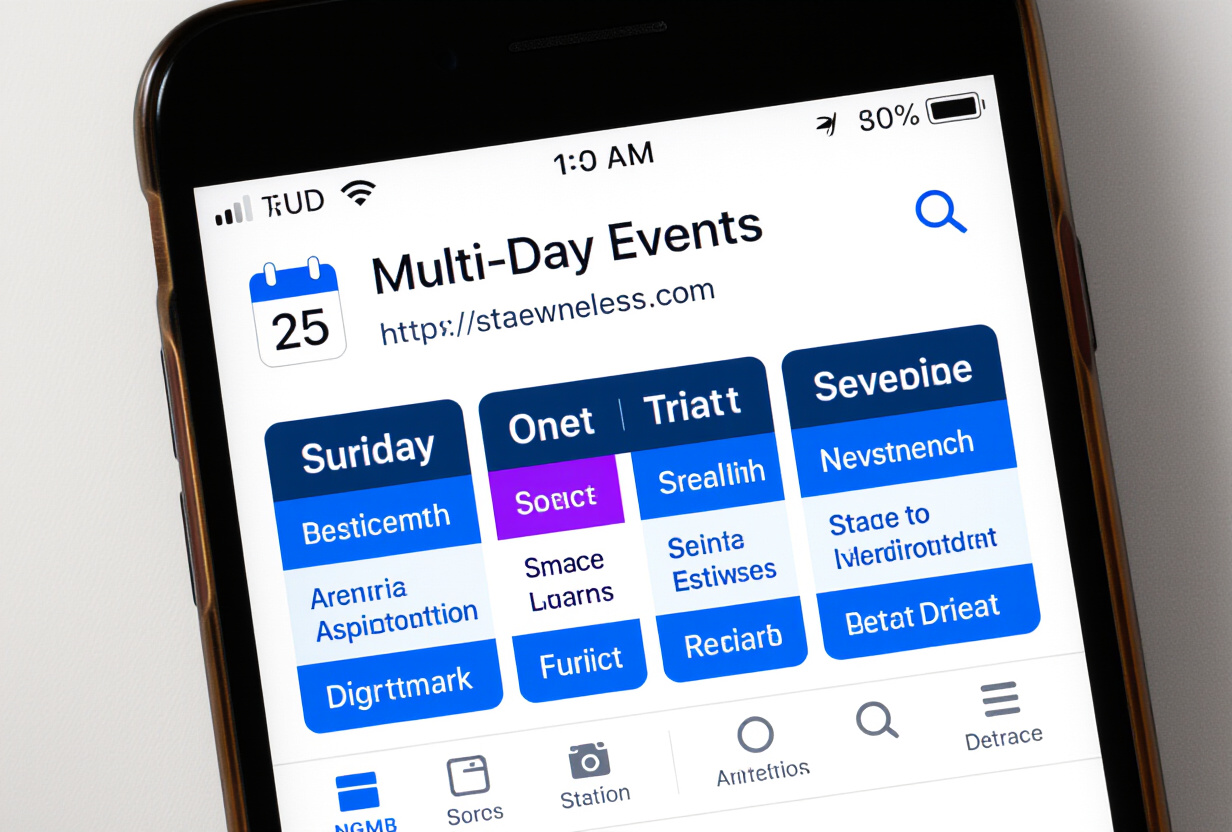
How does the calendar interact with TAMSIV's voice pipeline?
One of TAMSIV's strengths is event creation by voice. You say "Add a meeting with Marc next Tuesday at 2 PM" and the dictaphone creates the event. The backend uses the create_calendar_event function tool to extract the date, time, title, and mentioned participants.
The PendingCreation system also applies to events: the AI creates a preview, the user can edit details (add participants, change time) before validating. This avoids transcription errors — "Tuesday" vs "Wednesday" is a classic STT error.
Once the event is created, the Realtime cache propagates the change: all participants see the event appear in their calendar without refreshing. The push notification goes out in parallel. The entire flow — voice → AI → creation → notification → display — takes about 3 seconds.
What were the major technical difficulties?
The calendar is TAMSIV's most complex component. Here are the main challenges I encountered:
- Rendering performance: The week view with 50+ events and the private overlay must remain fluid. I had to use
React.memoaggressively and virtualize event lists in the list view. - Scroll management: Horizontal swiping to navigate between days/weeks conflicts with vertical timeline scrolling. I used a
GestureDetectorfrom react-native-gesture-handler with direction thresholds to disambiguate. - Stacked events: When 3 events overlap in the same slot, they must be arranged side-by-side in the timeline. The event layout algorithm for stacked events is non-trivial — it's an interval scheduling problem.
- Supabase RLS: Row Level Security policies for group events are complex. An event is visible if: you created it, OR you are a participant, OR you are a group member and the event is public. Three OR conditions in a single RLS policy.
How does this architecture extend to future needs?
The current architecture is designed to evolve. Here are the planned extensions in the roadmap:
- Recurrence: Recurring events (every Monday, the 1st of each month). The DB schema is ready, the frontend is not yet.
- External calendar sync: iCal import/export to synchronize with Google Calendar, Outlook, Apple Calendar.
- Shared availability: Show group members' availability slots to facilitate planning.
- Custom reminders: Each participant can configure their own reminders (5 min before, 1h before, the day before).
FAQ
Can participants outside the group be invited?
Currently no. Participants are limited to members of the group in which the event is created. This is a deliberate choice to simplify permission management. Email invitation (like Google Calendar) is planned for a future version.
How do invitation notifications work?
Invitations trigger a push notification via Firebase Cloud Messaging. The participant receives the event title, date/time, and can accept or decline directly from the notification (FCM action buttons). The response is recorded in real-time in Supabase.
Does the private overlay work in all views?
Yes, the private overlay is active in all 5 views (day, 3-day, week, month, list). In month view, private events appear as discreet gray dots. In temporal views (day, week), they appear as transparent blocks.
Does TAMSIV's calendar replace Google Calendar?
No, it complements it. The TAMSIV calendar is designed for collaborative task and project management, with voice as the primary interaction mode. Google Calendar remains more suitable for pure calendar management (complex recurrences, multi-device sync). Synchronization between the two is on the roadmap.
Can an event be created by voice with participants?
Yes. You can say "Meeting with Marc and Sophie Friday at 10 AM" and the AI will detect the mentioned participants, provided they are members of the active group. The PendingCreation system allows you to verify and adjust participants before validation.