QR Code Auth: The WhatsApp Web Pattern with Supabase
To connect the website to the mobile app, I wanted something instant. No forms, no re-typing passwords. The WhatsApp Web pattern: scan a QR code and boom, connected. Here's how I implemented this system in TAMSIV with Supabase Realtime, a polling fallback, and an impressive UX.
Key takeaways:
- The QR code encodes a unique session UUID — the site subscribes in real-time via Supabase Realtime.
- An HTTP polling fallback (every 2s) takes over if Realtime fails after 3 seconds.
- The QR code expires after 5 minutes and automatically regenerates at 4min30 with a visual countdown.
- The entire system is contained in 300 lines on the web side and 150 on the mobile side.
Why choose QR code authentication over a classic form?
Classic authentication — email + password — works. But it creates friction. The user already has an account on the mobile app. Asking them to re-enter their credentials on the web means forcing them to remember a password, potentially search their password manager, and risk failure.
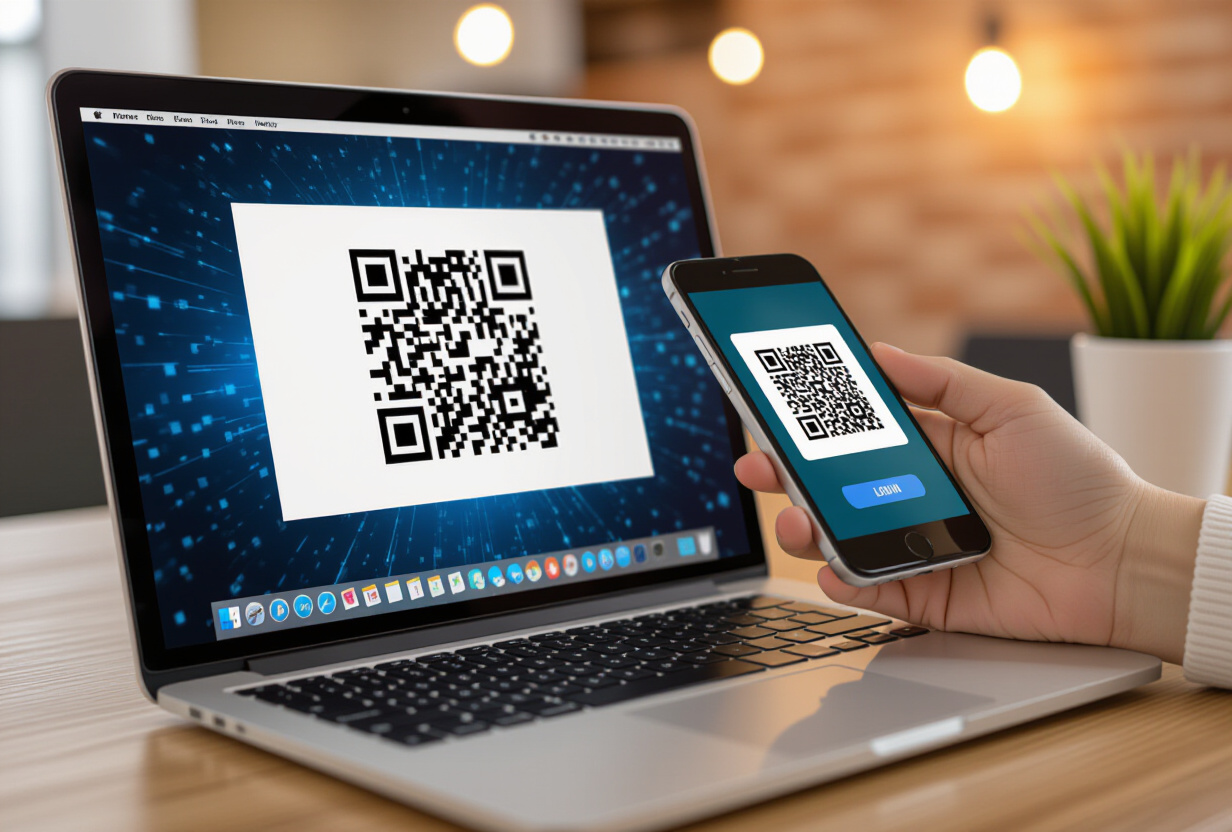
The QR code eliminates this friction. The user is already authenticated on their phone. Scanning a code takes 2 seconds. This pattern has been popularized by WhatsApp Web, Telegram, and Discord. Users know and expect it.
For TAMSIV, this is even more relevant as the website serves as a complement to the mobile app — not a replacement. The QR code materializes this link between the two platforms.
How does the QR code authentication flow work?
From the user's perspective, it's magic: I scan, I'm connected. From a technical perspective, it's a precise ballet of tokens and real-time channels. Here are the steps:
- Generation: The user opens tamsiv.com. The site generates a unique session UUID and creates an entry in Supabase with "pending" status.
- Display: The QR code encodes this UUID. The site subscribes to the Supabase Realtime channel for this session.
- Scan: The user scans the QR code with the TAMSIV mobile app. The app decodes the UUID.
- Confirmation: The app sends its existing JWT + the UUID to the backend. The backend verifies the JWT, generates a web auth token, and updates the session to "confirmed".
- Connection: The site receives the update via Realtime, retrieves the token, and the user is connected.
This flow ensures that only a user already authenticated on the mobile app can confirm the session. The token generated for the web has a limited lifespan and is independent of the mobile token — the two sessions are separate.
How does Supabase Realtime enable instant connection?
Supabase Realtime is the component that makes the experience instant. When the mobile app confirms the session, the database change is detected by the Realtime channel and pushed to the browser — in milliseconds.
Technically, the site subscribes to a specific channel filtering on the session UUID:
supabase.channel('qr-auth-SESSION_UUID')
  .on('postgres_changes', { event: 'UPDATE', filter: `id=eq.SESSION_UUID` }, callback)
  .subscribe()
The callback is triggered as soon as the status changes from "pending" to "confirmed". The auth token is included in the update. The user sees the login page transform into a dashboard — without any further action.
This is the same Realtime mechanism I use for content caching and live updates in collaborative groups.
Why is a polling fallback essential?
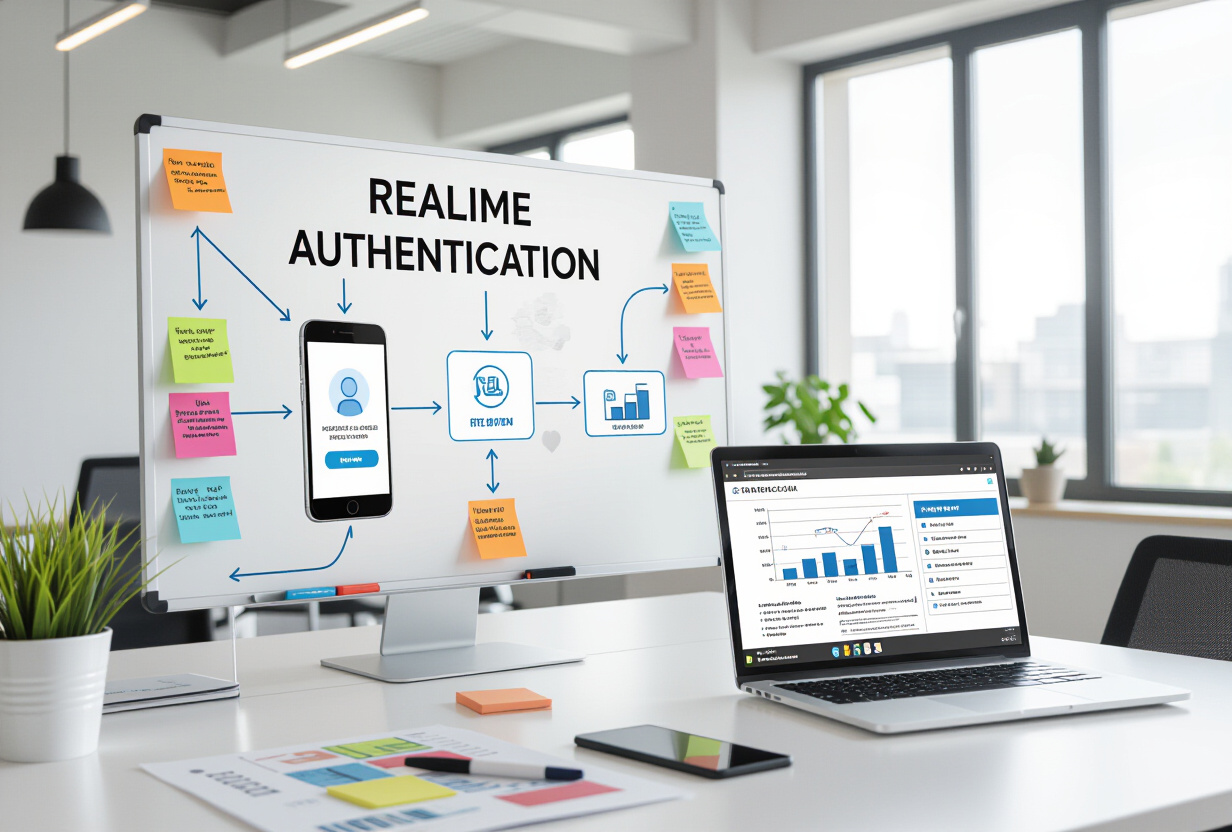
Supabase Realtime works very well in most cases. But "most" is not enough for an authentication feature. Some corporate networks block WebSockets. Some proxies interrupt them. Some browsers have specific bugs.
I implemented an HTTP polling fallback that automatically takes over:
- The site attempts the Realtime connection for 3 seconds
- If the connection fails, it silently switches to HTTP polling every 2 seconds
- Polling directly queries the database: "is session UUID confirmed?"
- The user never knows which mechanism is used — the experience is identical
The 3-second delay is a compromise between responsiveness and reliability. Shorter, we would switch to polling too quickly (less efficient). Longer, the user would wait without feedback.
This dual pattern (Realtime + polling) is a good practice for any critical functionality. Never rely on a single communication channel.
How to secure the QR code system?
QR code authentication introduces specific attack vectors. Here are the measures implemented in TAMSIV:
- Expiration at 5 minutes: an unused QR code becomes invalid. This prevents the reuse of screenshots or shared QR codes.
- Single use: a session can only be confirmed once. Any subsequent attempt is rejected.
- Mobile-side auth required: only a user logged into the app can confirm. The JWT is verified on the backend side, as for WebSockets.
- Ephemeral token: the token generated for the web is single-use and time-limited. It is only used to initiate the web session, not as a permanent token.
- Unpredictable UUID v4: the UUID used for the session is generated with a CSPRNG (Cryptographically Secure Pseudo-Random Number Generator). Impossible to guess.
These measures are aligned with the OWASP authentication recommendations.
What is the final user experience?
The UX has been meticulously crafted:
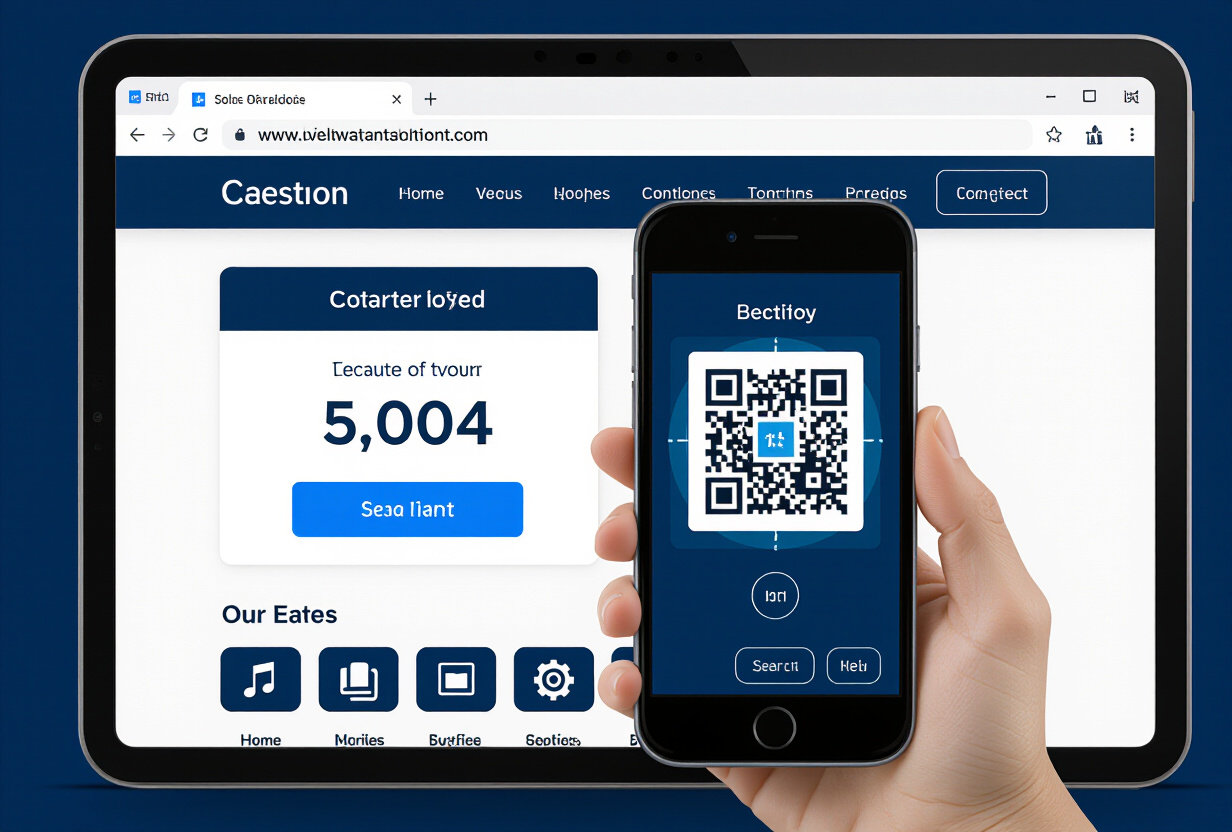
- QR auto-regeneration: at 4min30, the QR code automatically regenerates with a new UUID. A visual countdown indicates the remaining time. The user never has to refresh the page.
- Connection animation: when the scan is confirmed, a smooth animation transitions between the login page and the dashboard. No page reload.
- Alternative options: email/password and Magic Link are available below the QR code. No user is blocked if the scan doesn't work.
- Responsive: on mobile (when the QR doesn't make sense), the interface prioritizes email/password and Magic Link. The QR is only displayed on desktop/tablet.
The onboarding system guides new web users to the QR code first, with a natural fallback to classic methods.
How much code does this feature represent?
Approximately 300 lines on the web side (QR component, Realtime/polling logic, token management) and 150 lines on the mobile side (scanner, verification, confirmation API call). It's compact.
The reason: Supabase does most of the heavy lifting. The database stores sessions, Realtime pushes updates, Auth manages tokens. The application code focuses on orchestration and UX.
This is typical of TAMSIV's Supabase architecture approach: maximize what the platform offers natively, minimize custom code. The same principle that guides the internationalization strategy and the gamification system.
What alternatives to QR code exist for cross-device auth?
Other approaches are possible for cross-device authentication:
- Deep links: send a clickable link to the user that opens the app and confirms. Works well but requires the user to be on the same device — which is not the case here.
- Numeric code: display a 6-digit code that the user types into the app. More universal but slower (6 seconds vs 2 seconds for a scan).
- Push notification: send a push notification with a "Confirm" button. Requires notifications to be enabled and the FCM system to be configured.
- WebAuthn/Passkeys: the modern solution but not yet universally supported on all devices.
The QR code offers the best compromise between speed, universality, and "wow factor". It's the kind of feature that makes you say "that's well thought out" — and that's exactly the impression TAMSIV wants to leave.
FAQ
What happens if I close the browser after scanning the QR code?
The token generated for the web session is stored in local storage. On your next visit, the site checks this token and automatically logs you back in if the token is still valid. You don't need to rescan the QR code every time you visit.
Can I have multiple web sessions at the same time?
Yes, each scan creates an independent session. You can be logged in on your desktop computer and your laptop simultaneously. Each session has its own token and can be revoked individually from the app settings.
Does the QR code work without an internet connection?
No, the QR code requires an active internet connection on both sides (mobile and web). The scan decodes a UUID that must be verified online via Supabase. For offline use, email/password methods remain available.
How does TAMSIV protect against QR code phishing?
The QR code only encodes a session UUID — no sensitive data. Confirmation is done via the official TAMSIV app, which verifies the domain and session validity. A forged QR code would redirect to a non-existent UUID in the database and fail immediately.
Why does the QR code expire after only 5 minutes?
Five minutes is a security/UX compromise. It's long enough for the user to pick up their phone and scan. It's short enough to limit the attack window if the QR is intercepted. Automatic regeneration at 4min30 ensures a fresh QR without user action.