AI Voice Images and Inline Dictaphone in TAMSIV
v1.3.2 is the most ambitious release I've published for TAMSIV. Two major features, a delicate technical migration, and a shift in philosophy regarding the relationship between voice and visual content.
On the surface, it's simple: you speak, the AI generates an image, and it attaches to your task. Underneath, it's a pipeline that chains speech-to-text, contextual analysis by LLM, image generation, Supabase Storage upload, and display with a signed URL. Plus, a voice recorder that transitions from a full-screen overlay to an integrated inline component at the bottom of the screen. And as a bonus, a gesture handler migration that had me scouring every file in the project for vicious imports.
Key Points
- AI images are generated directly from voice: the LLM analyzes the task context to craft an optimized prompt, without user intervention.
- The inline voice recorder replaces the full-screen overlay, with transcription displayed before TTS finishes for an immediate sense of responsiveness.
- The gesture handler migration fixed a bug that was invisible on iOS but blocking on Android in release mode.
- The "skip TTS" option offers a double benefit: halved response time and reduced API costs for users who don't need voice feedback.
How does AI image generation work directly from voice?
The idea stemmed from a simple observation: a task with an image is immediately more engaging than a task with just text. Research in cognitive psychology confirms this: according to a study by John Medina (Brain Rules), the brain processes images 60,000 times faster than text. If you can associate a relevant visual with each task, you increase retention and motivation.
The problem is, no one is going to manually search for an image for every task. It had to be automatic, contextual, and voice-triggered. Here's the complete pipeline:
- The user speaks: "Create a task to prepare the client presentation with an image."
- Native STT transcribes voice to text, as described in my article on native STT vs Deepgram.
- The LLM analyzes the context: task title, description, existing tags.
- The LLM generates an optimized prompt for the image model, in English, with style and composition details.
- The image provider (Runway or Gemini) generates the visual.
- Upload to Supabase Storage, creating a record in
privat.task_attachmentswith the typeai_generated. - Immediate display via signed URL.
I had detailed the choice between image providers in the dedicated article on AI image generation. v1.3.2 integrated this pipeline directly into the voice flow, making it accessible without any friction.
Why does the LLM write the prompt instead of the user?
Asking a user to write a good image prompt is like asking someone to speak fluently a language they've never learned. Image generation models are sensitive to phrasing: word order, style modifiers, technical terms like "cinematic lighting" or "shallow depth of field" make a massive difference to the result.
The solution is elegant: the conversational LLM, which already understands the context of the discussion, becomes a translator between human intent and the technical language of the image model. The user says "a professional presentation image," the LLM translates it into "professional business presentation slides on a modern desk, clean corporate environment, soft directional lighting, photorealistic, 4K detail."
This is the same principle I apply throughout TAMSIV's architecture: AI should do the cognitive work that the user shouldn't have to do. I talked about this in the article on voice personalization: intelligence isn't just about understanding words. It's about understanding the intent behind the words.
How does the inline voice recorder change the user experience?
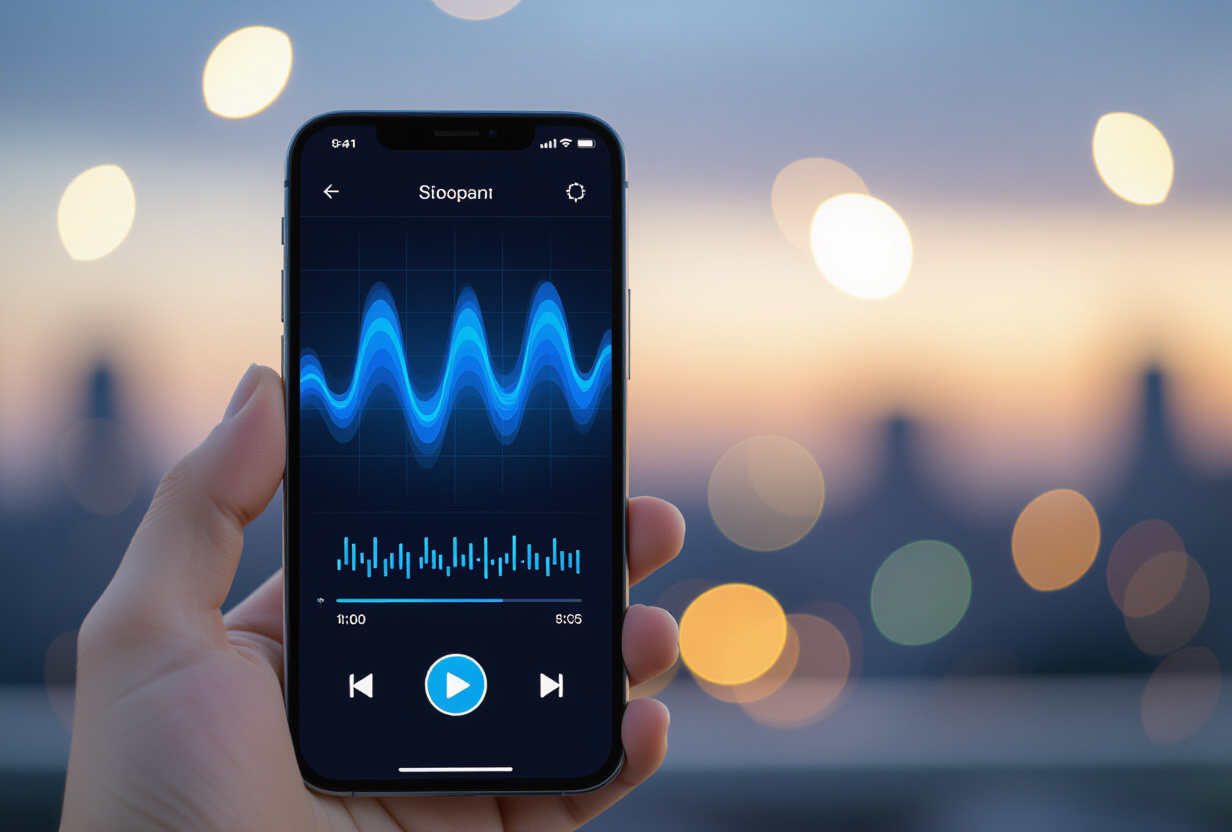
Before v1.3.2, the voice recorder opened a full-screen overlay. You pressed the microphone, and everything disappeared in favor of an interface dedicated to conversation. It was functional, but it broke context. You no longer saw your task list, you no longer saw where you were.
The inline voice recorder changes that. It integrates directly at the bottom of the screen, like a keyboard. You still see your content above. The text transcription appears in real-time as you speak. And most importantly, the transcribed text appears before the TTS generation finishes.
Why is this important? According to Nielsen Norman Group studies on response times, 1 second is the limit for maintaining the user's train of thought. Beyond that, they start to feel a delay. By displaying the transcription immediately while the audio generates in parallel, we trick perception: the user sees that the AI has understood, even if the audio response isn't ready yet.
This is a well-known UX technique: Google's RAIL model recommends exactly this. Respond visually in under 100ms to make the interaction feel instantaneous, even if the full processing takes longer.
What does the "skip TTS" option bring in practice?
Not all users need to hear the AI's response. Some are in a noisy environment. Others just want to read the transcription. Still others use TAMSIV in silent mode out of habit.
The "skip TTS" option allows you to disable speech synthesis for the response. The gain is twofold:
- Response time: without waiting for TTS audio generation and download, the response appears almost instantly.
- API costs: each TTS call has a cost (OpenAI charges per character). Over thousands of daily interactions, that adds up quickly.
It's also a matter of accessibility. Some people prefer to read rather than listen. Others have hearing impairments. By offering a choice, we respect everyone's preferences. It's the same spirit as the original voice recorder design: voice is a channel, not an obligation.
Why was the gesture handler migration so critical?
This is the kind of bug that makes you question your sanity. Everything works in debug. Everything works on iOS. You switch to release mode on Android: the component no longer responds to touch. No errors in the logs. No crashes. It just... doesn't work.
The culprit: imports of TouchableOpacity, FlatList, and ScrollView from react-native instead of react-native-gesture-handler, used inside GestureDetector. The React Native Gesture Handler documentation is clear: within a GestureDetector, all touchable components must come from the gesture handler library, not standard React Native.
The bug was vicious for three reasons:
- Invisible in debug: React Native's JavaScript bridge in debug mode handles touch events differently from release mode with Hermes.
- Invisible on iOS: UIKit and iOS's responder chain system are more tolerant than Android's event handling system.
- No explicit error: no warnings, no crashes. The component displays, it has the correct style, but touching it does nothing.
The fix required going through every file in the project. Not a quick grep, because some imports were mixed: the TouchableOpacity came from gesture handler, but the ScrollView in the same file came from React Native. I ended up establishing a strict rule for future development, which I still apply today.
How to ensure performance with these new features?
Adding features is easy. Adding features without degrading performance is a craft. v1.3.2 introduces an image pipeline and an inline voice recorder, two potentially heavy components. Here are the optimizations implemented.
First, zero unnecessary re-renders. The inline voice recorder uses React.memo and stable callbacks to avoid triggering re-renders in the task list above. Every animation uses useNativeDriver: true to run on the native thread, not the JavaScript thread.
Next, aggressive cleanup. The AudioPlayerService implements a 30-second safety timeout. If an audio doesn't finish within this time (network issue, corrupted file), the service forces cleanup. Without this, audio resources accumulate in memory. I had already detailed the architecture of this service in the article on the voice pipeline.
Finally, generated images are lazy-loaded with a blur placeholder. The image only downloads when the task card is visible on screen. On a feed of 50 tasks, that potentially means 50 images we don't unnecessarily load. This is the kind of optimization that directly impacts the Supabase egress I had worked to reduce.
What is the impact of v1.3.2 on daily use?
The most notable change is the fluidity. Before v1.3.2, using TAMSIV was functional but a bit rigid. Afterward, it became natural. You speak, you see your task created with an image, you continue your day. The inline voice recorder no longer takes you out of your context.
Feedback from alpha testers confirmed the intuition. The inline voice recorder was unanimously preferred over the overlay. AI image became the most used feature after basic task creation. And most importantly, the gesture handler fix resolved a dozen reports of "buttons not working" that we couldn't reproduce in debug.
This is the release that took TAMSIV from "it works" to "it's enjoyable." And in build in public, that's as important a milestone as the first commit. I talked about this in the 650-commit review: perceived quality makes the difference between an app you try and an app you keep.
Frequently Asked Questions
Can AI images also be generated for memos?
Currently, AI image generation is available for tasks. The mechanism uses the privat.task_attachments table with the ai_generated type. Extension to memos is planned and technically simple since the privat.memo_attachments table already exists with the same structure.
Does the inline voice recorder work in the background?
No. The voice recorder requires the app to be in the foreground for audio capture and real-time transcription display. This is a deliberate choice: the device's native speech recognition is optimized for the foreground, and immediate transcription display is key to the experience.
Is the skip TTS option permanent or per conversation?
It's a permanent setting stored in the user profile. Once activated, all future conversations will be in text-only mode. You can reactivate it at any time from the settings.
Does the gesture handler bug still affect the app?
No. The migration was complete, and a strict development rule has been put in place: any touchable component inside a GestureDetector must explicitly use imports from react-native-gesture-handler. This is verified during every code review.
How much does it cost to generate an AI image?
With the Runware provider (HiDream-I1-Fast), approximately 0.003 euros per image. With Gemini 2.5 Flash Image, slightly more. Costs are controlled by quotas per subscription plan: the Free plan does not have access, Pro has a daily quota, Team has a higher quota.